Create a scene for your miniature
Upload your painted miniature and choose a setting. Compare the scene with your original before choosing a product.
Scenes from $17.52
Free watermarked previews: verify your email, then up to three a day.
1 Choose a scene
-
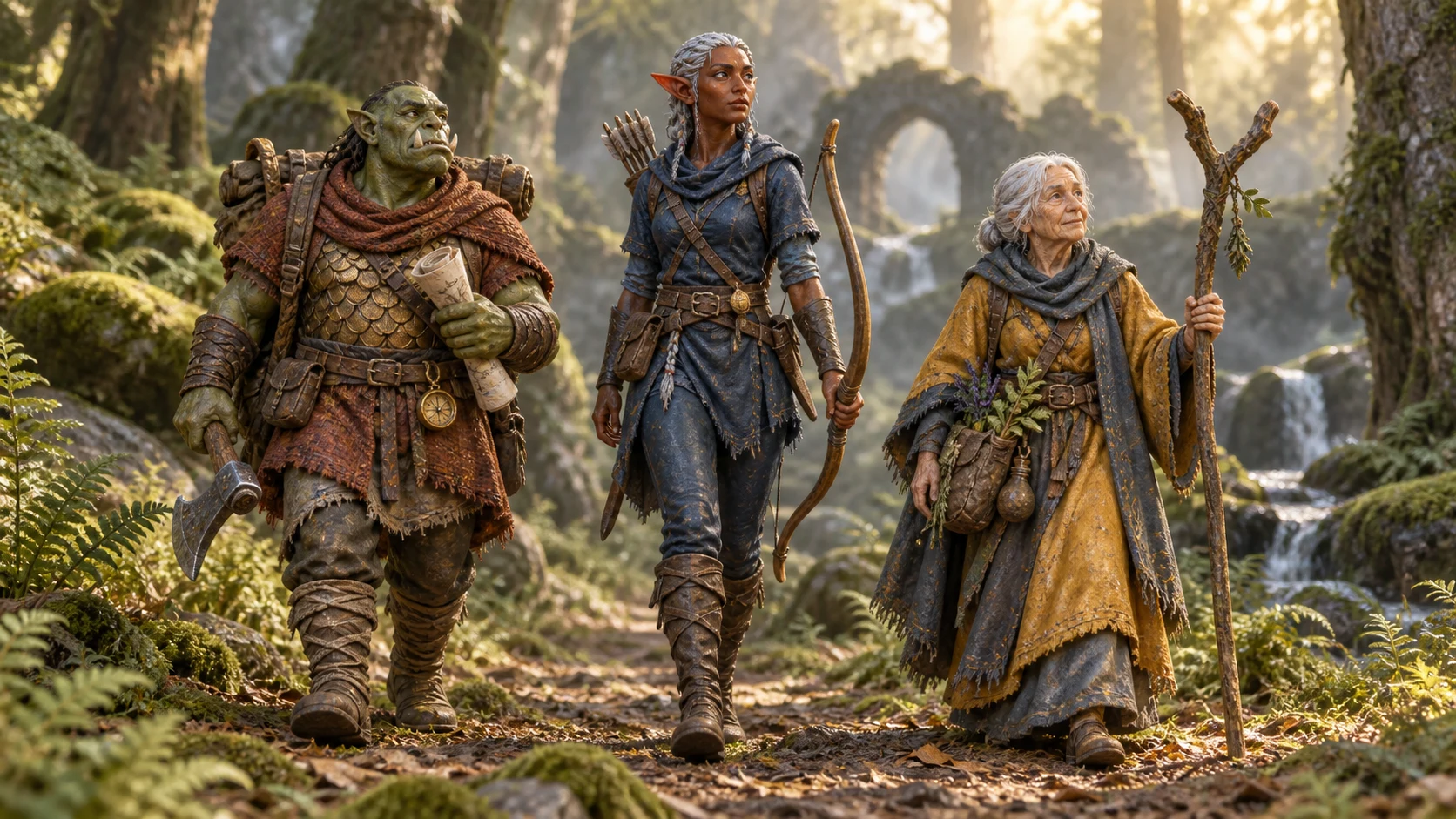 Woodland PathYour character on a forest path, with its display base removed.
-
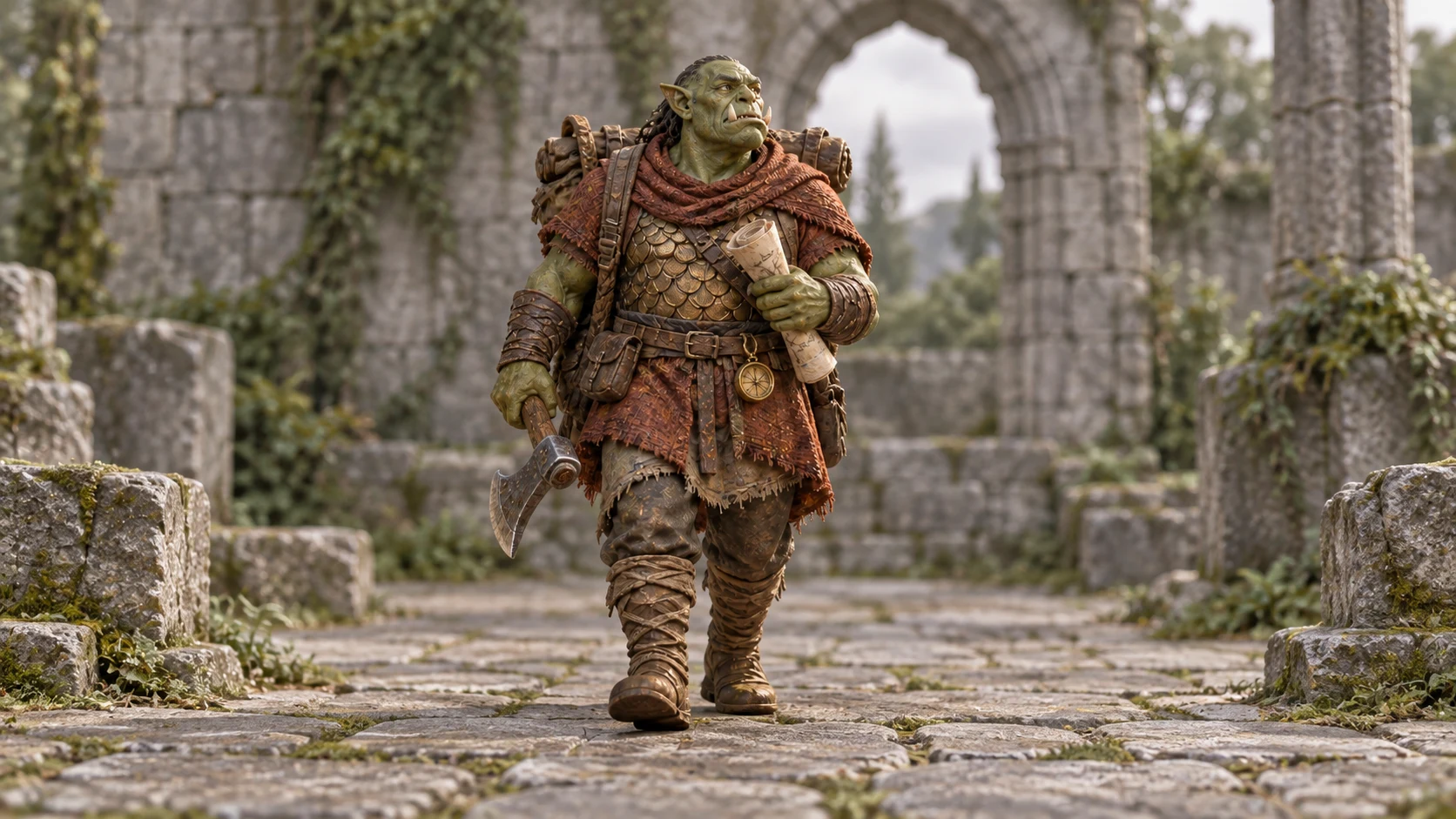 Paintwork PortraitA restrained portrait setting that keeps the attention on your paintwork.
-
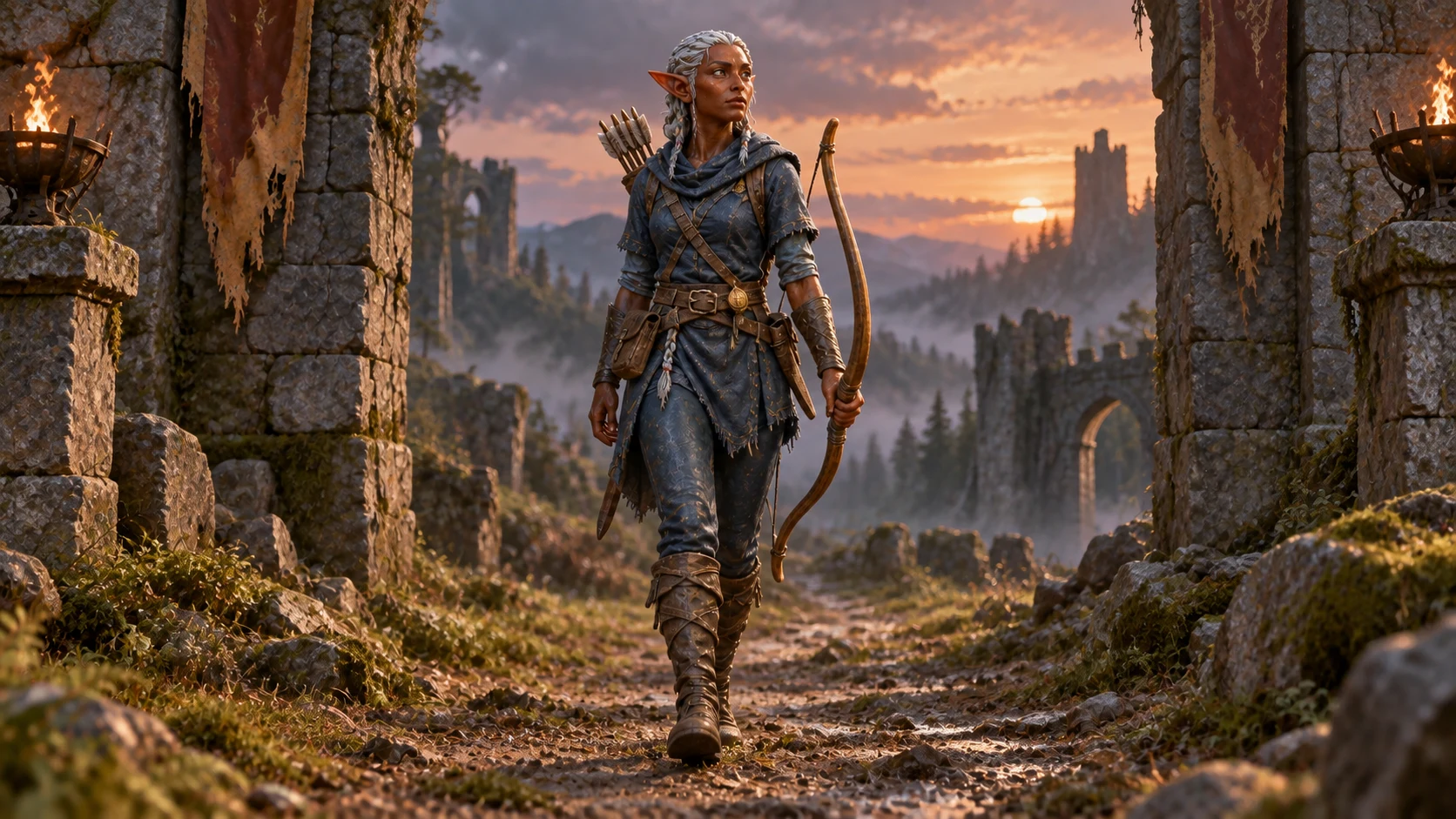 Hero PortraitA dramatic character portrait, grounded in its own world.
-
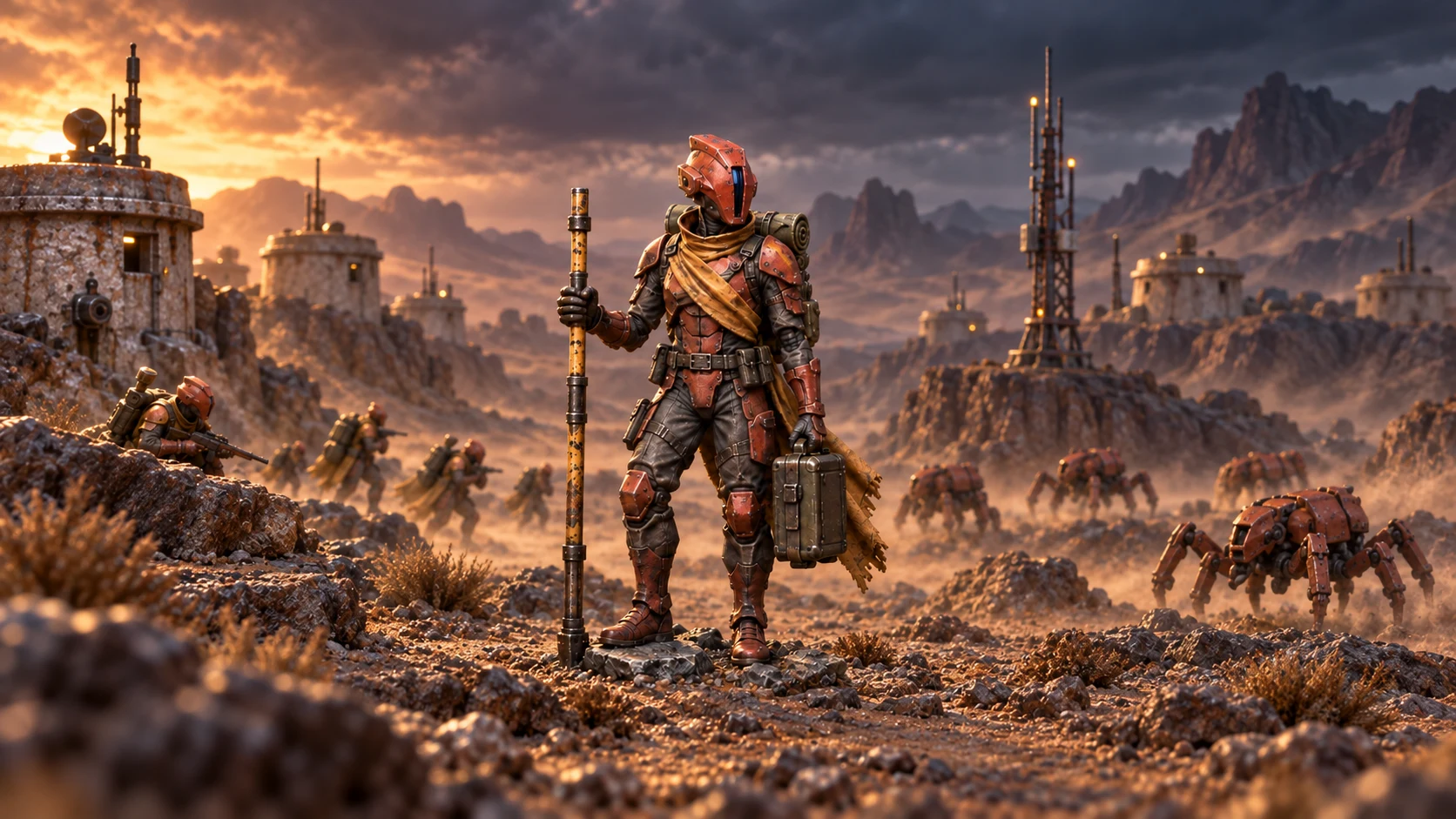 Into BattleYour character on a battlefield, with natural terrain beneath its feet.
-
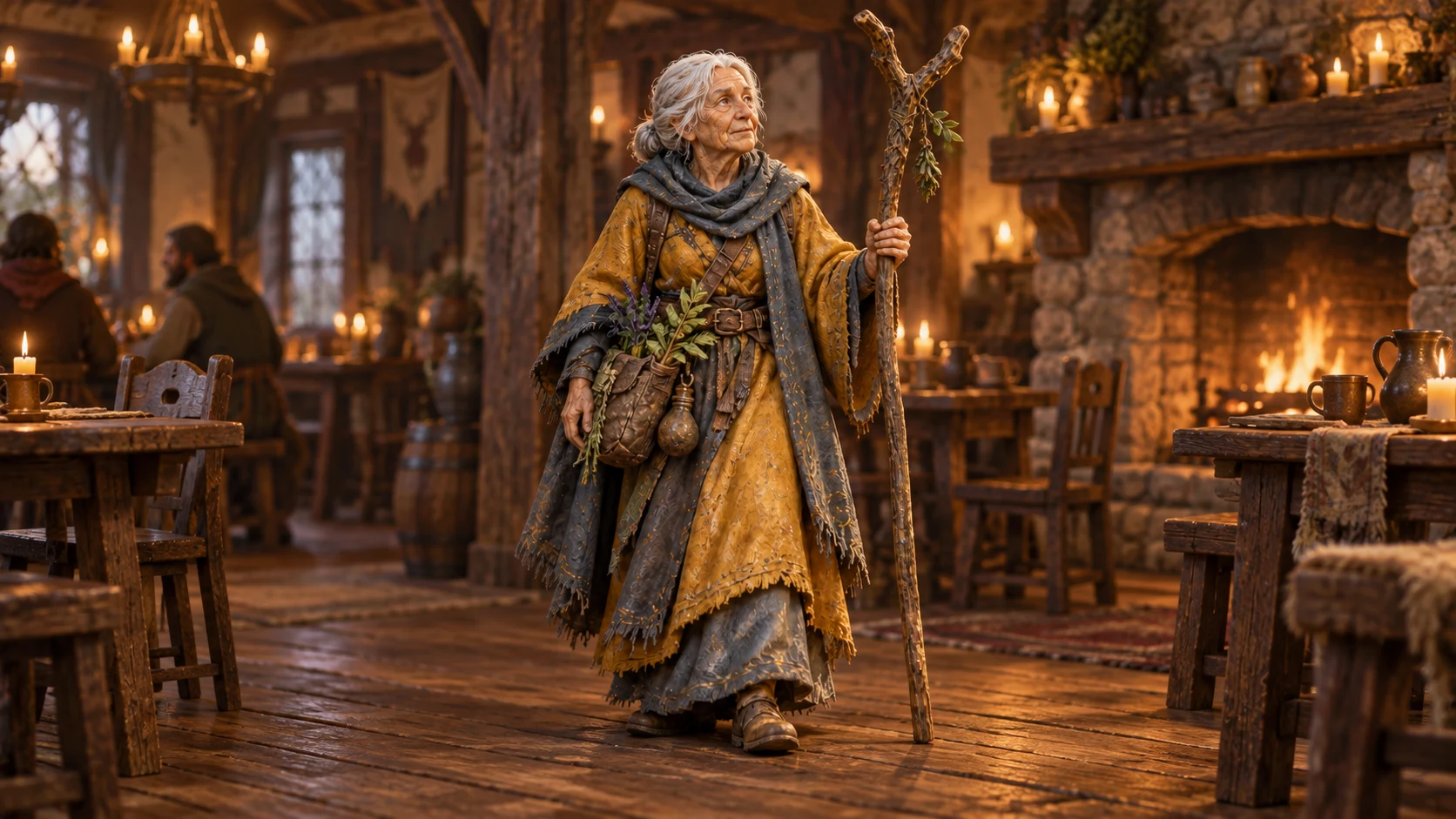 The TavernYour character in a firelit tavern, standing naturally on its floor.
Example. Yours is made from your photo.
2 Choose a product and size
-
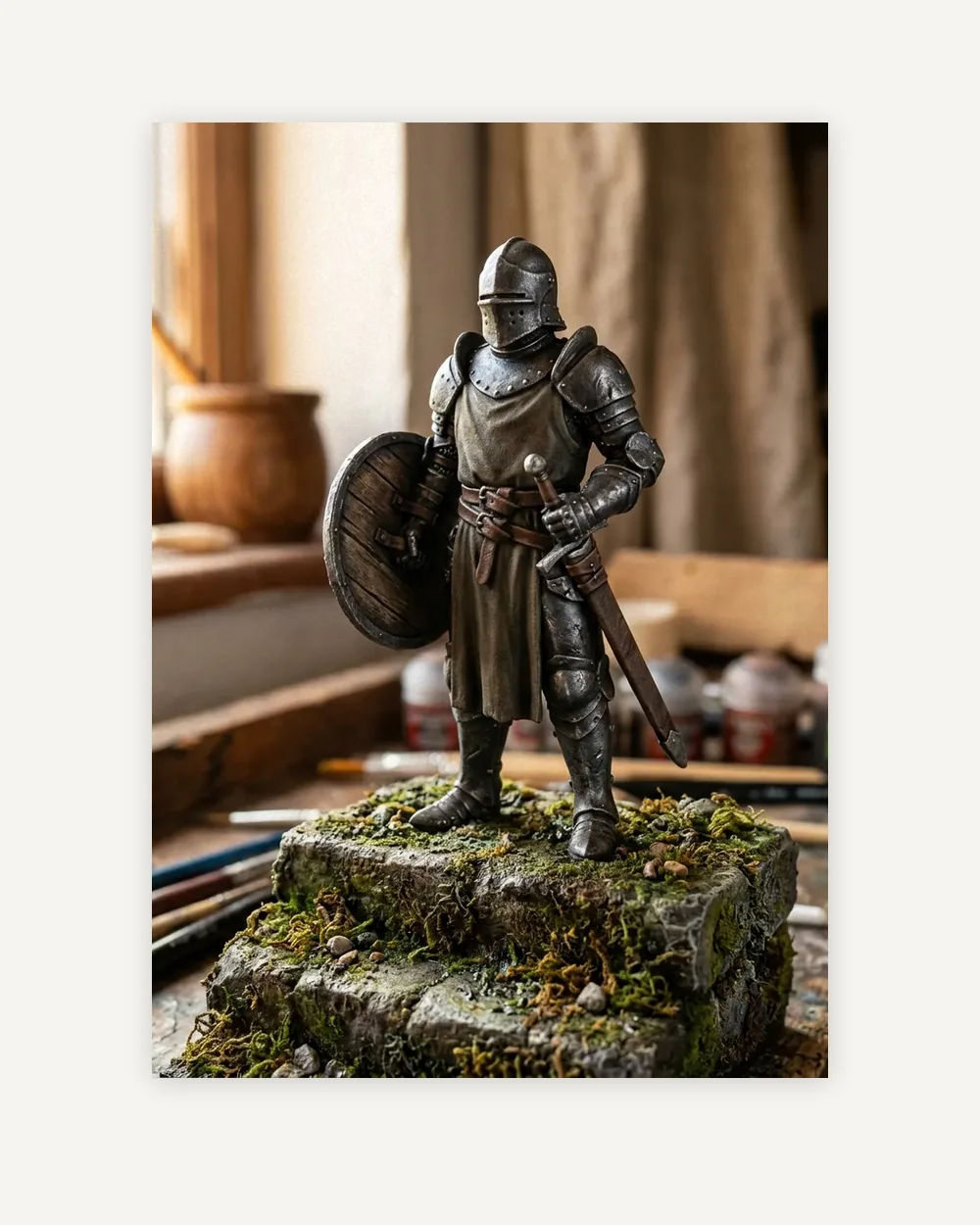 Art prints From $21.76
-
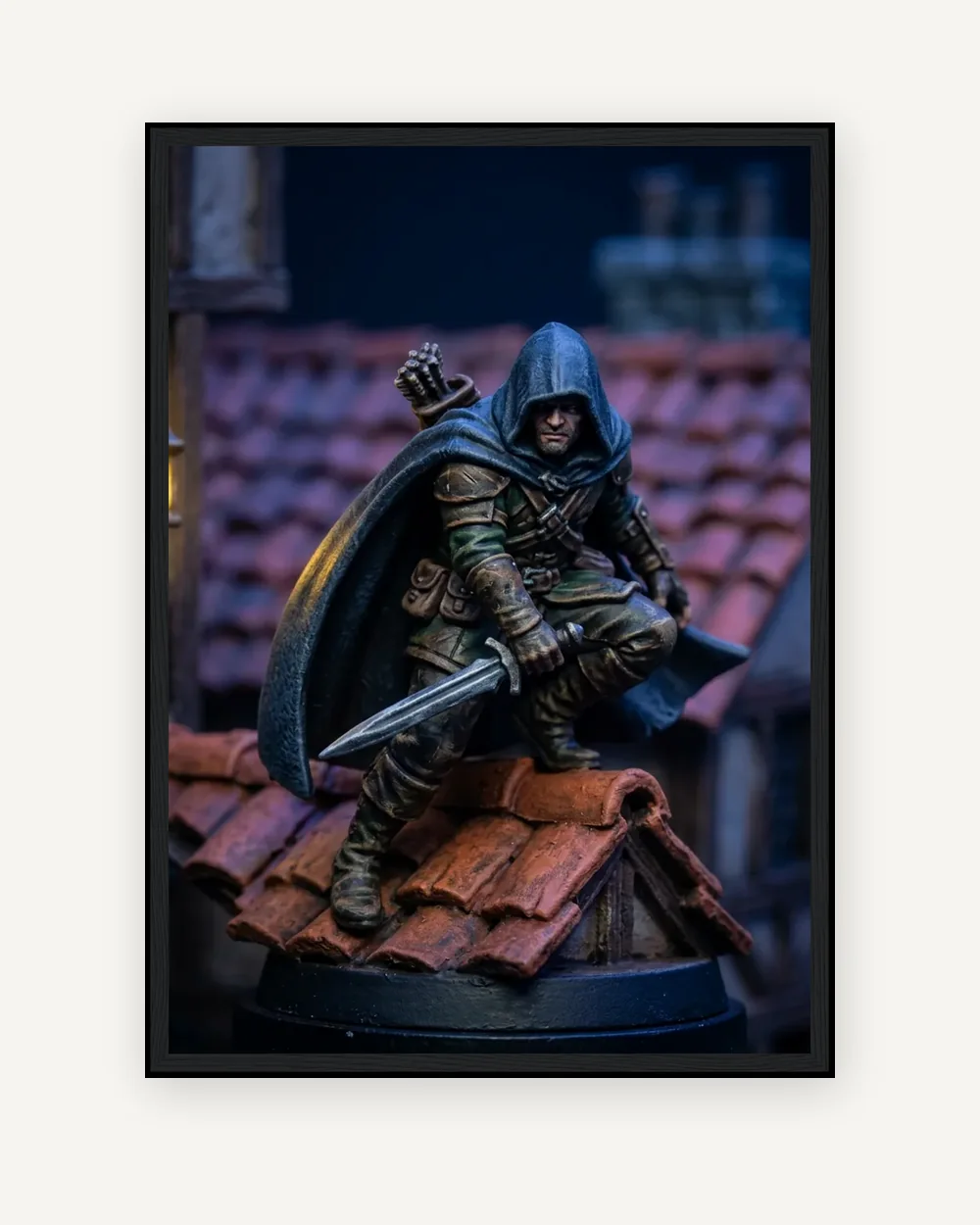 Framed prints From $93.73
-
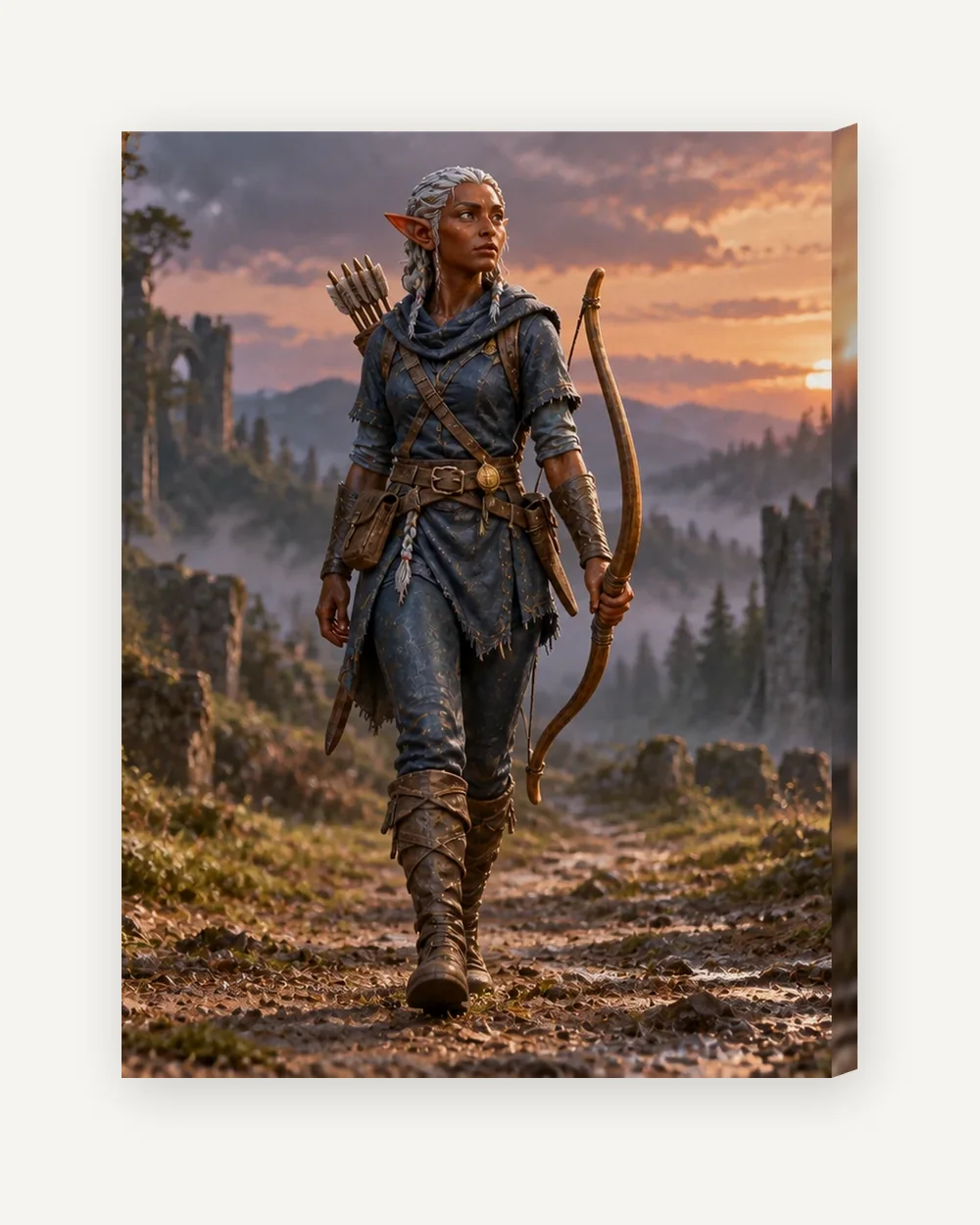 Canvas From $62.23
-
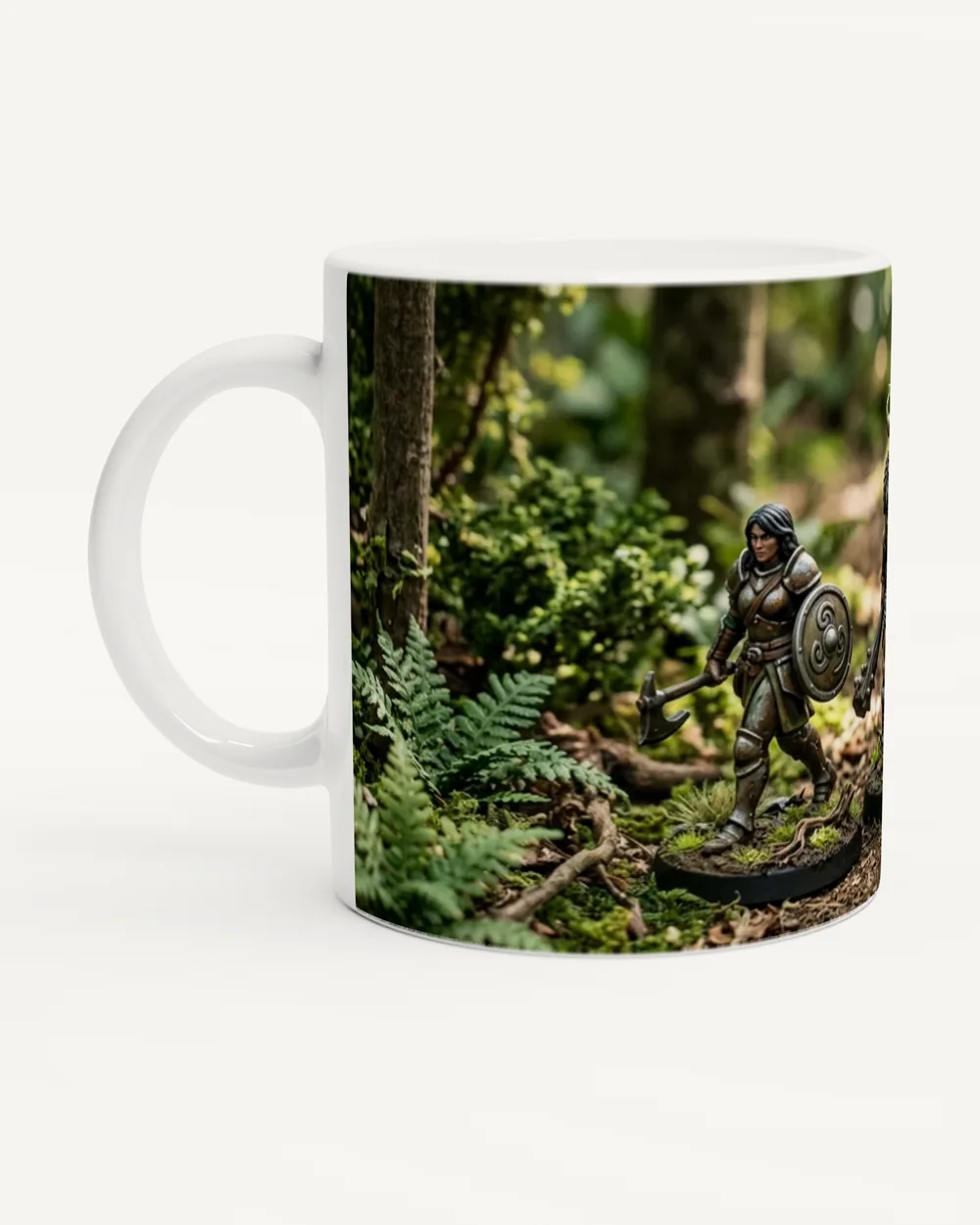 Mugs From $17.52
-
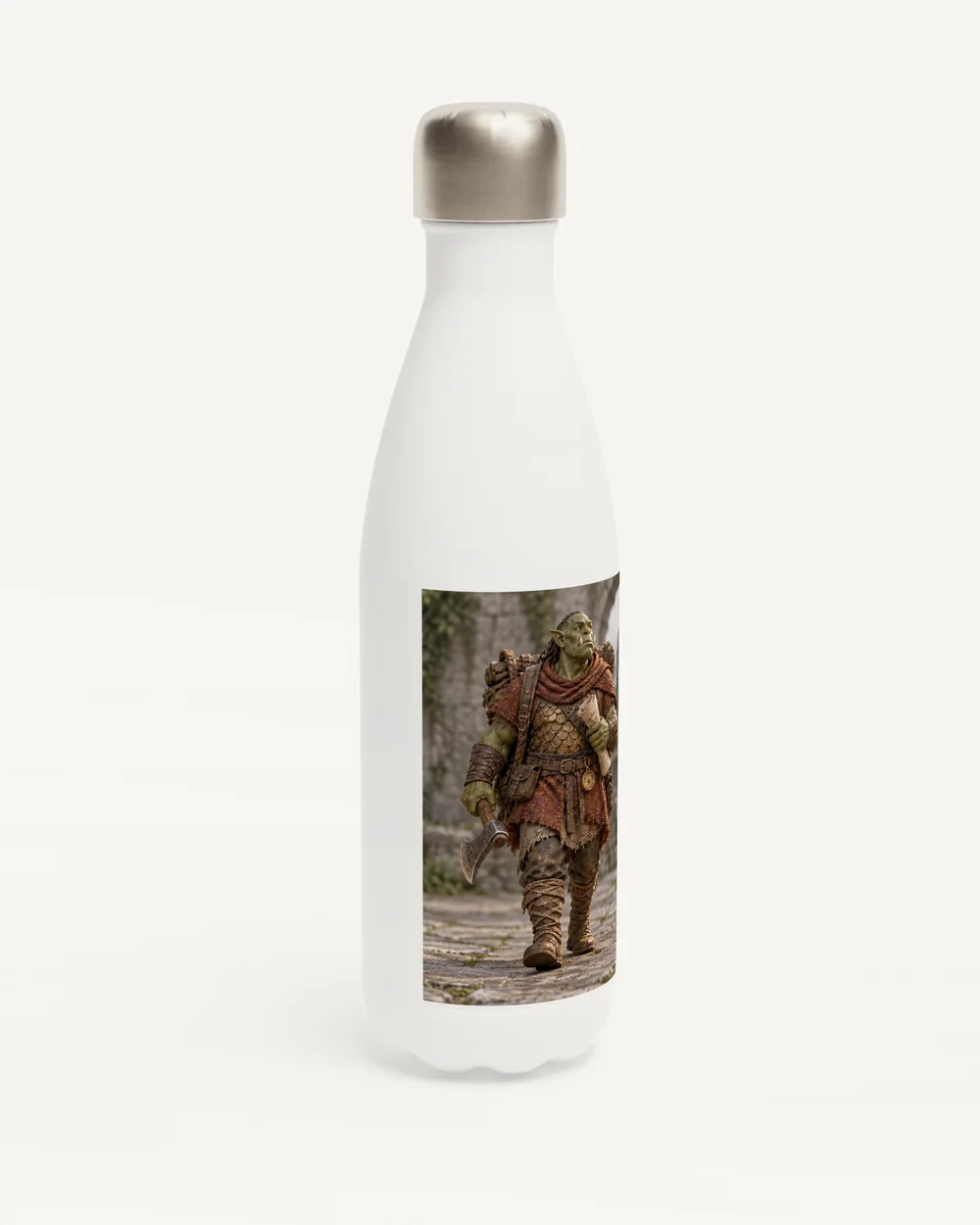 Water bottles From $37.63
-
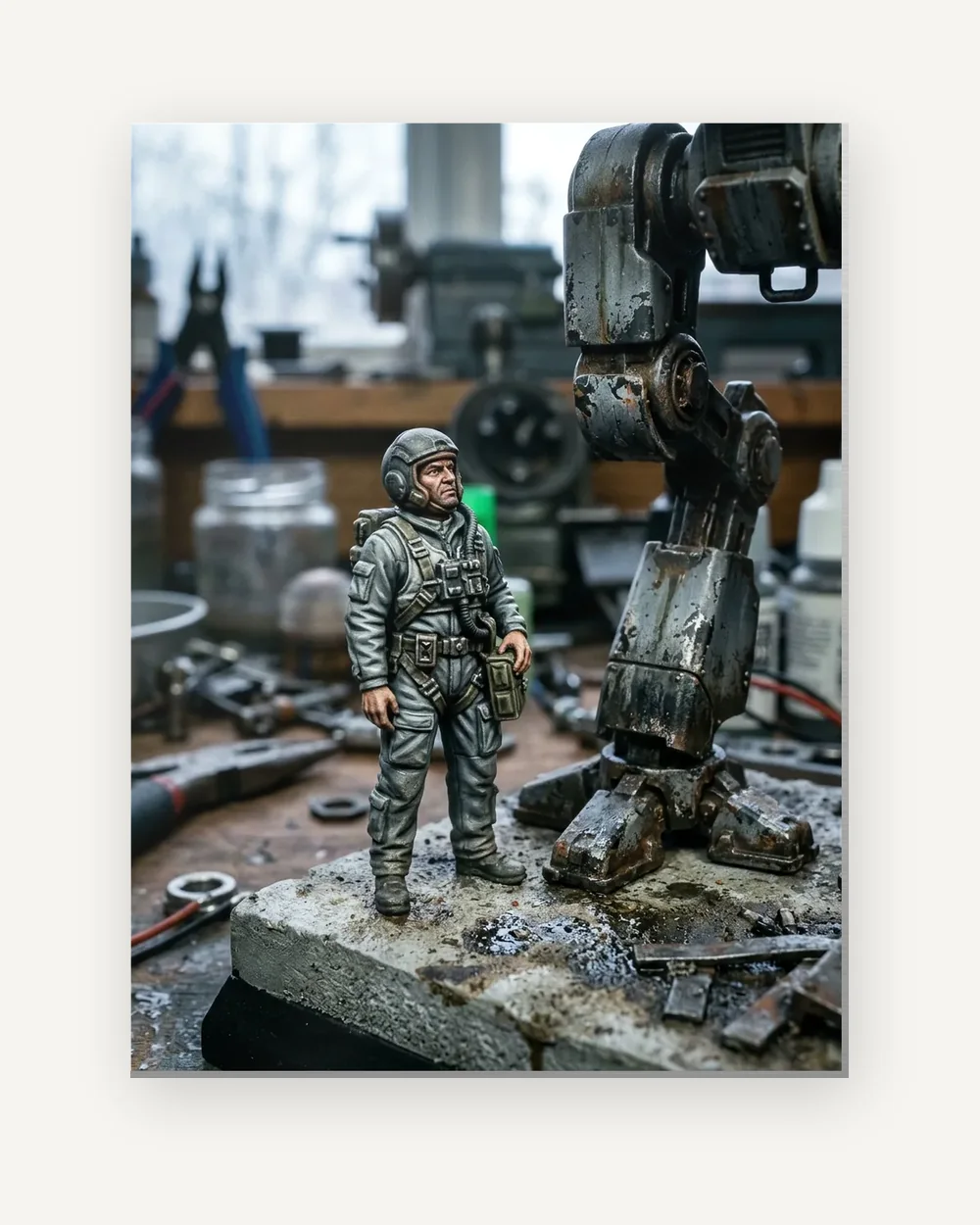 Metal prints From $59.23
-
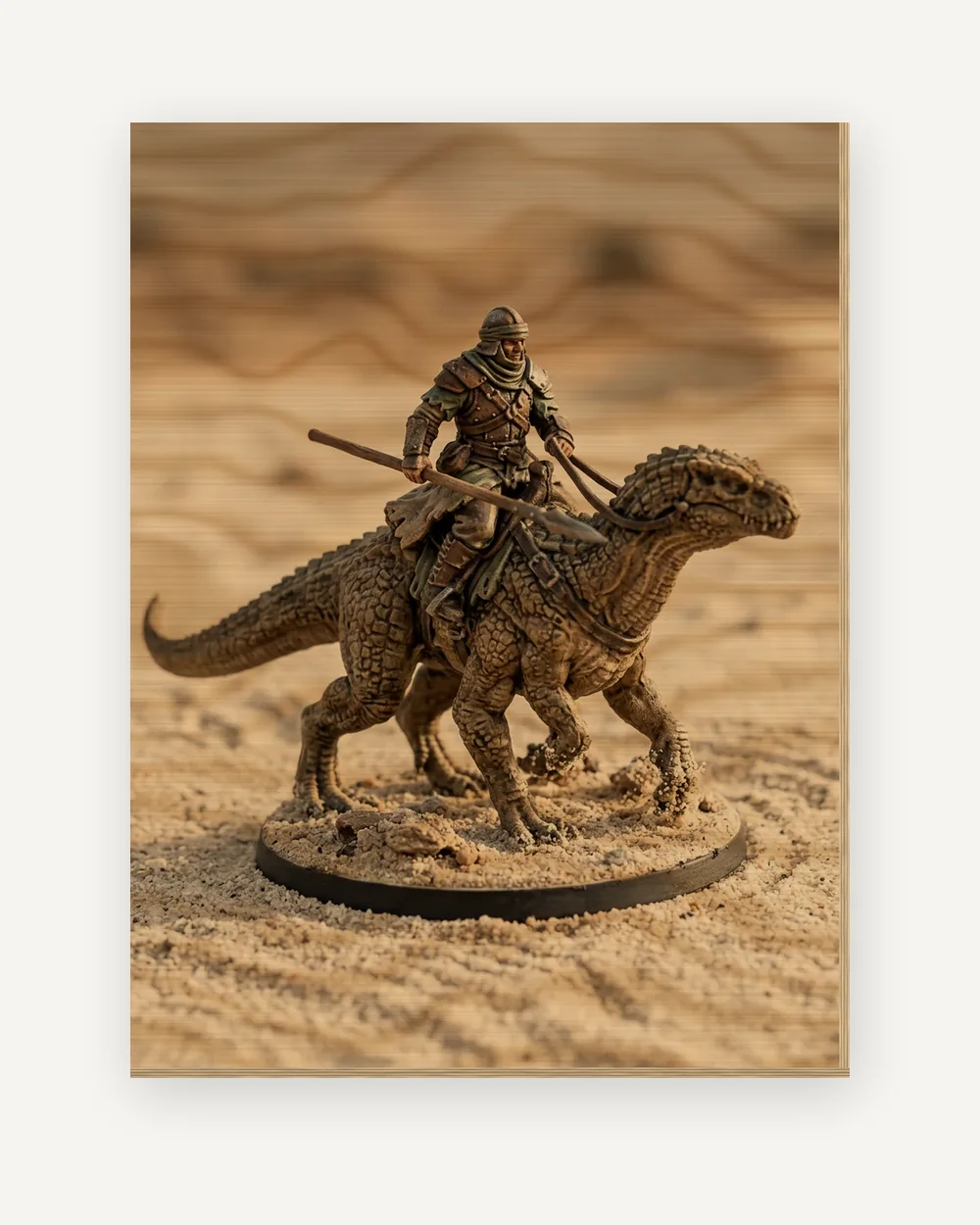 Wood prints From $99.18
-
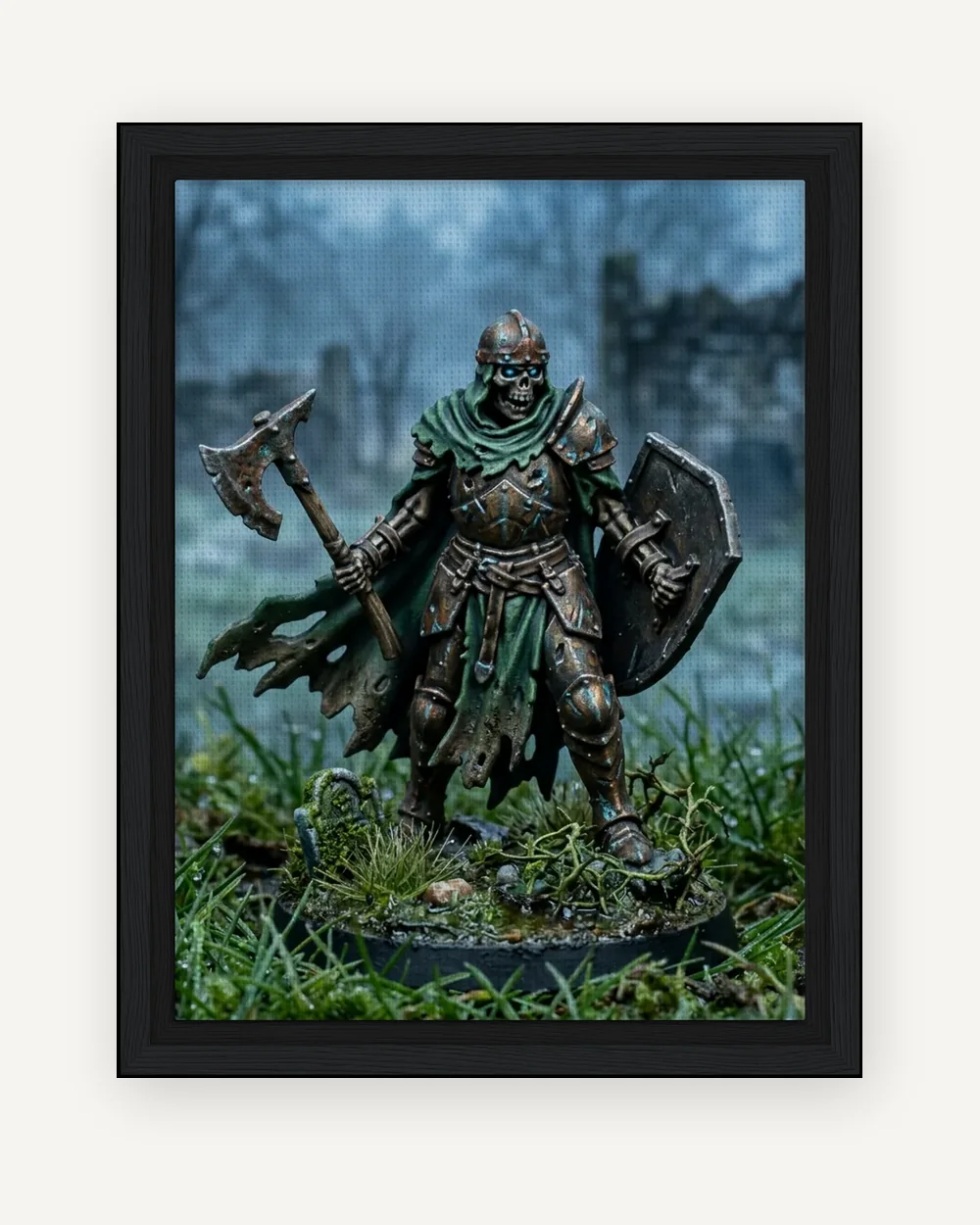 Framed canvas From $81.75
-
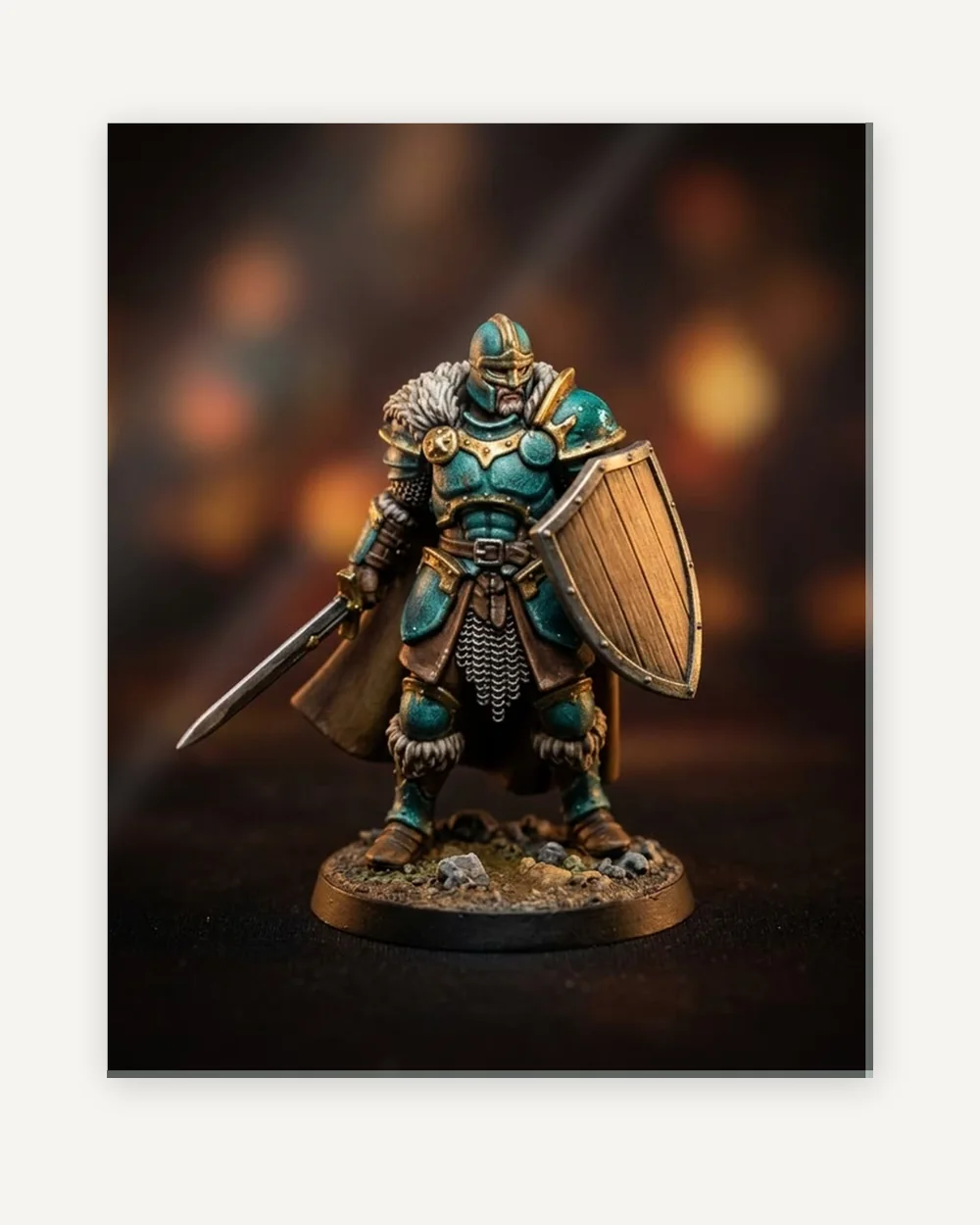 Acrylic prints From $70.25
-
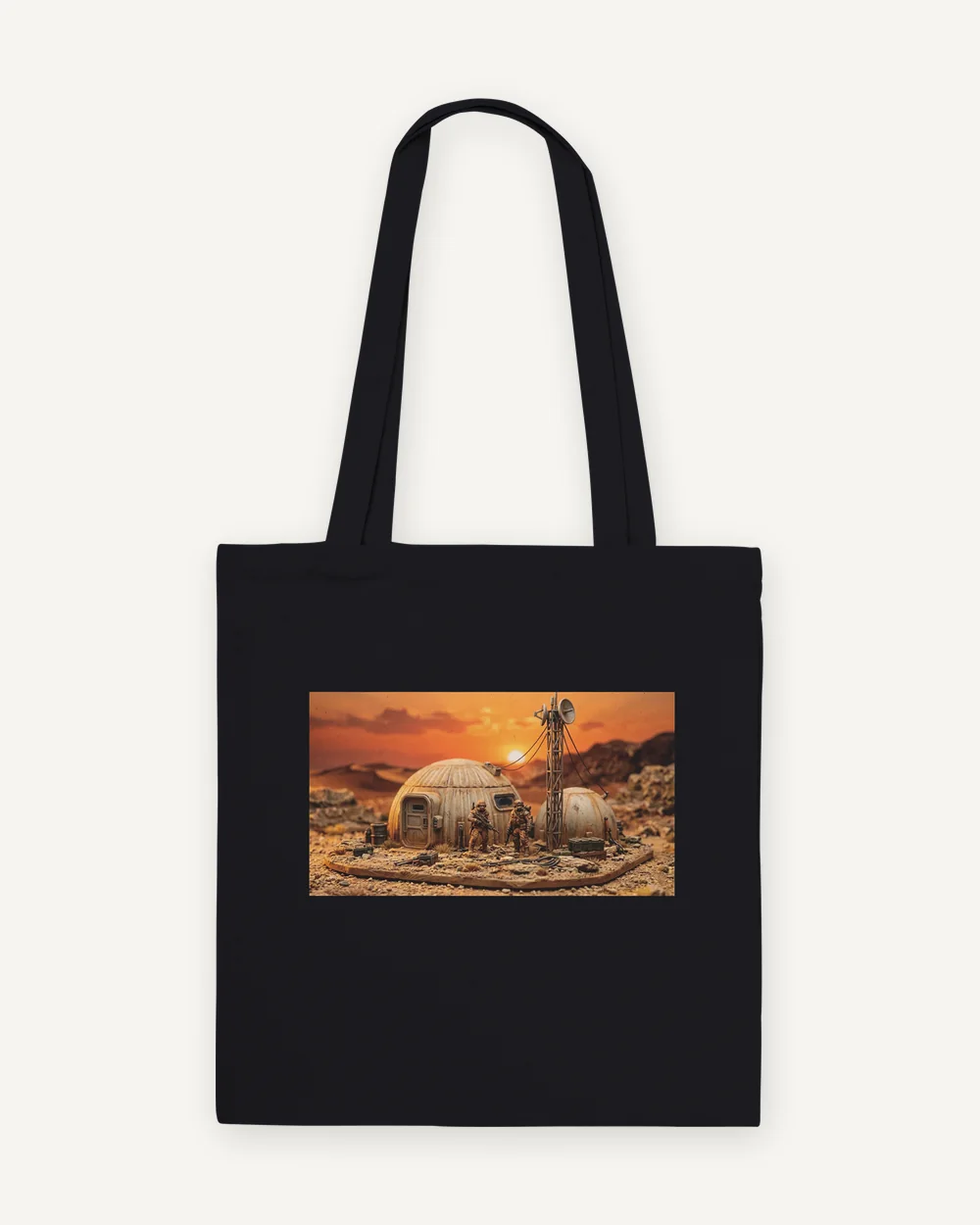 Tote bags From $28.40
-
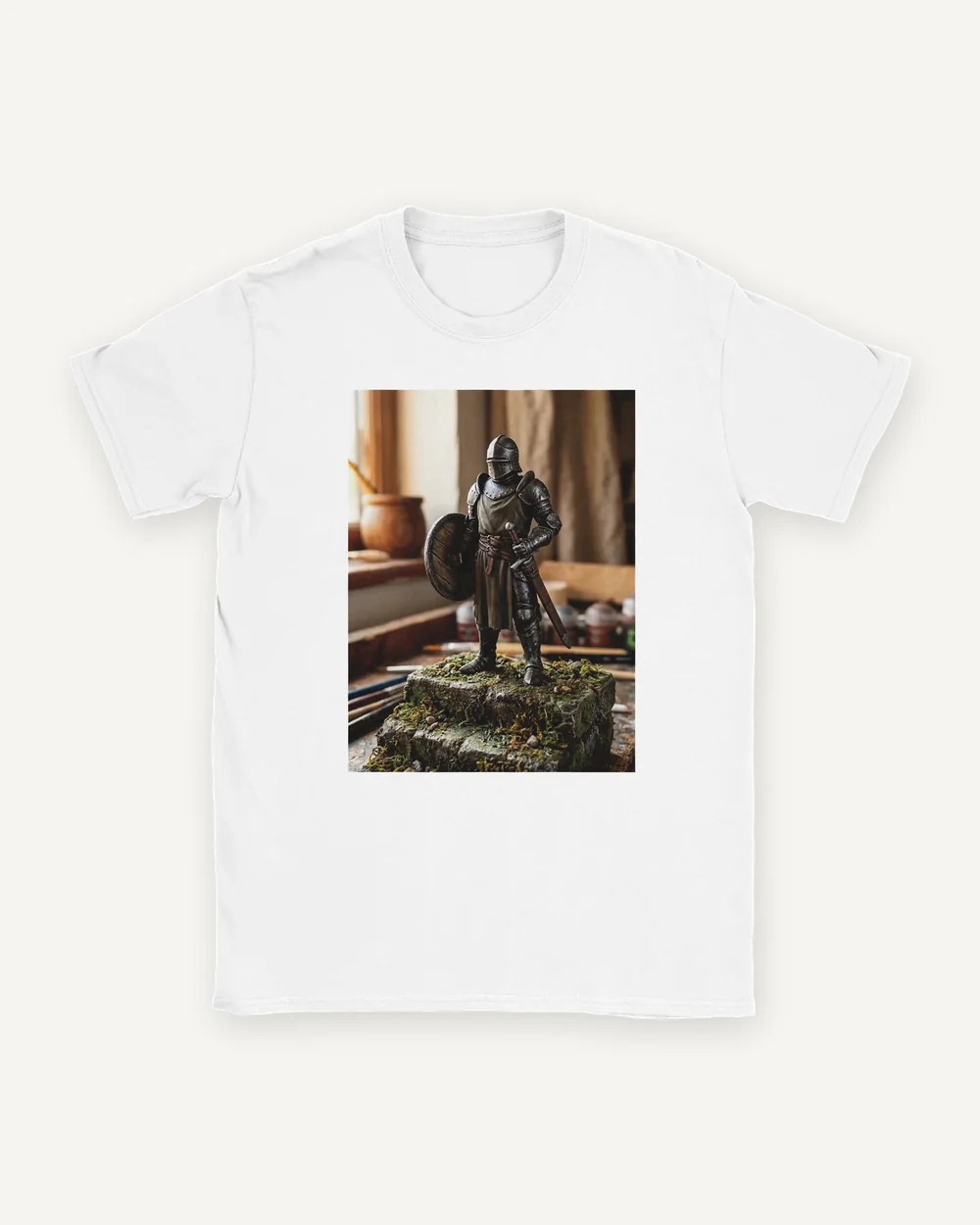 T-shirts From $24.18
-
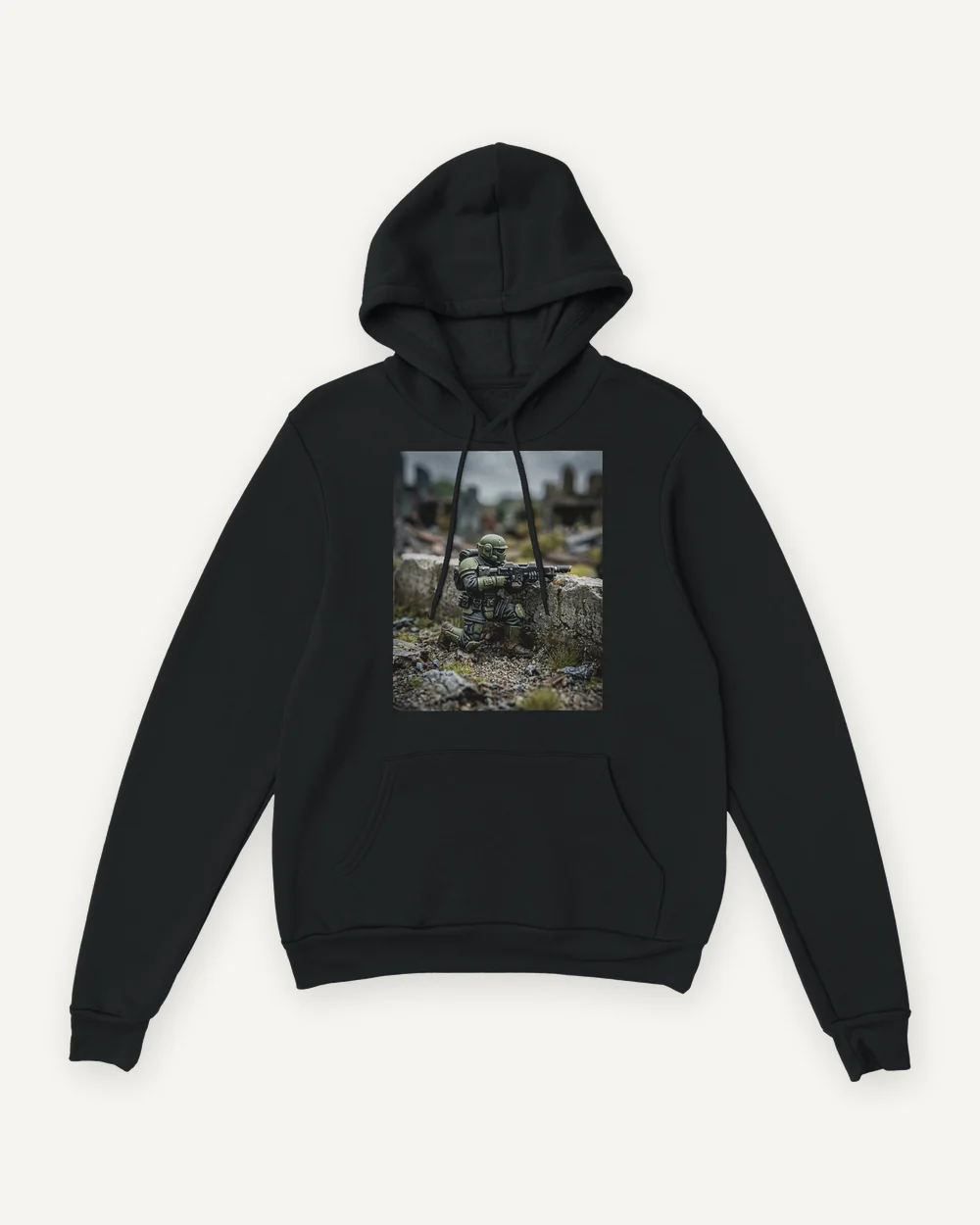 Hoodies From $53.98
-
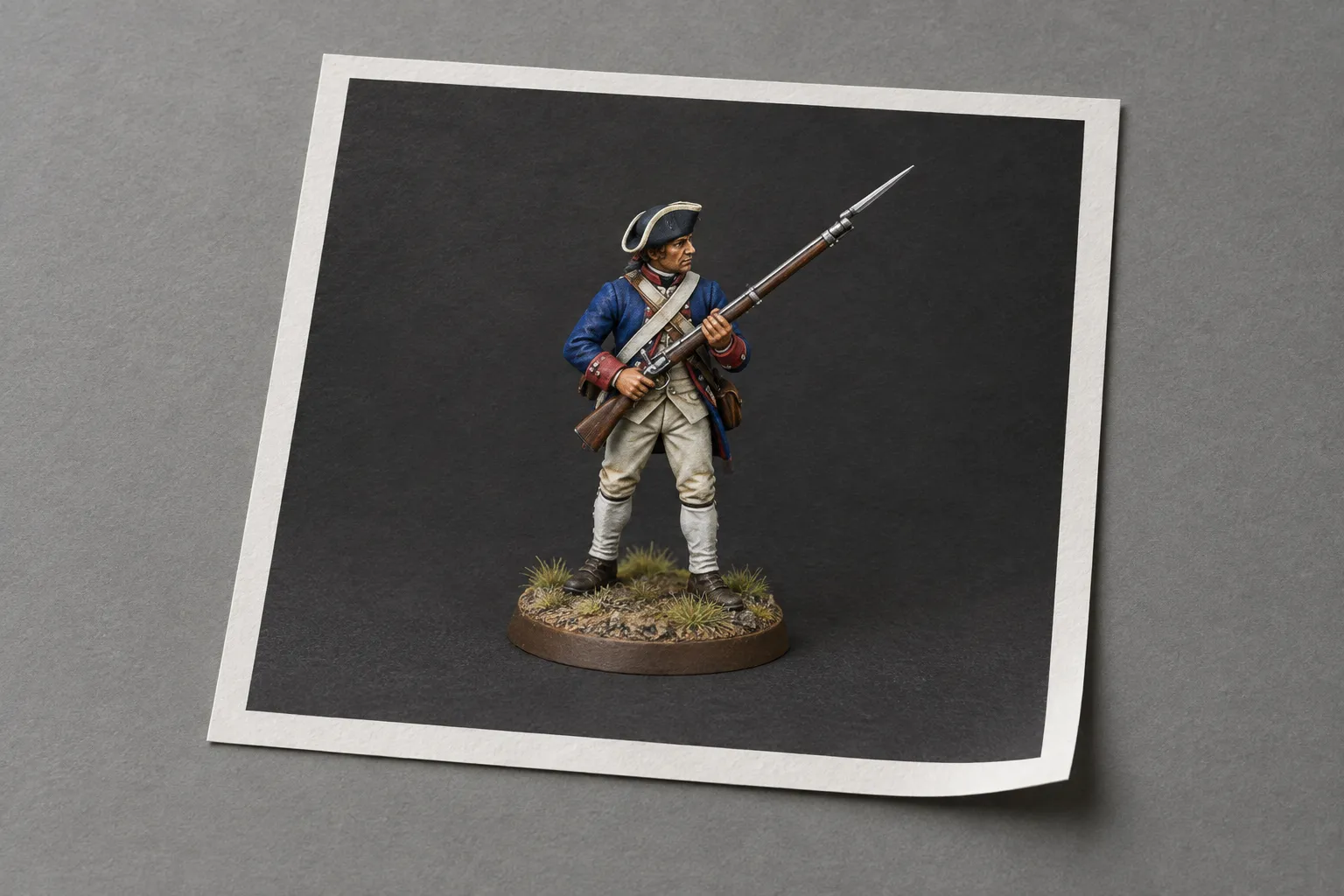 Digital download From $20.99
Digital download: size, photo and preview
-
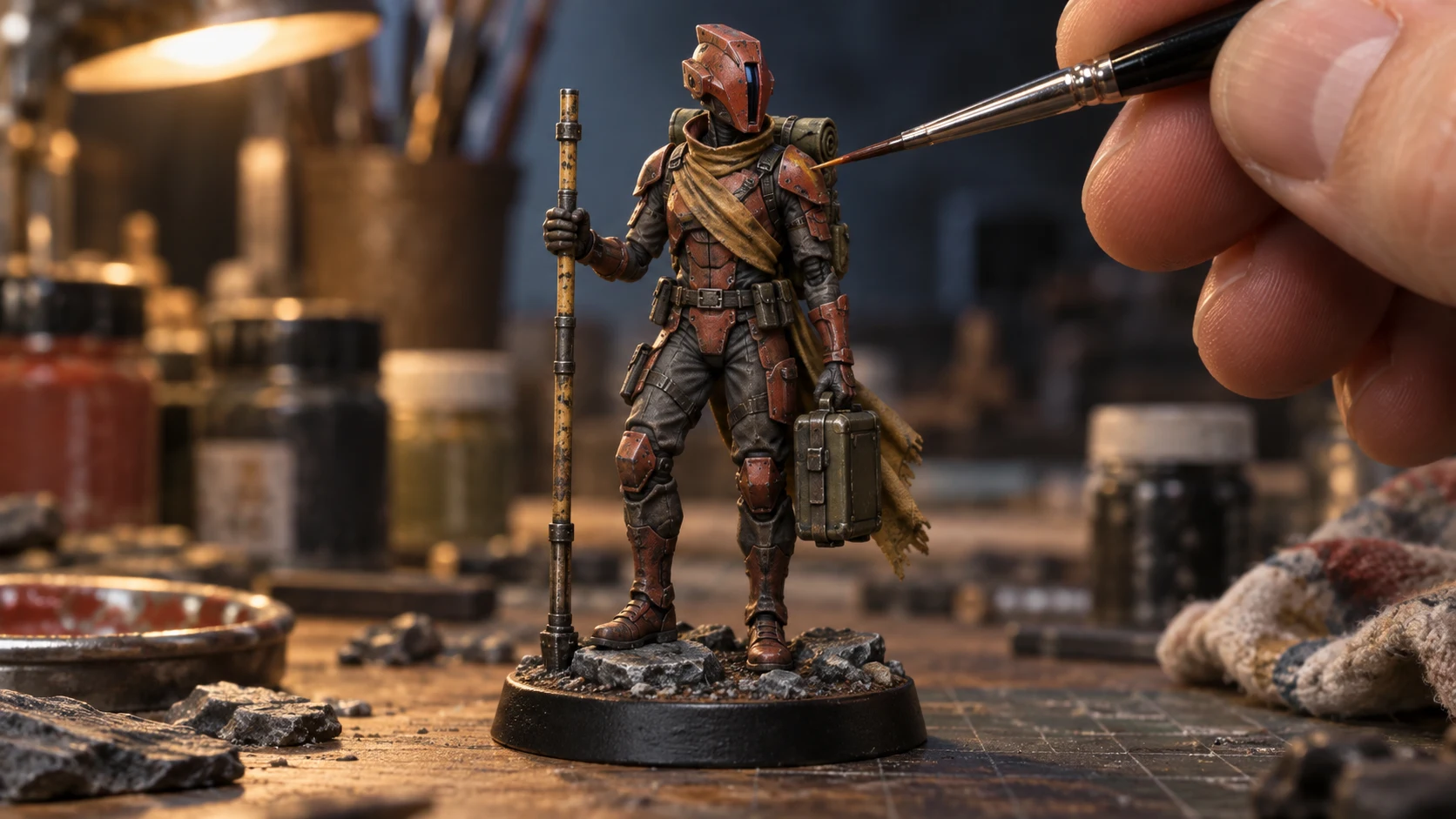
Upload a photo of your painted miniature.
-
Choose a setting. You get a watermarked preview with the display base removed.
-
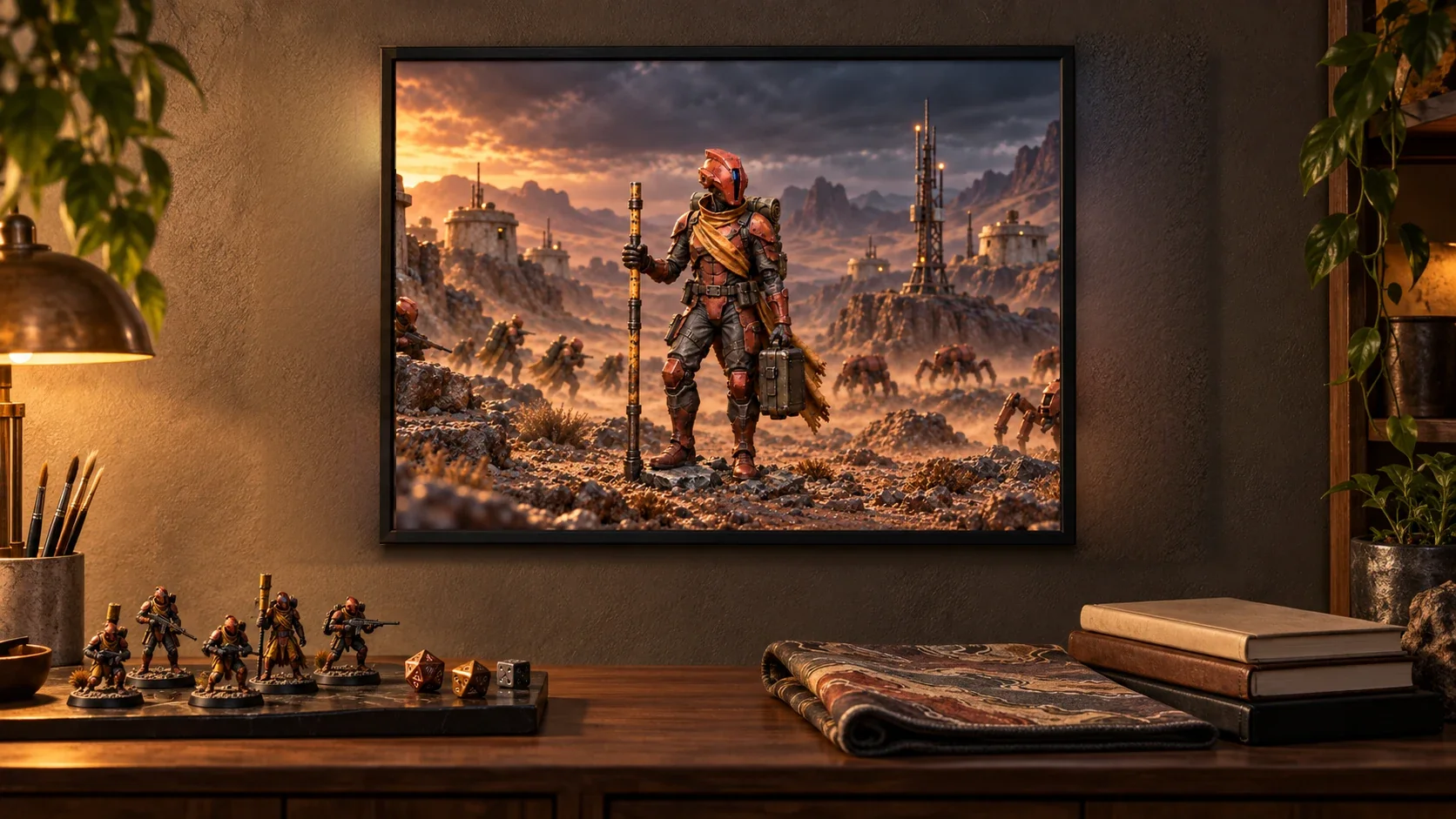
Compare it with your original, approve it, then choose a size and add it to your cart.
An AI image model takes your photo of the painted miniature and builds the setting you pick around it: Woodland Path, Paintwork Portrait, Hero Portrait, Into Battle or The Tavern.
Your paintwork is the starting point
AI can change small details. Compare your selected scene with the original photo, especially faces, equipment, colors, and brushwork. Approve only a result you want printed. To keep an existing image unchanged by AI, print your artwork directly.
How it works
Start with a JPEG, PNG, or WebP file of 10 MB at most. The shortest side has to be at least 800 px. Then verify your email. Then you get up to three free watermarked previews a day. Pick the one you prefer and approve that exact preview and framing before you choose a product; checkout won’t take a scene you haven’t approved.
What to photograph
Shoot at the figure’s eye level, and keep the base and any raised equipment in the frame. The miniature photography guide covers the rest.