How to photograph miniatures for a print
A clear reference photo gives both direct prints and scenes a better starting point.
Jump to a section · 5 sections
Light the paintwork
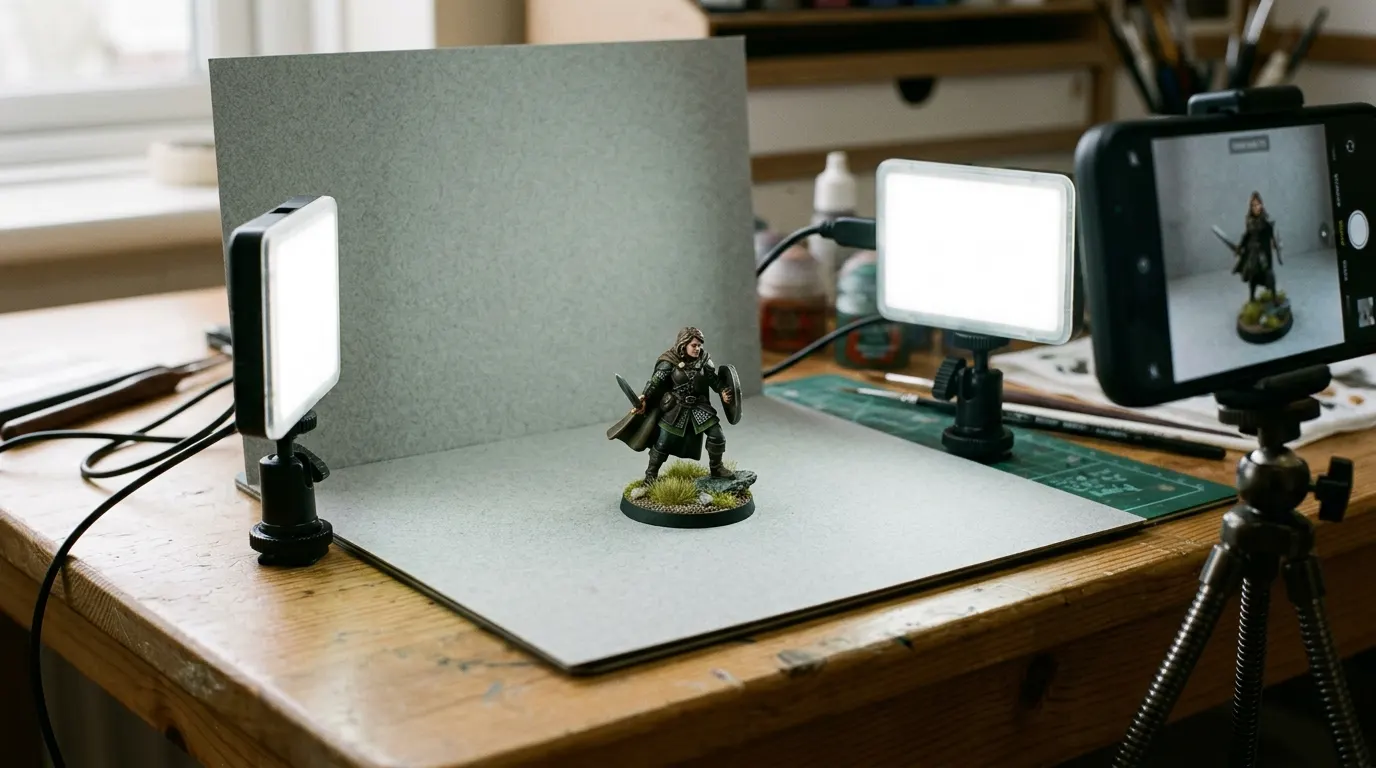
Use a diffused lamp or indirect daylight. A plain background keeps attention on the model; miniature photo backdrops compares the options. Avoid mixing very warm room lights with a cool desk lamp, which can make different sides of the same figure appear different colors.
-
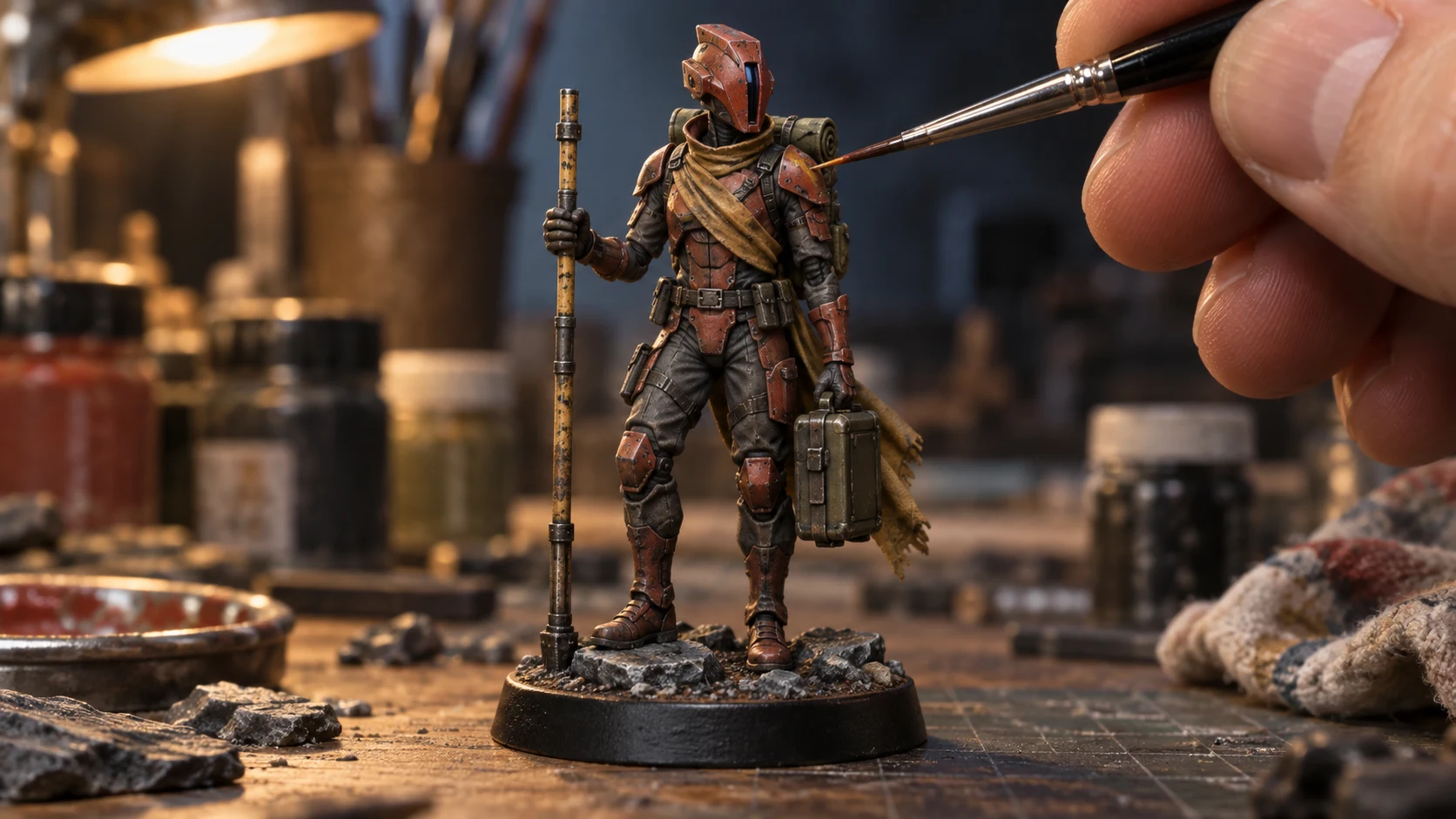
Light the paintwork evenly and keep the whole figure in frame.
-
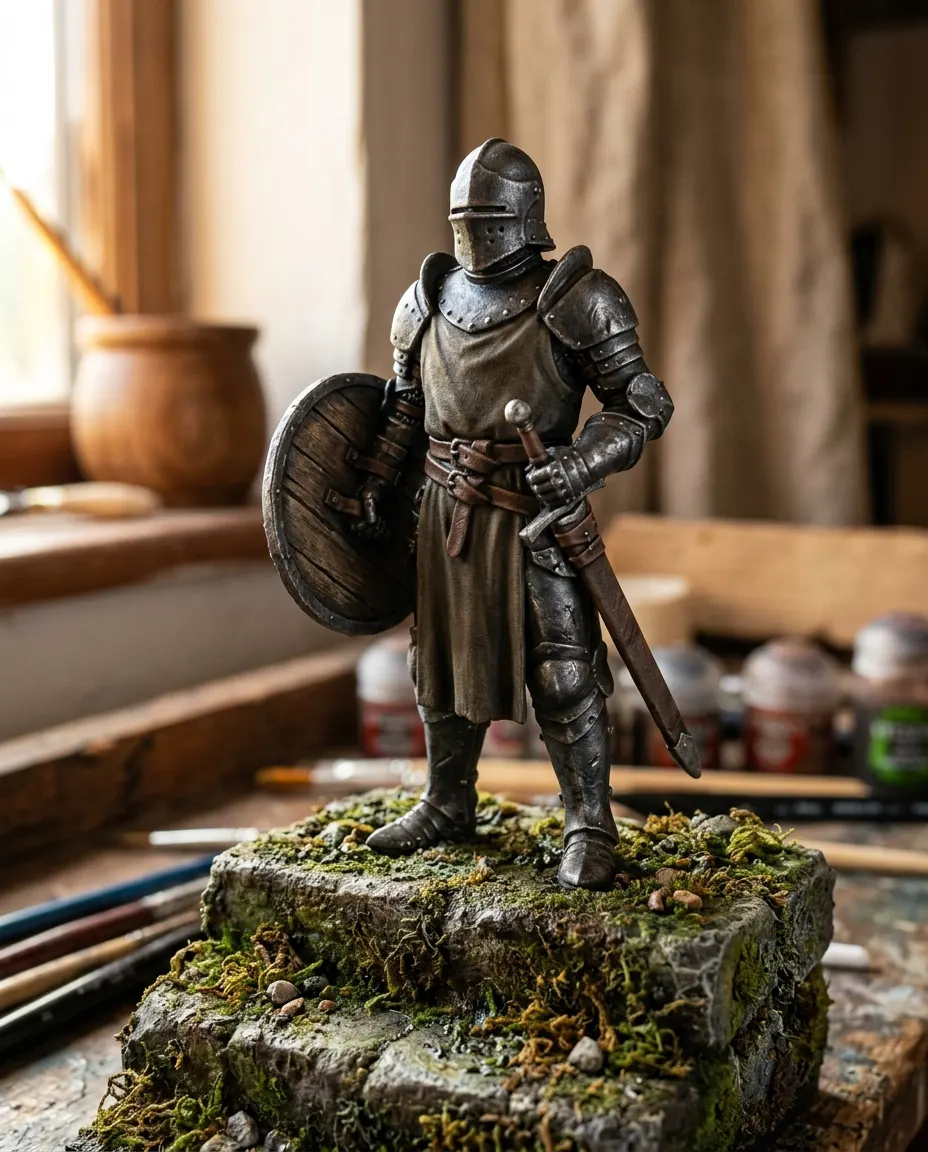
Get level with the character so the face and equipment read clearly.
-
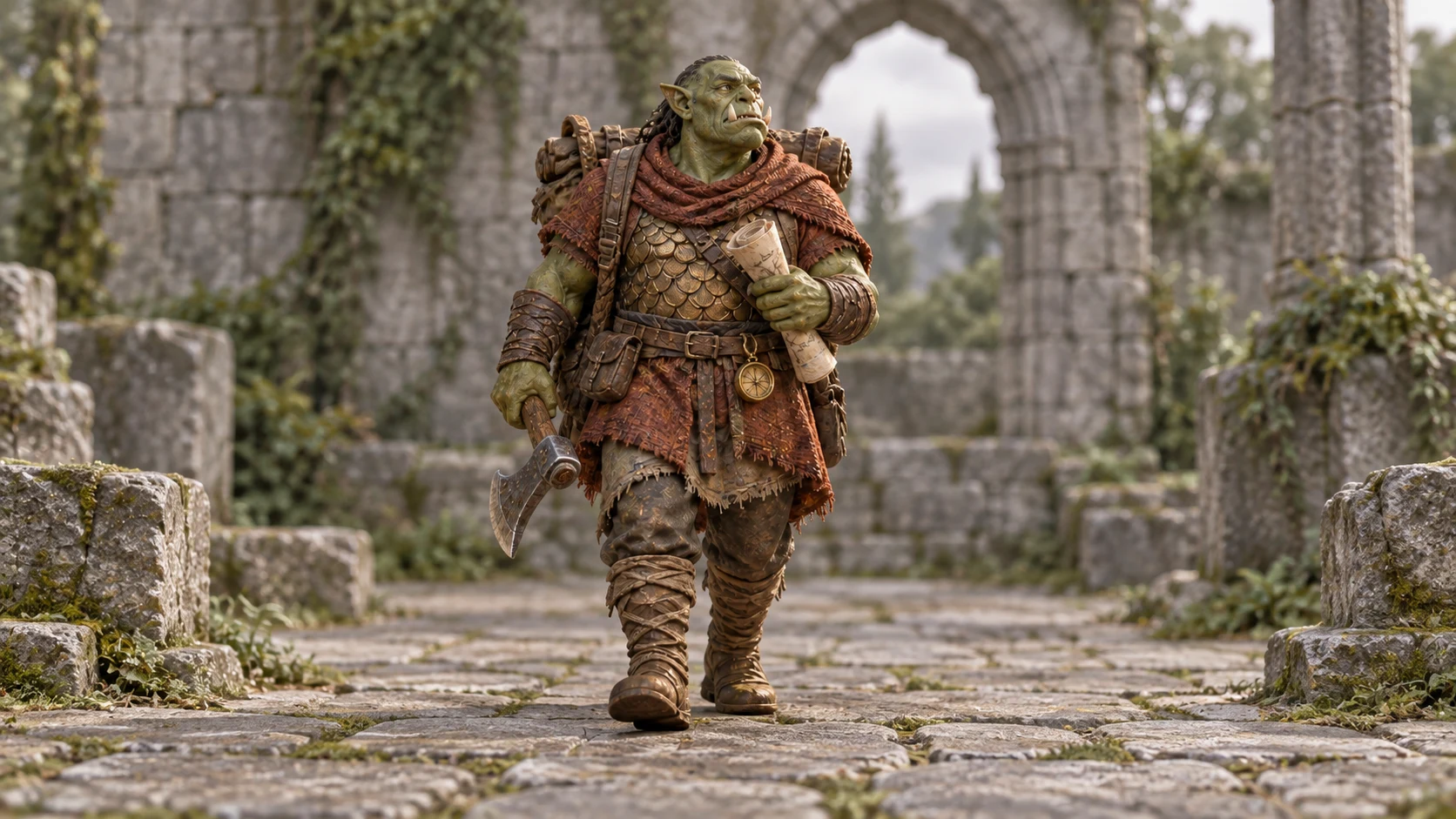
A clean reference helps a scene aim to keep the pose, colors and details.
-
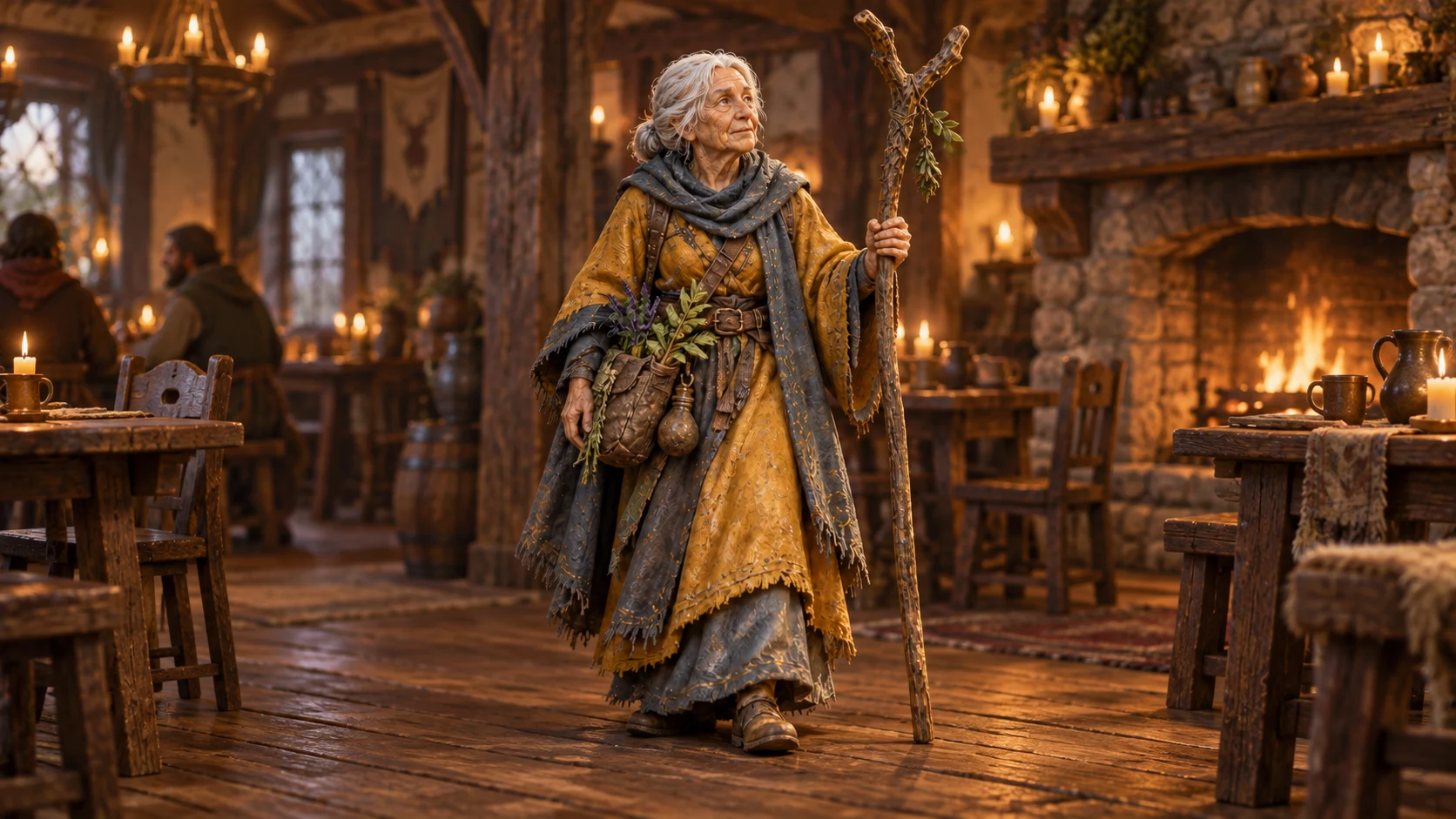
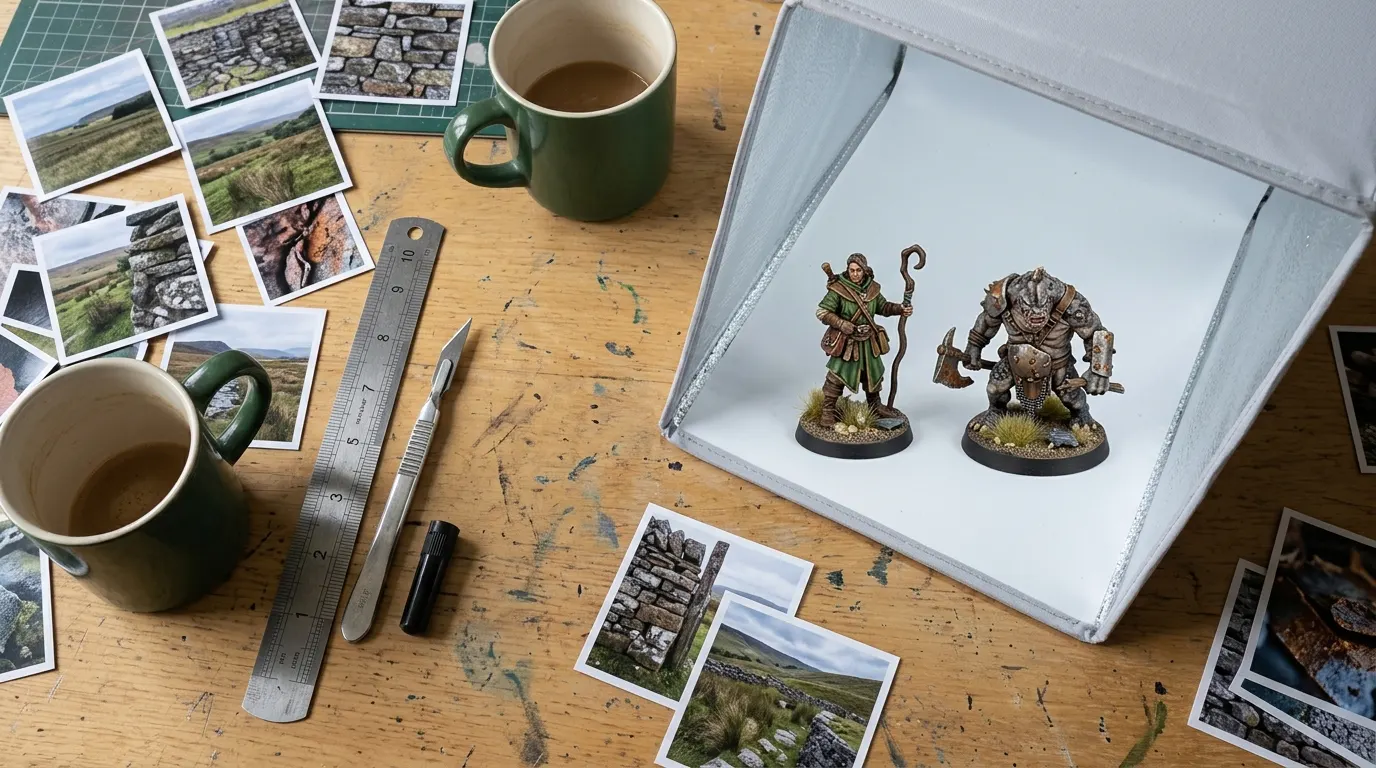
Pick a route: print the photo as it is, or create a scene around it.
Get level with the character
Bring the camera down toward the model’s eye level and support your phone or camera. Move back a little if the nearest part is sharp but the face isn’t. Take several views and compare them at full size.
Leave the whole figure visible
Include the base and any raised equipment. An image with missing edges gives the scene generator less information and gives you fewer crop choices for direct printing. Check delicate pieces against the background.
Check the photo before you upload
Open the best frame on a computer screen at full size, not on the phone. Look at the eyes first, then the front edge of the base. If either is soft, take it again. The upload grades your file on its pixel count, not its focus, so a blurred photo can still be offered a large size and print large and blurred.
Pick a route
Direct printing keeps the photo unchanged. The miniature studio offers preset settings. Its result needs a careful comparison with your original; it isn’t guaranteed to preserve every painted or sculpted detail.
Questions and answers
What is the best camera for taking pictures of miniatures?
One that focuses close and is held still. A phone with a close-focus or macro mode is enough for a print: rest it on something solid, use the timer so pressing the button doesn’t shake it, and light the figure from one side through a diffuser. Light and stillness decide the result more than the camera does. iPhone macro photography covers focus distance and cropping.
What is a good inexpensive camera for a beginner?
Try the phone you already own before buying one. Spend first on what it lacks: a lamp you can diffuse, a sheet of plain card for the background and a stack of books or a small tripod to rest it on. If those photos still look soft at full size, the camera is the limit, and the upload check shows which print sizes the file can carry.