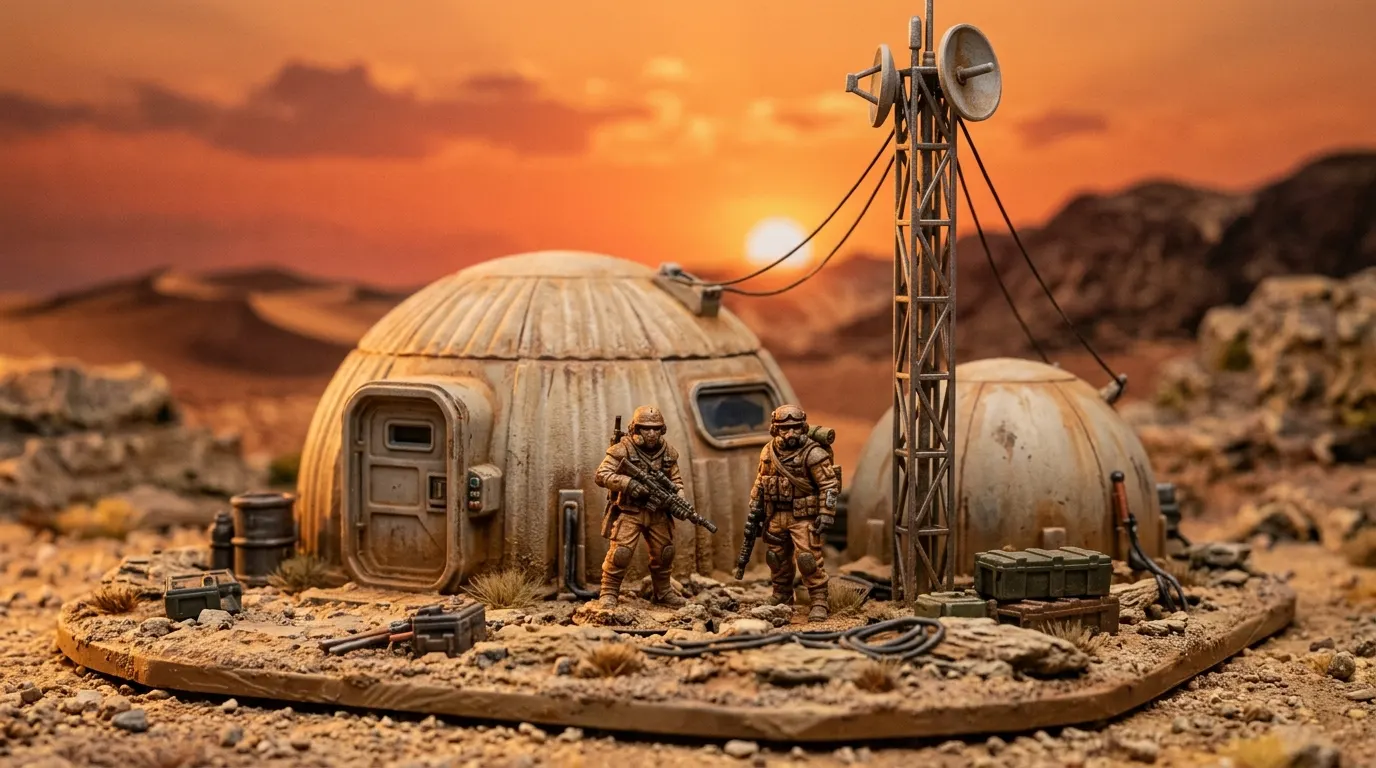
Still your character? Take a closer look.
What to inspect before you approve a miniature scene.
Jump to a section · 6 sections
Compare the details you care about
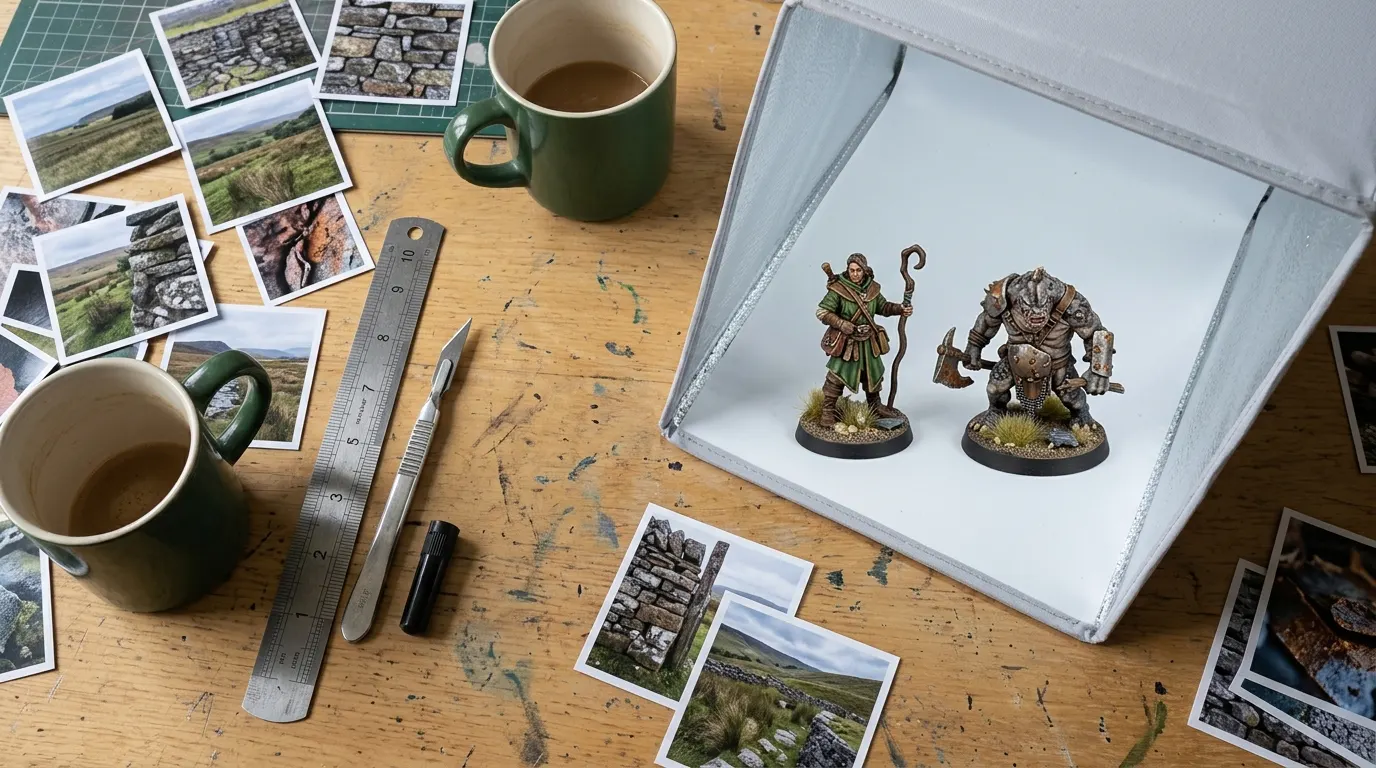
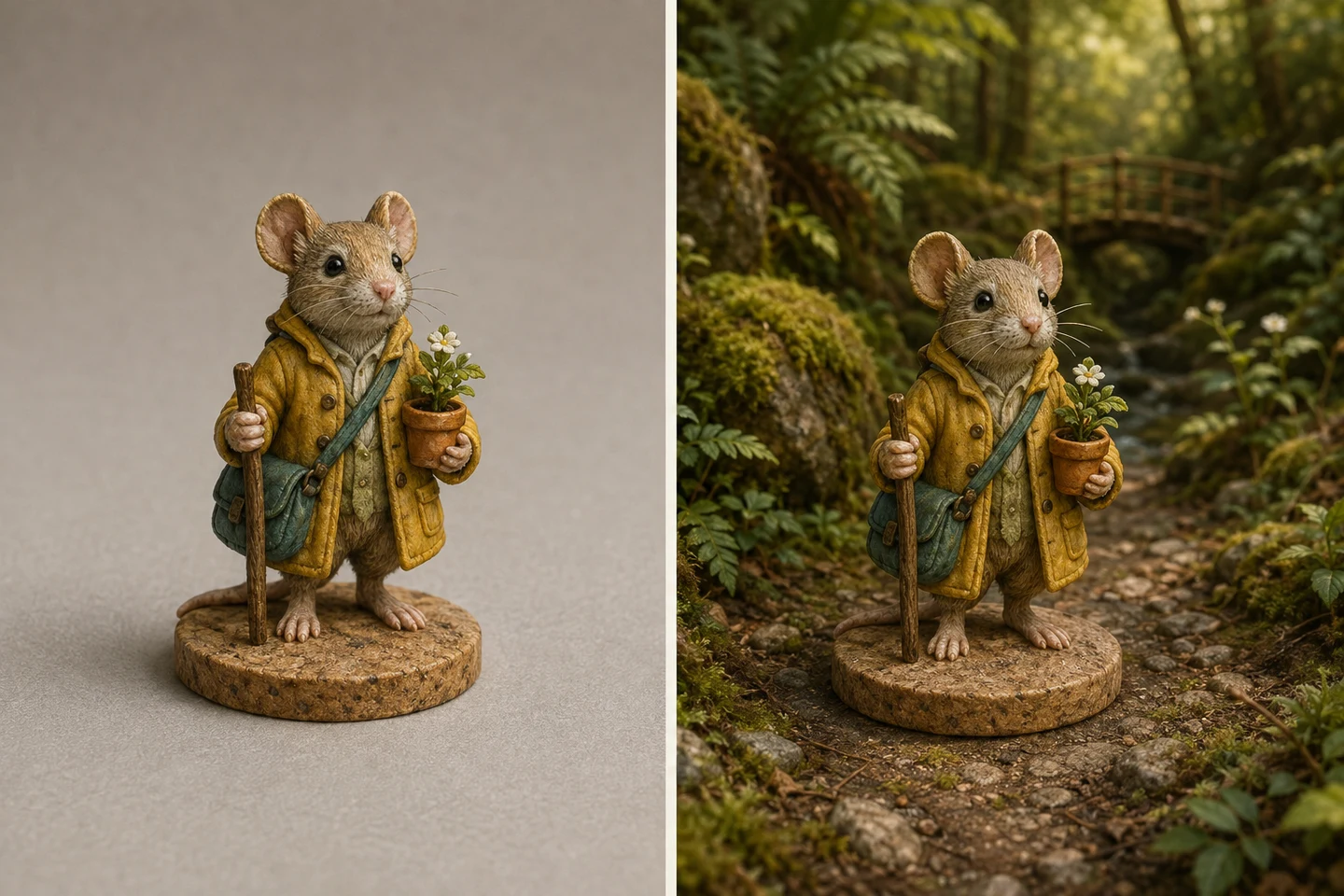
Keep your original photo beside the preview. Compare the face, hands, pose, equipment, and distinctive freehand work. The display base should be removed, with natural terrain beneath the unchanged feet. Look for extra parts, softened textures, or colors that have changed. A sharp original makes this easier: how to photograph miniatures covers the light and the angle.
| Look at | Turn it down if |
|---|---|
| The face | The expression or the eyes have changed |
| Hands and equipment | A weapon has merged into a hand, or a part has been added |
| Freehand and markings | A painted line has become a different symbol |
| Colors | A color has spread onto an area you left plain |
| Feet and ground | The figure floats, or the feet have been changed |
| The outline | A limb is missing or the background has joined the silhouette |
Judge the setting separately
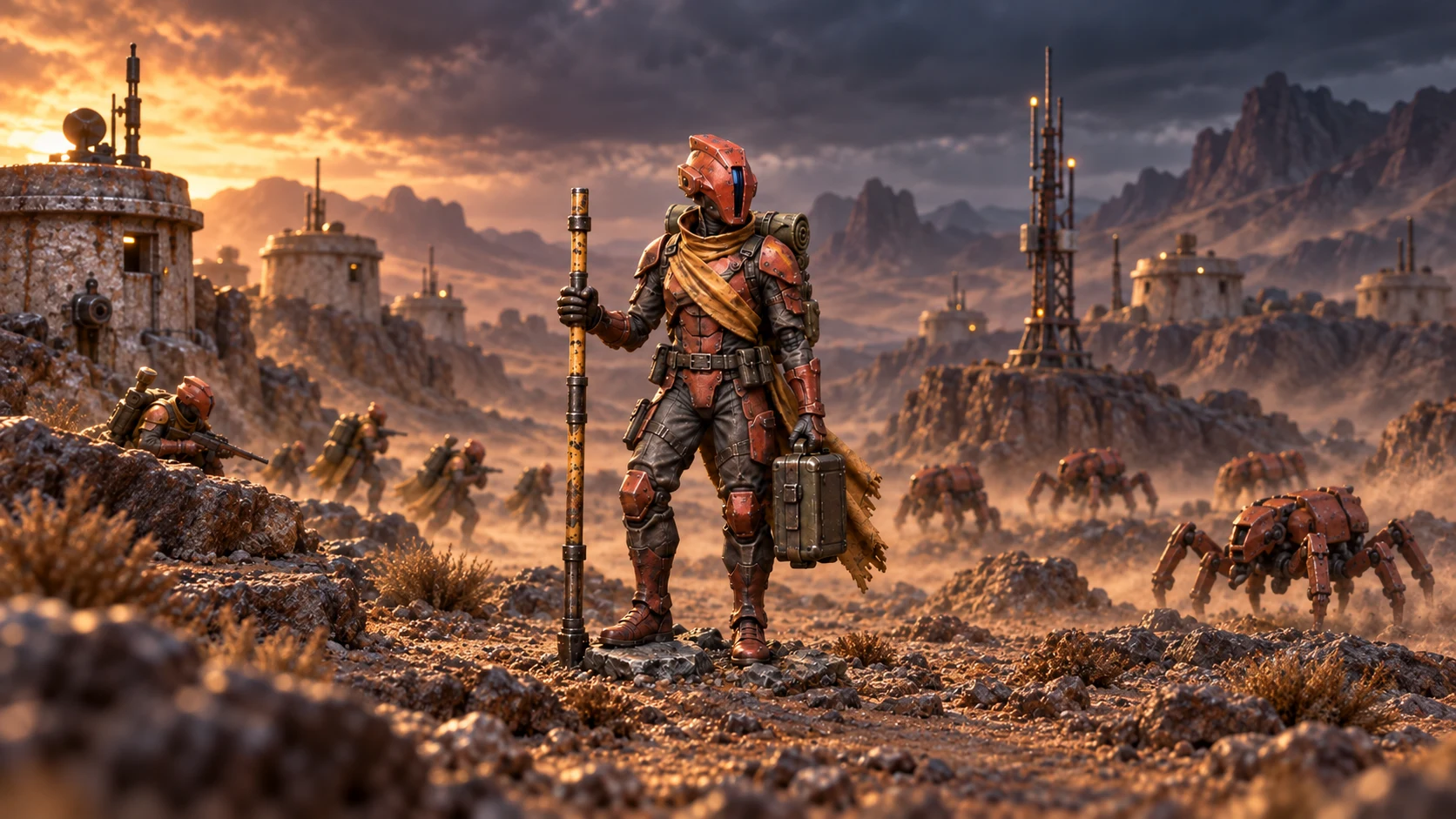
A dramatic background can make a flawed figure look convincing at first glance. Check the character first, then the setting, then how they work together. Reject an attractive image if it’s changed something you wanted to keep.
Approve the exact result
Each successful preview is a separate image. Choose the result you want and check its crop in the selected format. The approved composition is used as the starting point for the production render; generation can still introduce differences in fine detail. How the scene studio works sets out the five scenes and the approval step.
Using your three previews
Once your email is verified, you get up to three successful previews a day. Each one is generated on its own and carries a watermark, so making a second does not replace the first or approve anything. The settings are Woodland Path, Paintwork Portrait, Hero Portrait, Into Battle and The Tavern. Trying the same figure in two of them shows you quickly which one keeps the paintwork readable.
Look at each result small as well as large. A figure that vanishes at thumbnail size will be hard to find on a mug, however good the face looks when you zoom in. Checkout only takes a scene you have approved, and if all three miss, you can come back the next day.
Check the crop for the product
The crop changes with the product. A tall poster and a square tote cut different edges from the same scene, so a raised sword or a banner that fits one may be trimmed on the other. Pick the product first, read the crop it shows you, and approve the scene with that crop in mind.
You can keep the original
If none of the scenes feels right, you can print your original photo. You don’t need a scene to make something worth displaying.