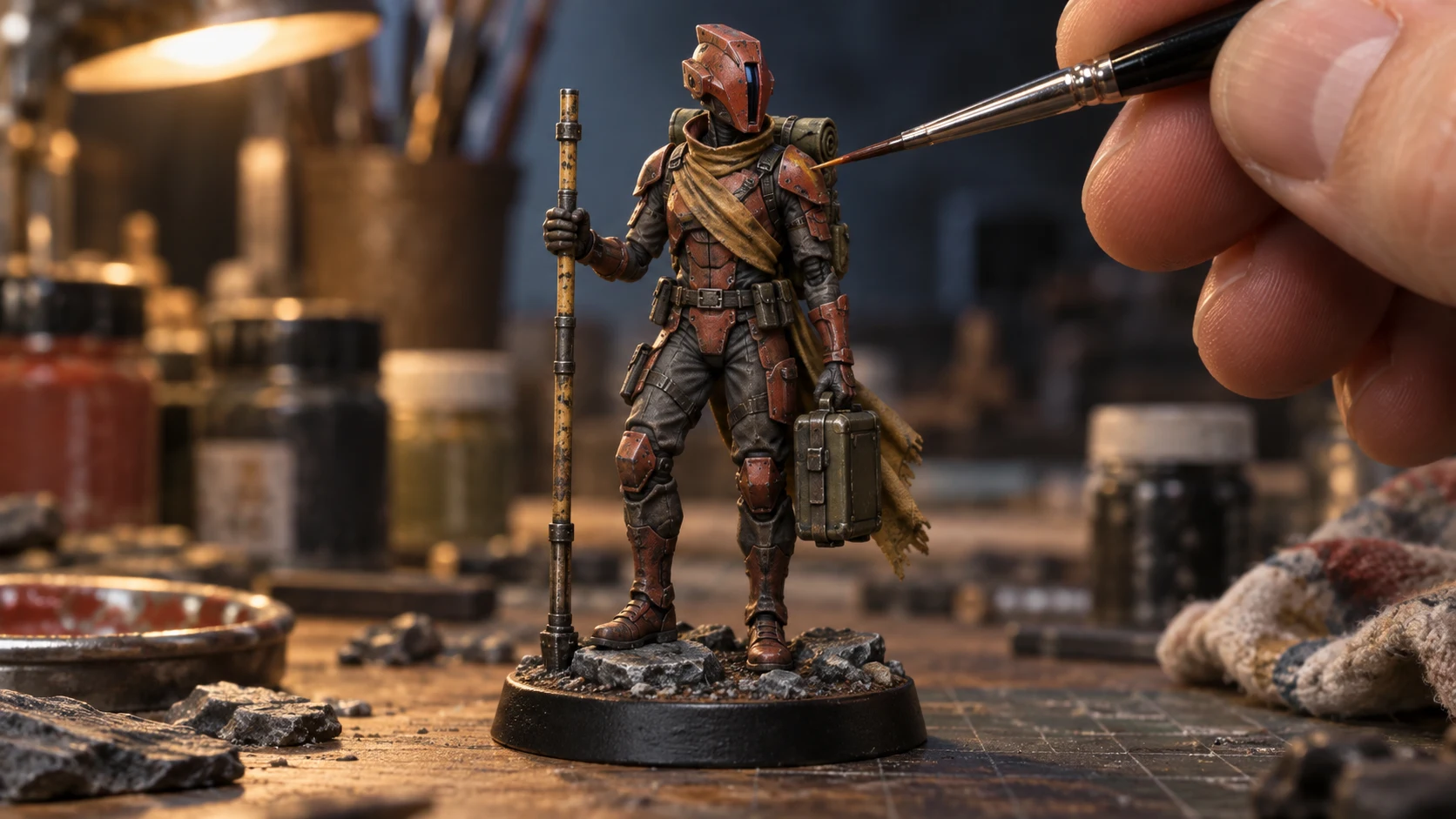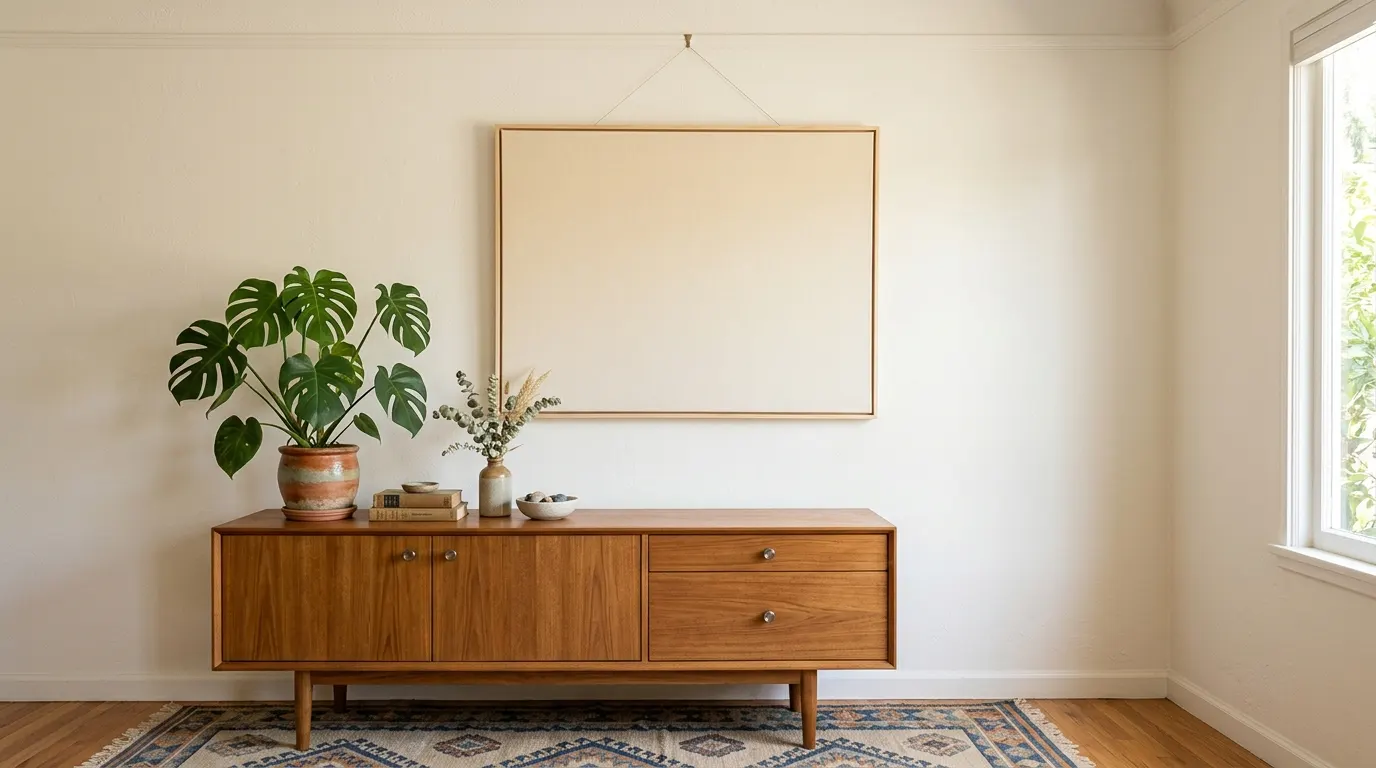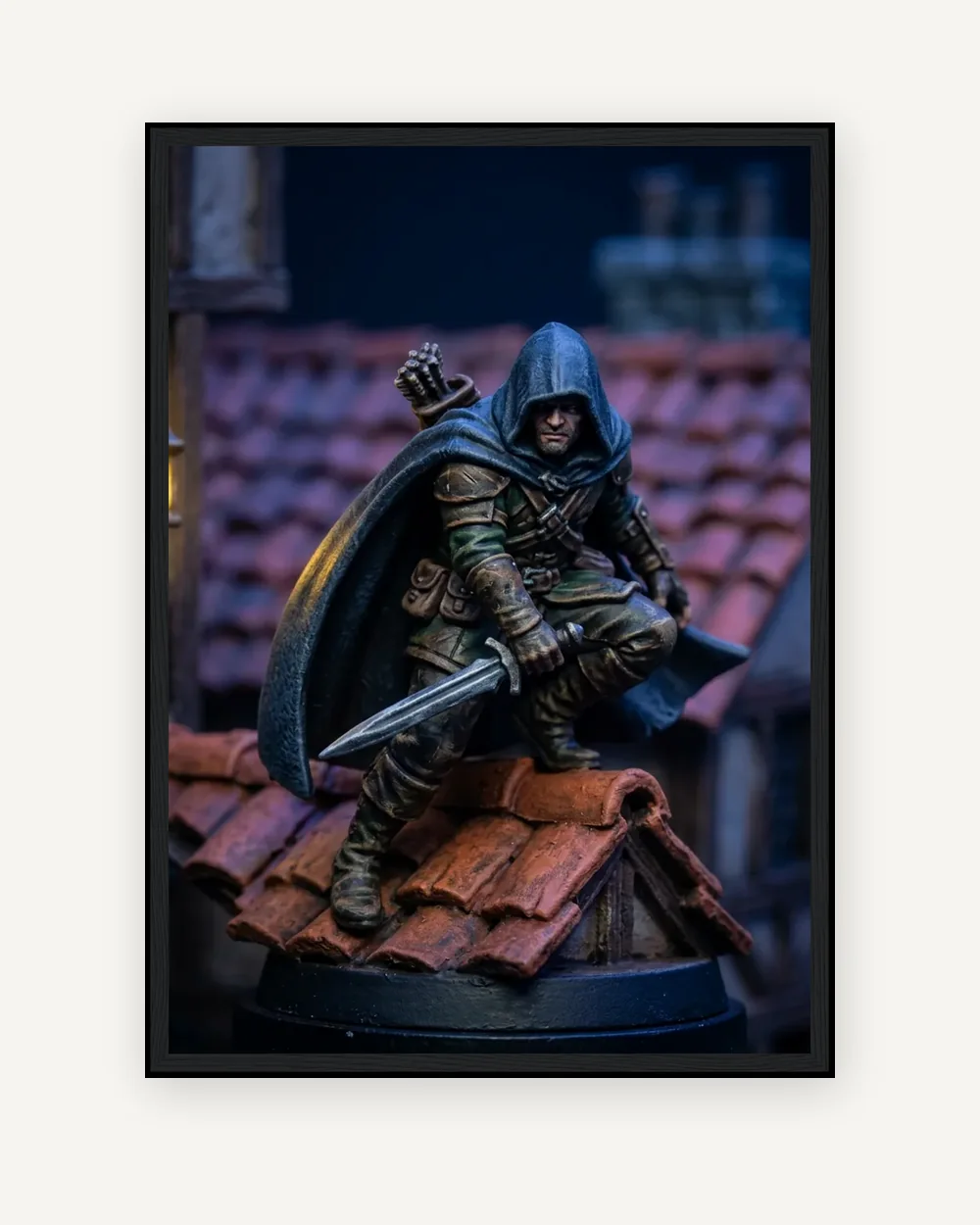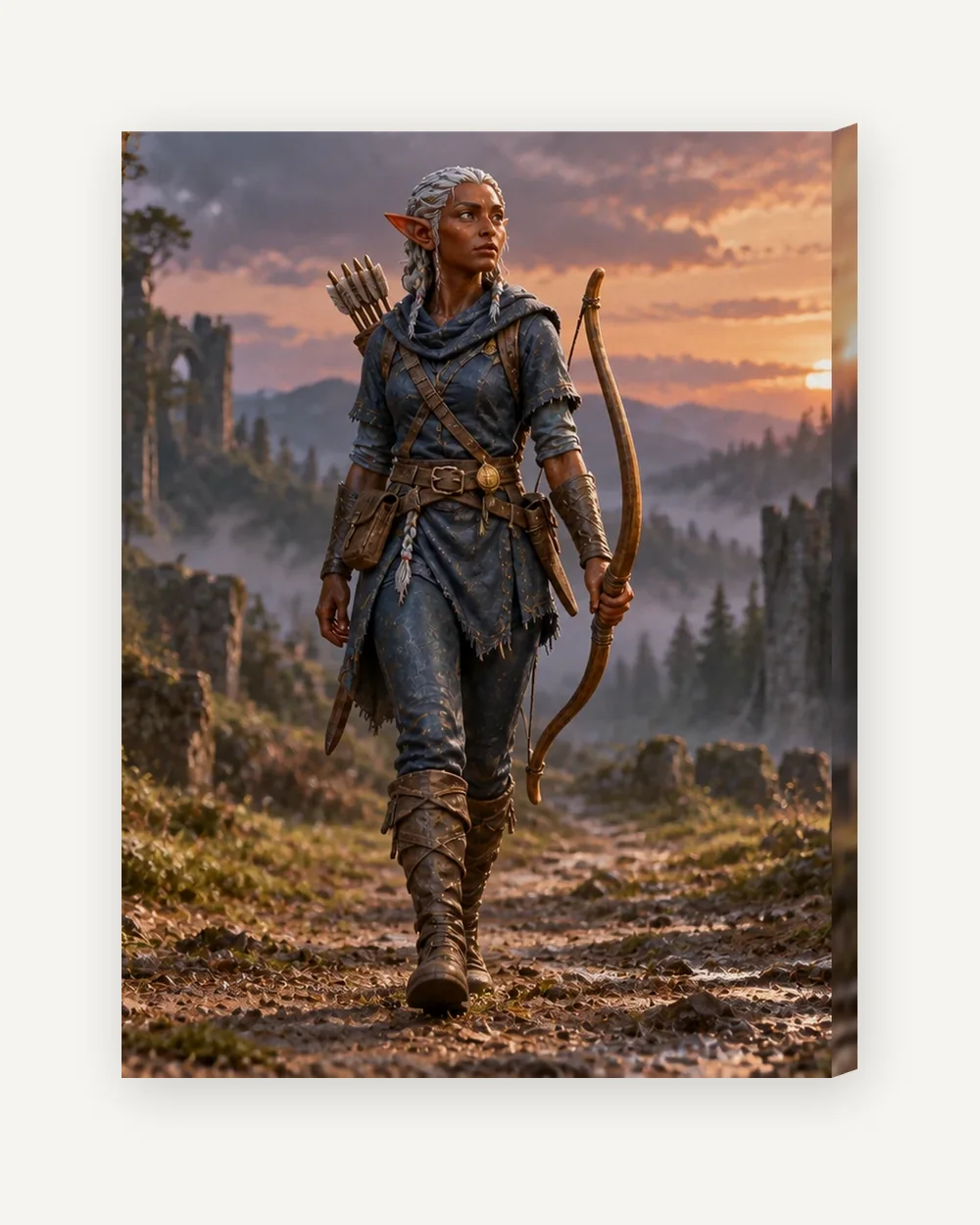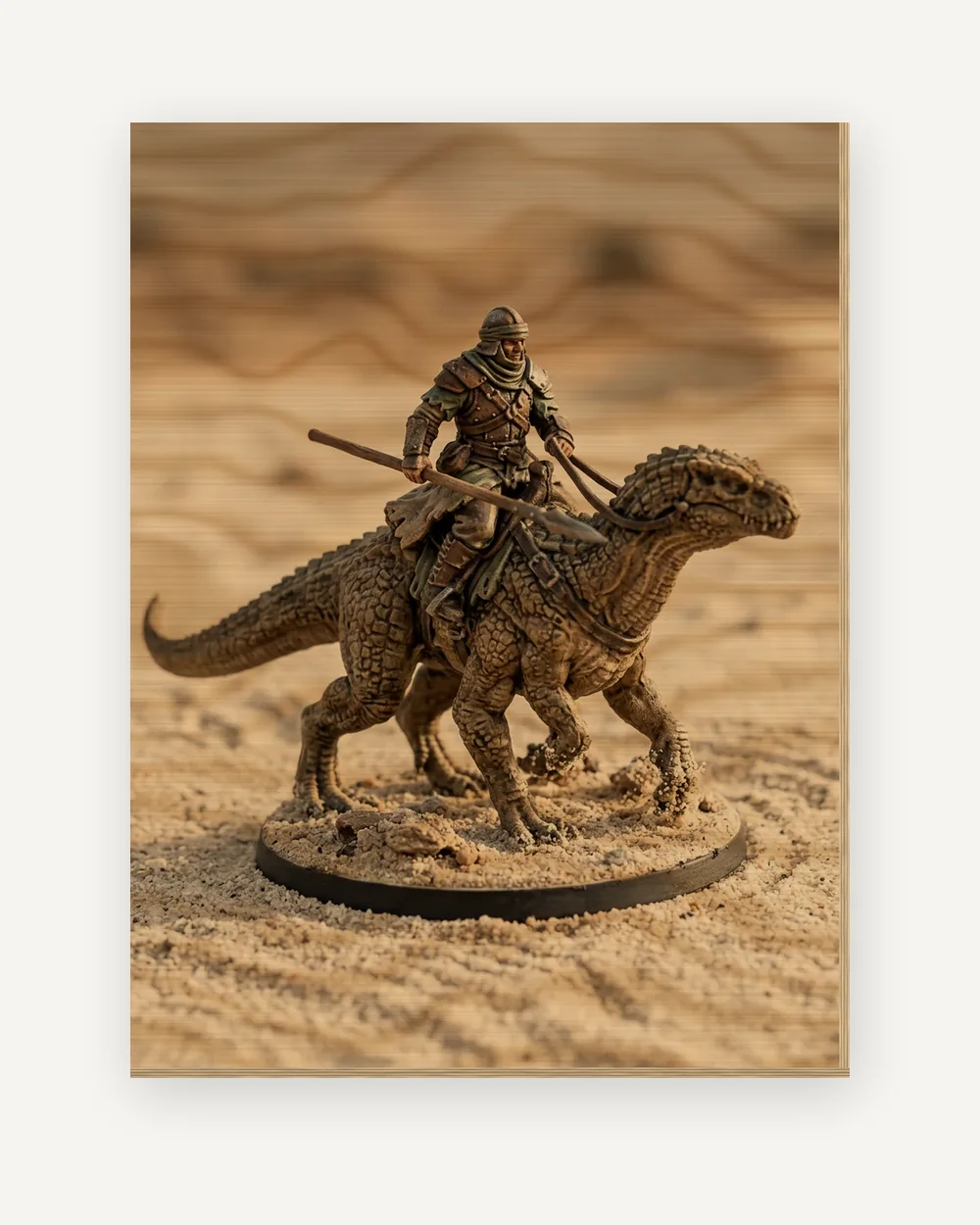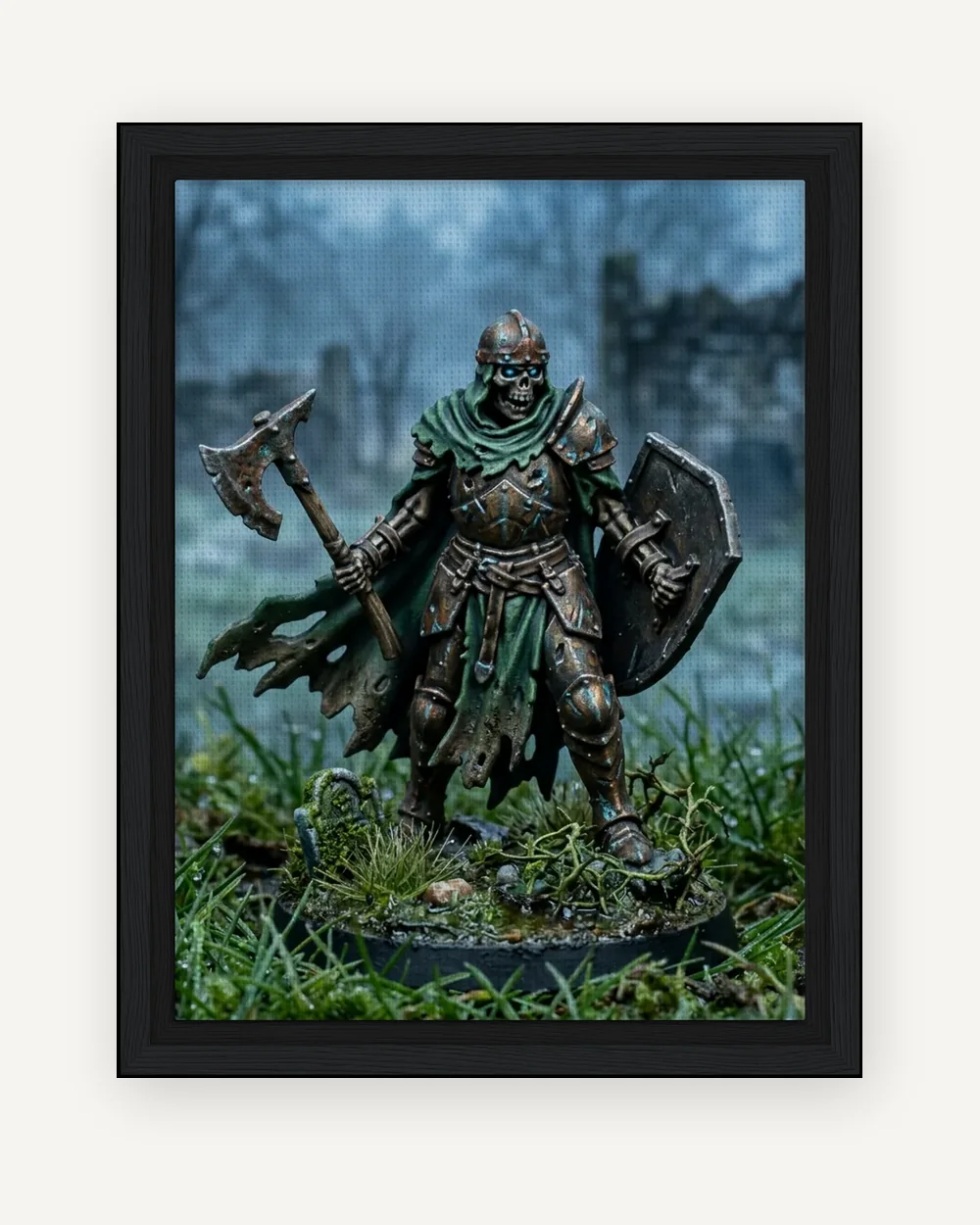
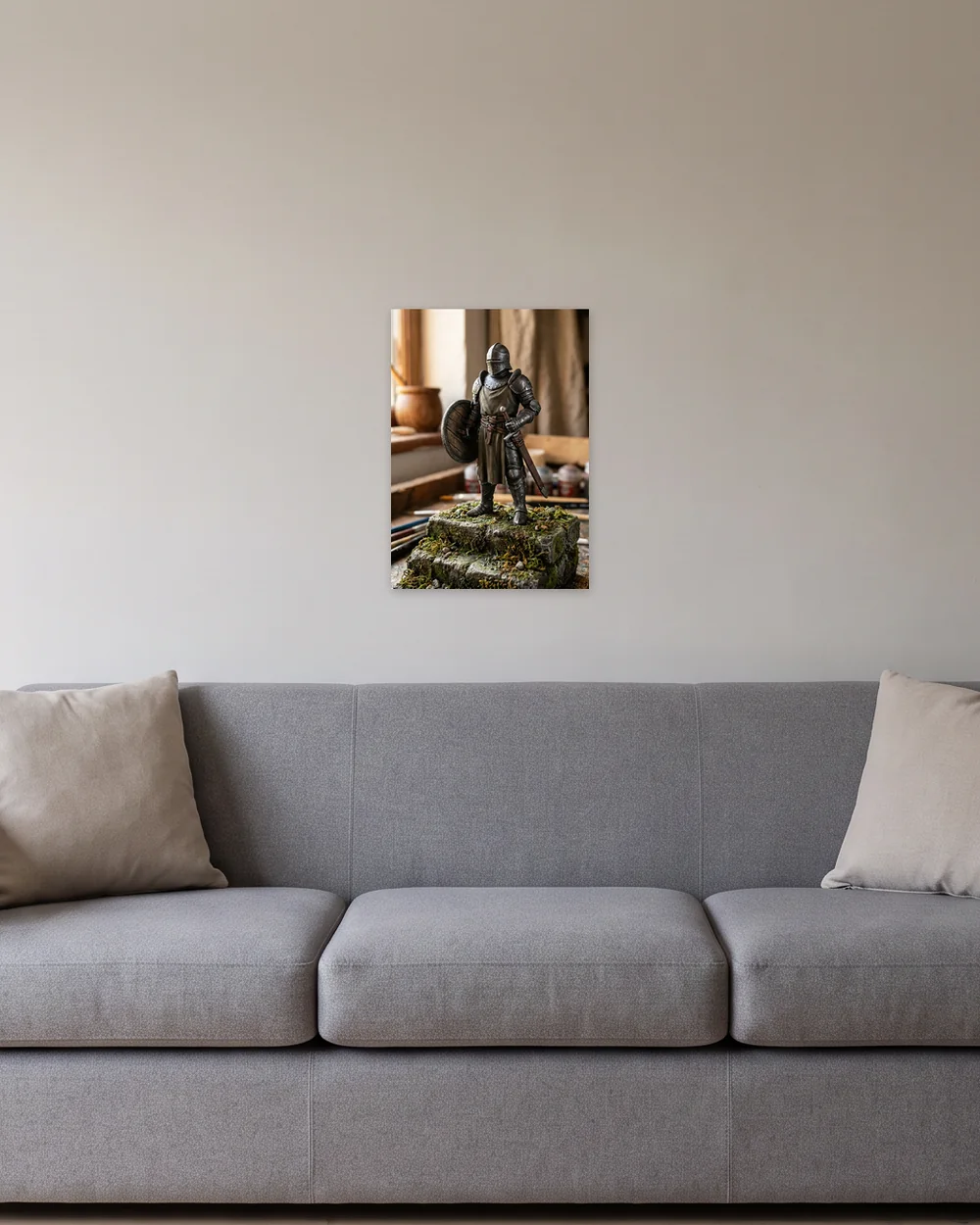
Miniature wall art from your own painted figure: a photo of the model printed as it is, or placed in a scene you preview free first, on stretched canvas in a black wooden frame.
Miniature wall art from a figure you painted
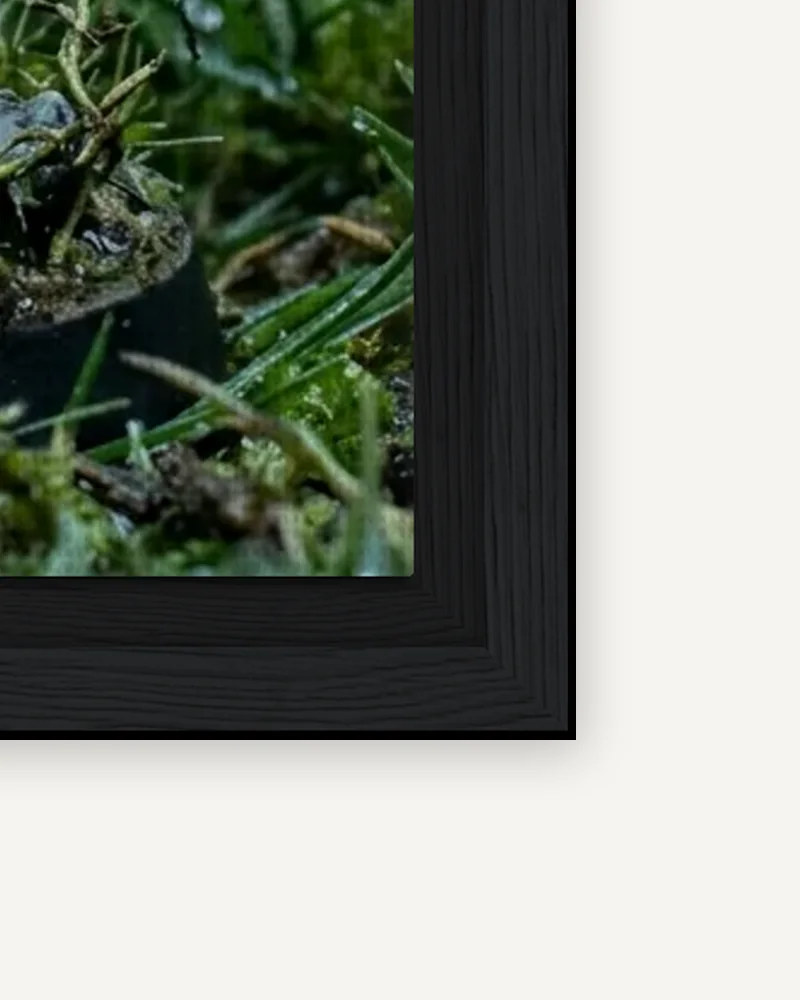
Your artwork on a stretched canvas with a black wooden outer frame. Choose from three canvas-face sizes, shown in inches with the exact metric dimensions. The frame adds to the outside dimensions. Portrait and landscape are supported, and the production file includes the supplier’s required wrap around the canvas edges.
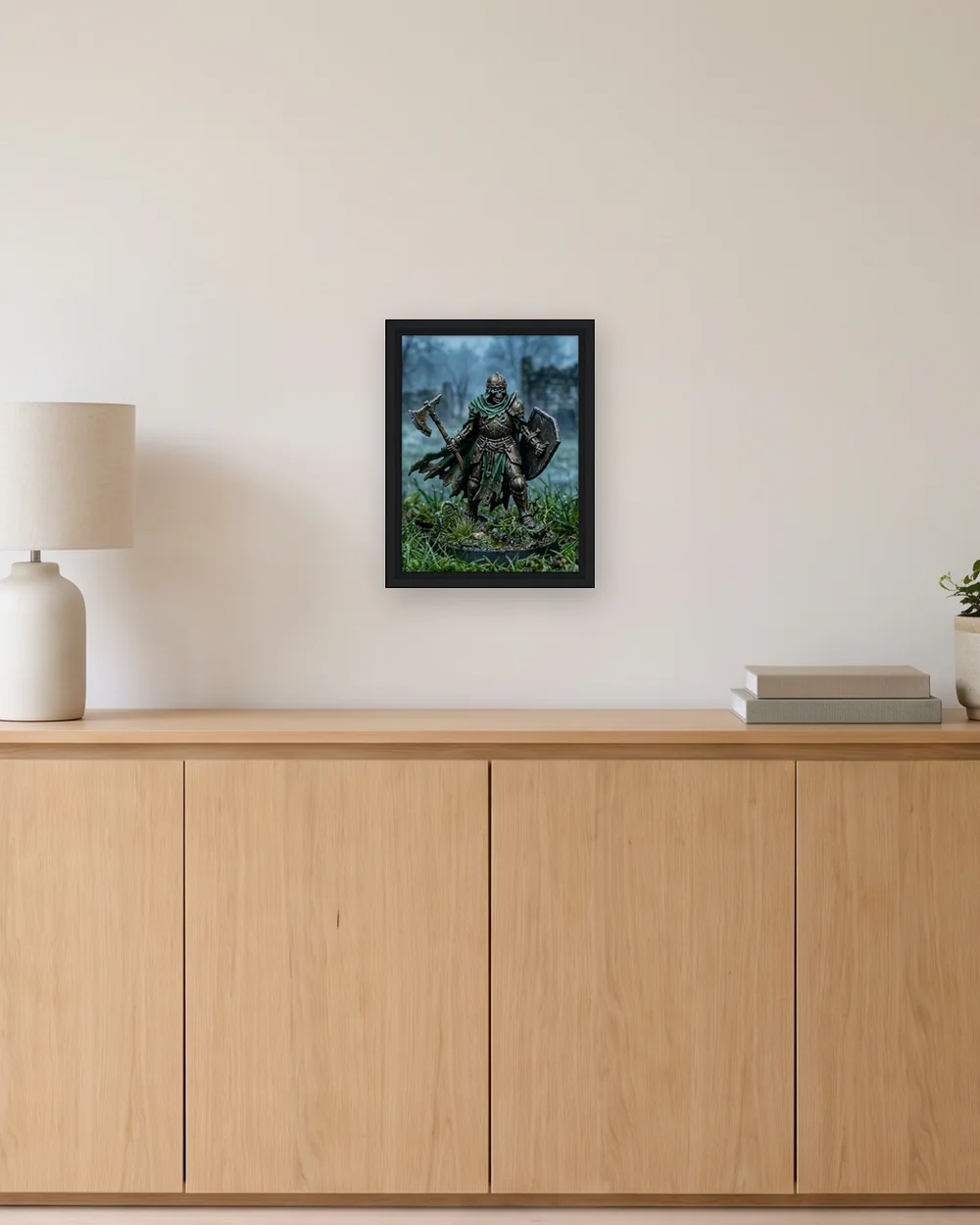
Canvas size and outside size
The 20 × 25 cm canvas has a 25.2 × 30.2 cm outside frame (about 9.9 × 11.9 inches). The 30 × 40 cm canvas has a 35.2 × 45.2 cm frame (13.9 × 17.8 inches). The 40 × 50 cm canvas has a 45.2 × 55.2 cm frame (17.8 × 21.7 inches). Measure the outside frame when planning wall space.
Which shape fits your artwork
The three canvas-face sizes have two shapes. The 7.9 x 9.8 in (20 x 25 cm) and 15.7 x 19.7 in (40 x 50 cm) canvases share a 4 to 5 shape, and the 11.8 x 15.7 in (30 x 40 cm) canvas is 3 to 4. Pick the size closest to the shape of your picture and a smaller part of it is trimmed. The crop preview shows exactly what is cut before you pay, so keep faces, signatures and lettering clear of the edges.
Framed canvas or plain canvas
The frame is black wood and the only frame on offer. If you want a larger picture, or no frame, the canvas runs to four sizes and is sold unframed. If you would rather hang paper in a frame, the framed prints use A3 or A2 paper.
Getting your picture ready
Upload through Print your original artwork to print a painting or photo as it is, or use Create a scene for a photo of a painted miniature. The upload withdraws any size your file is too small to print sharply. Preparing your artwork covers the photo itself.
How a painted figure fills a framed canvas
A framed canvas is the largest home for a single model, so the photo has to be sharp at the face. Shoot level with the figure in soft light and fill the frame. For a wider piece, place the figure in a scene in the studio and judge the free preview before you order.
Start with the image
Upload a JPEG, PNG, or WebP up to 10 MB. You must own the image or have permission to reproduce it. Your original artwork can go straight to the product selector, unchanged. If you start with a painted miniature, the optional scene studio lets you explore a different setting first.
Check before you order
The selector shows available sizes, finishes, and USD prices, and checks your image resolution. Pick a product to inspect the crop. Compare every size and price, or read our file preparation notes.
Made for you
Our print partner produces your selected product to order. The product image shows example artwork; yours is printed from your own file. Your finished item uses the image and crop you select. Read shipping and returns before placing your order.