Print your miniature photo as it is
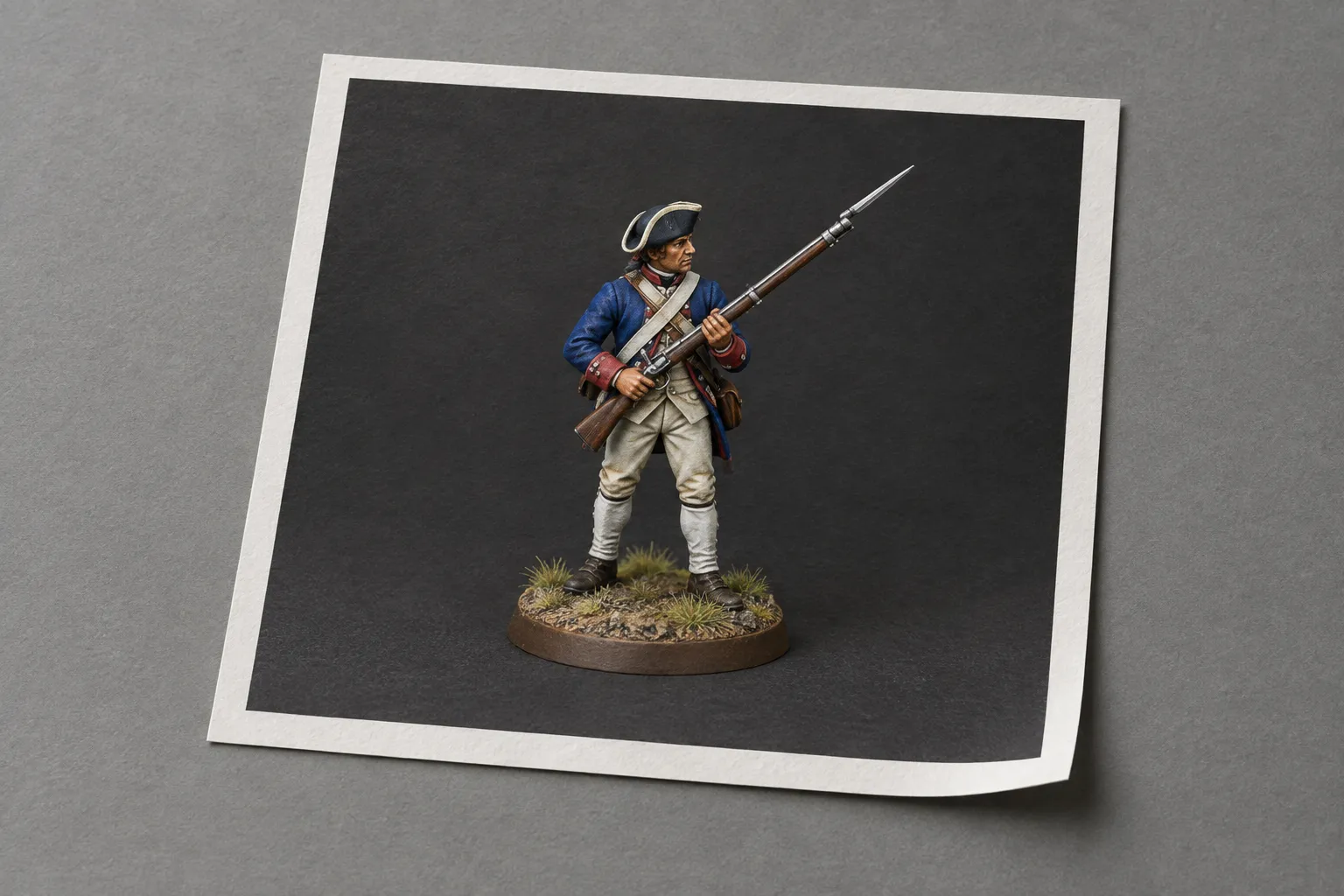
Brush & Paint prints a photo of your painted miniature as it is: upload it, pick a product, check the crop and order. This route prints the photo you upload unchanged.
Choose what to print it on
-
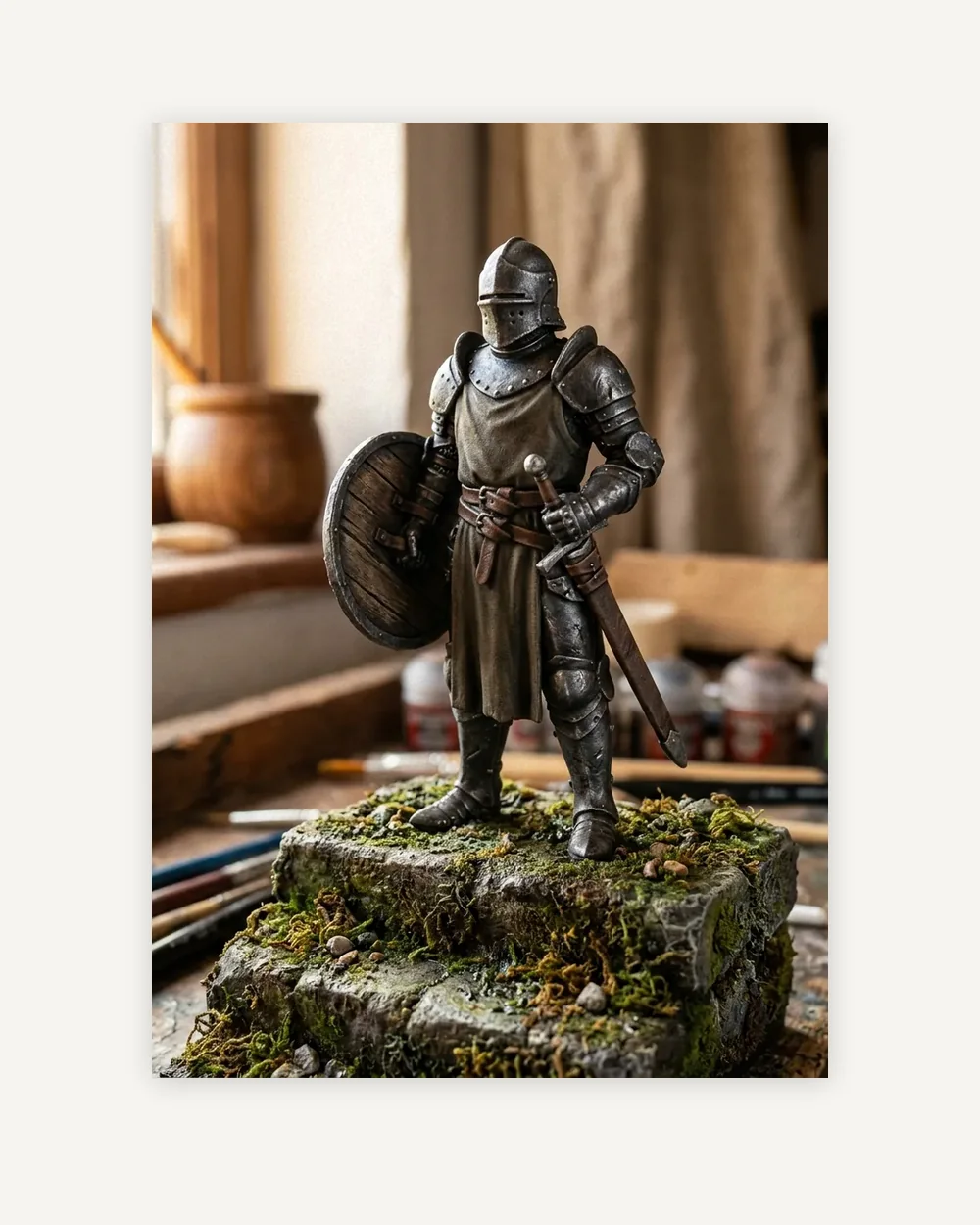 Art prints From $16.76 Upload for art prints
 -
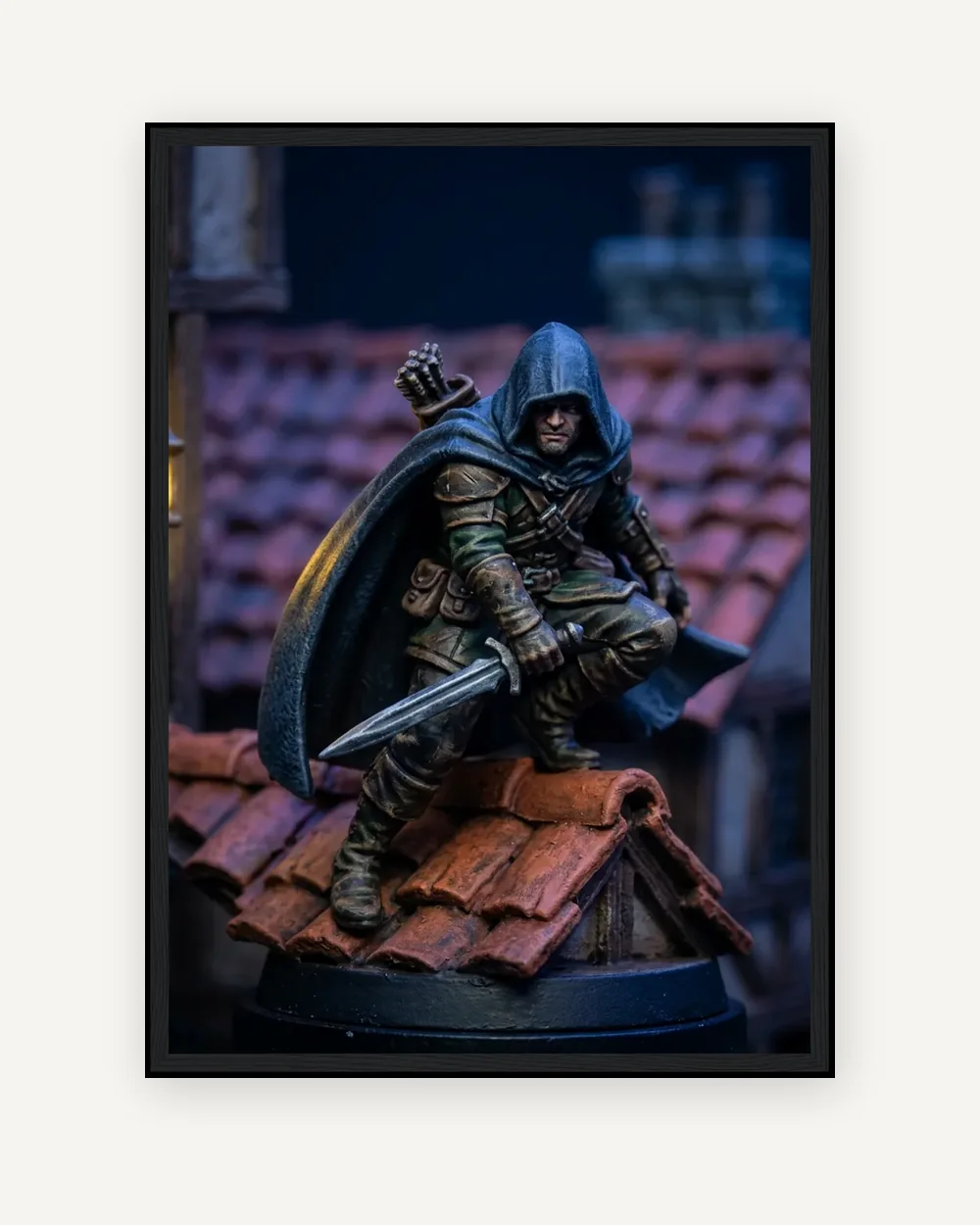 Framed prints From $74.98 Upload for framed prints
 -
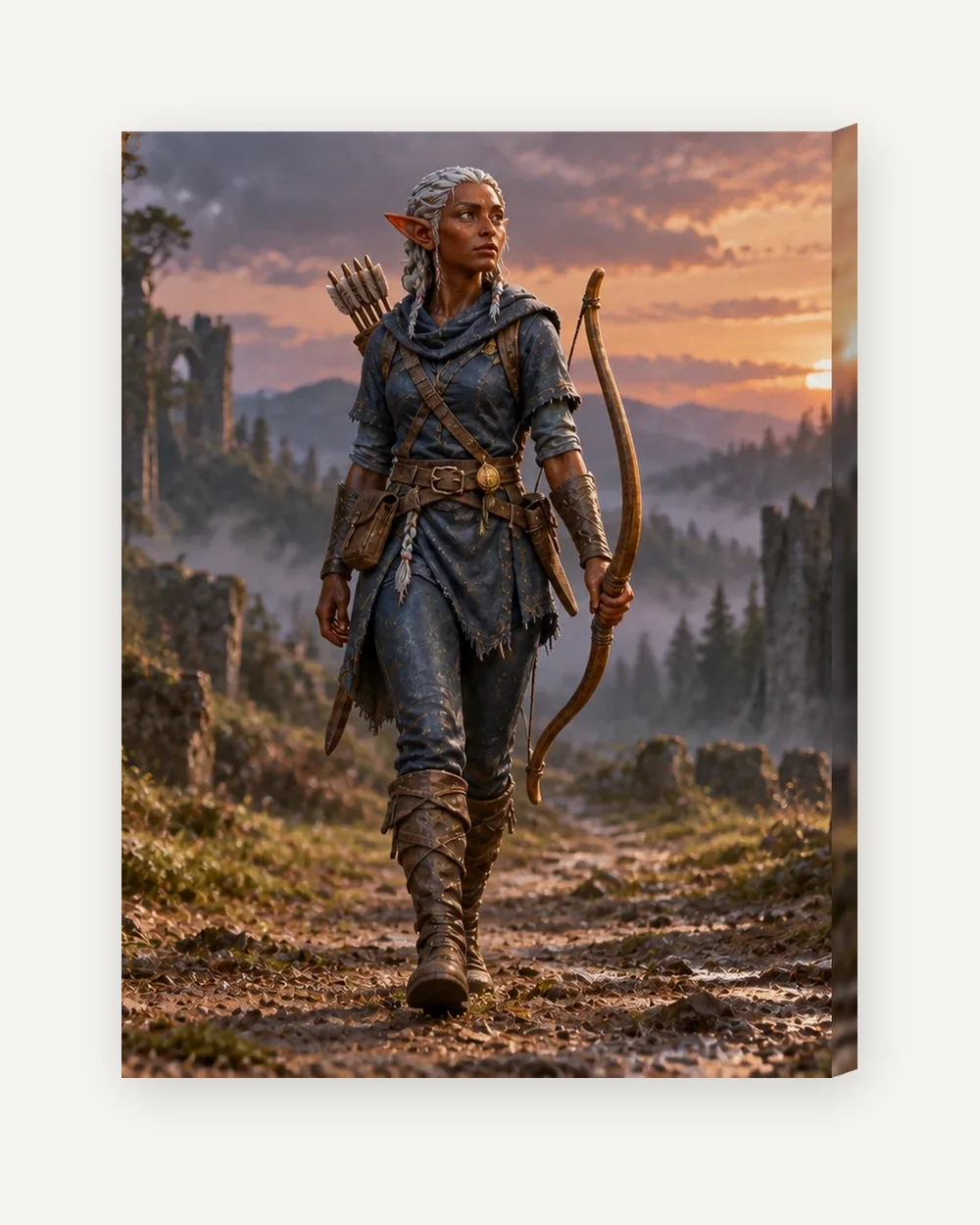 Canvas From $49.78 Upload for canvas
 -
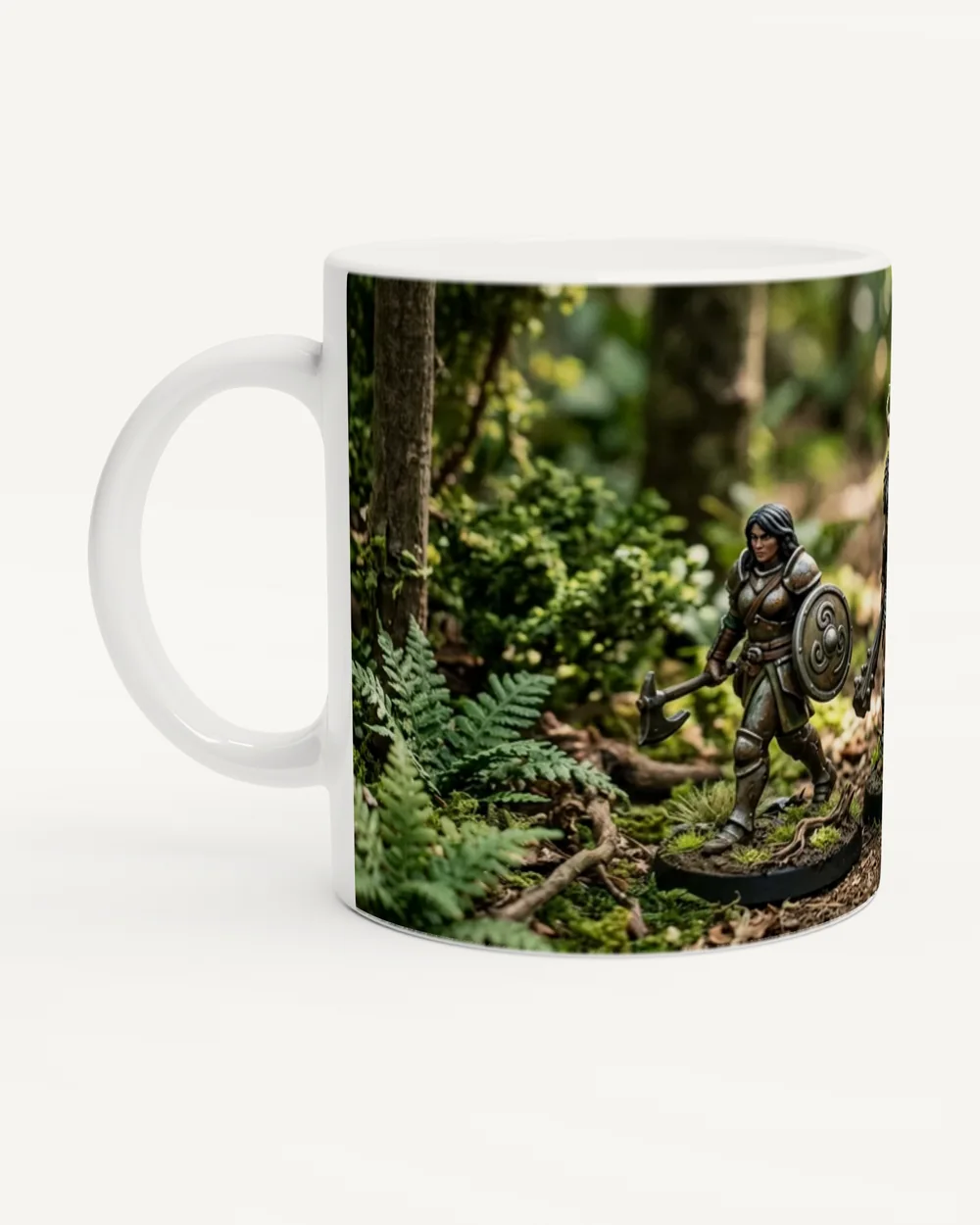 Mugs $12.52 Upload for mugs
 -
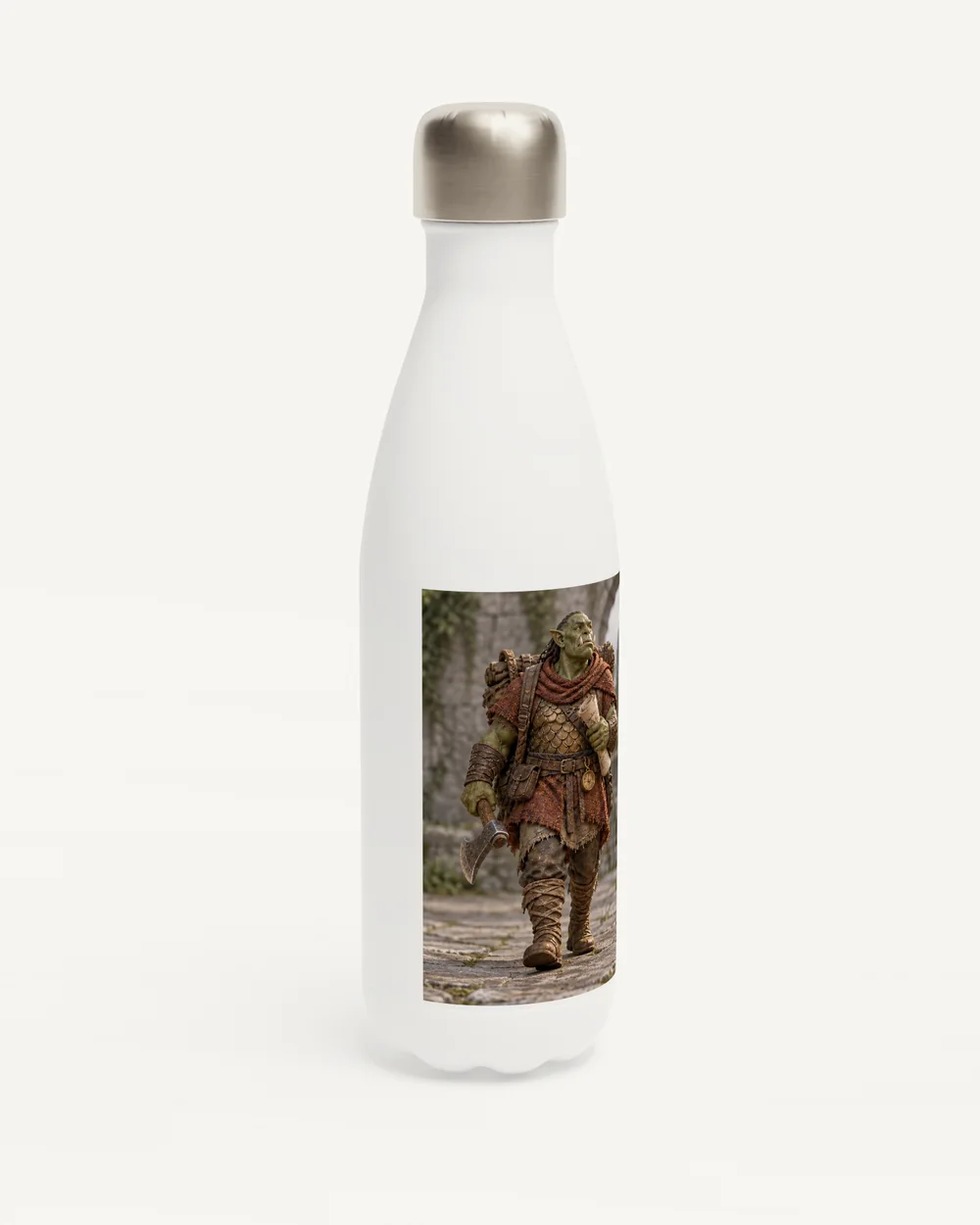 Water bottles $30.10 Upload for water bottles
 -
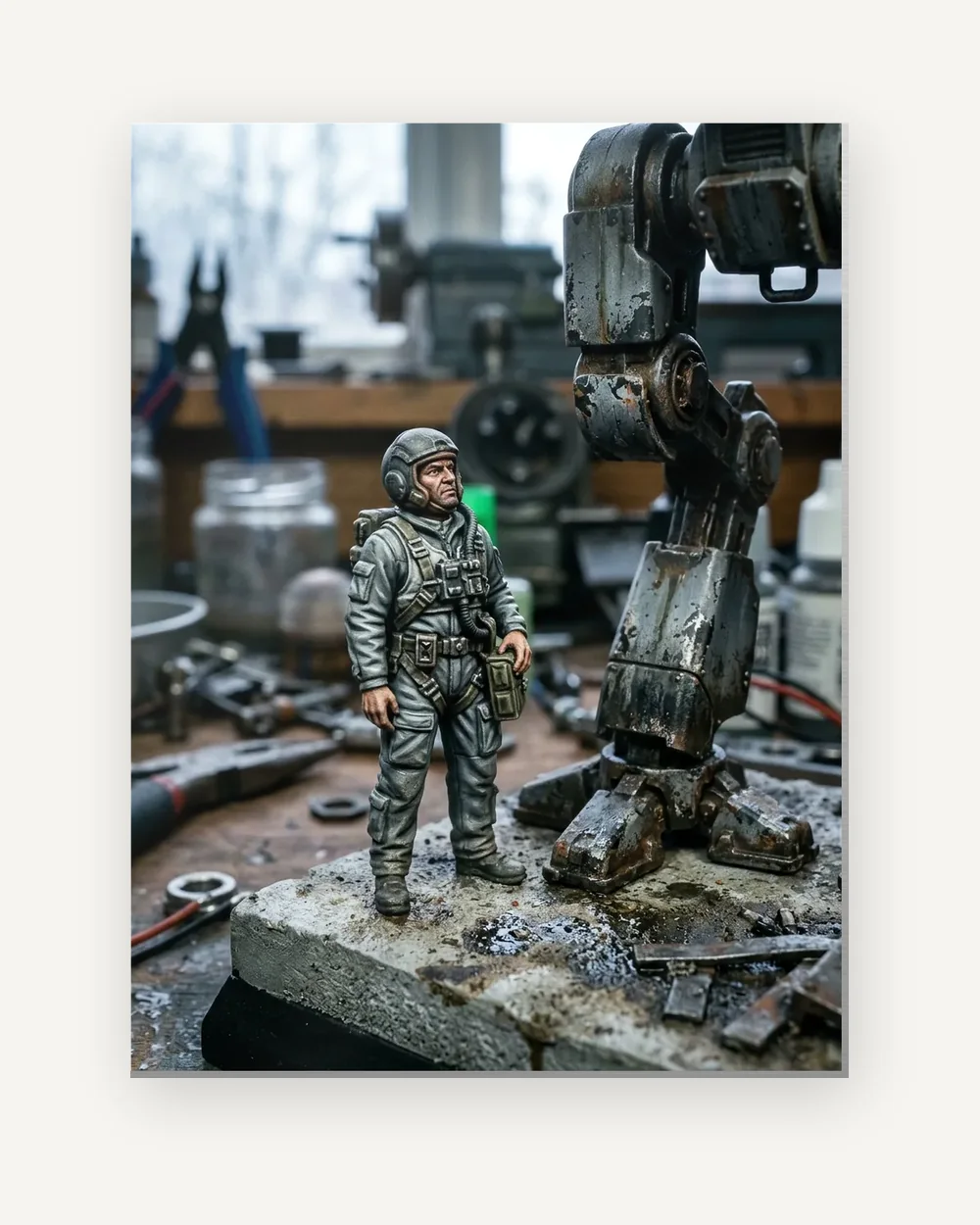 Metal prints From $47.38 Upload for metal prints
 -
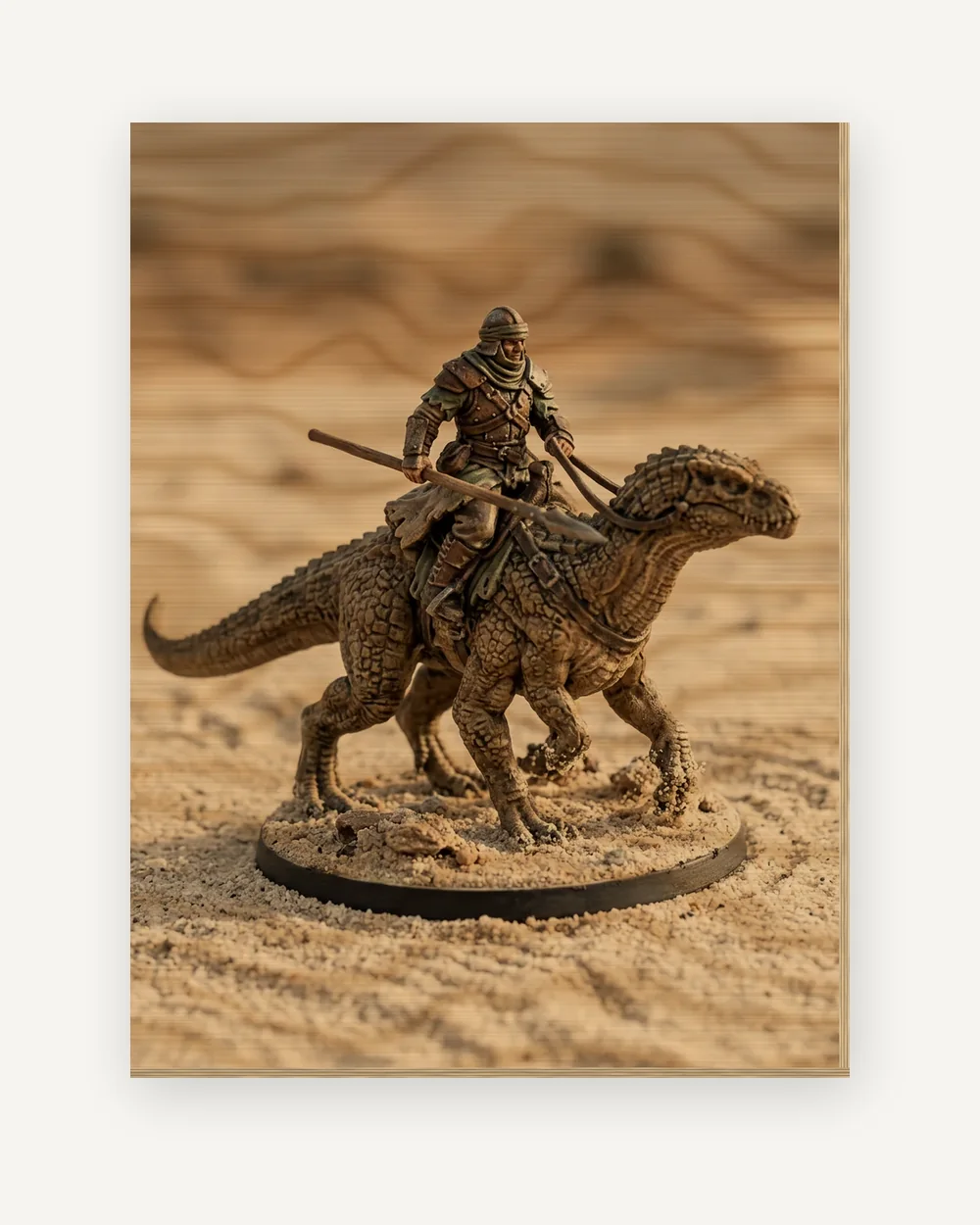 Wood prints From $79.34 Upload for wood prints
 -
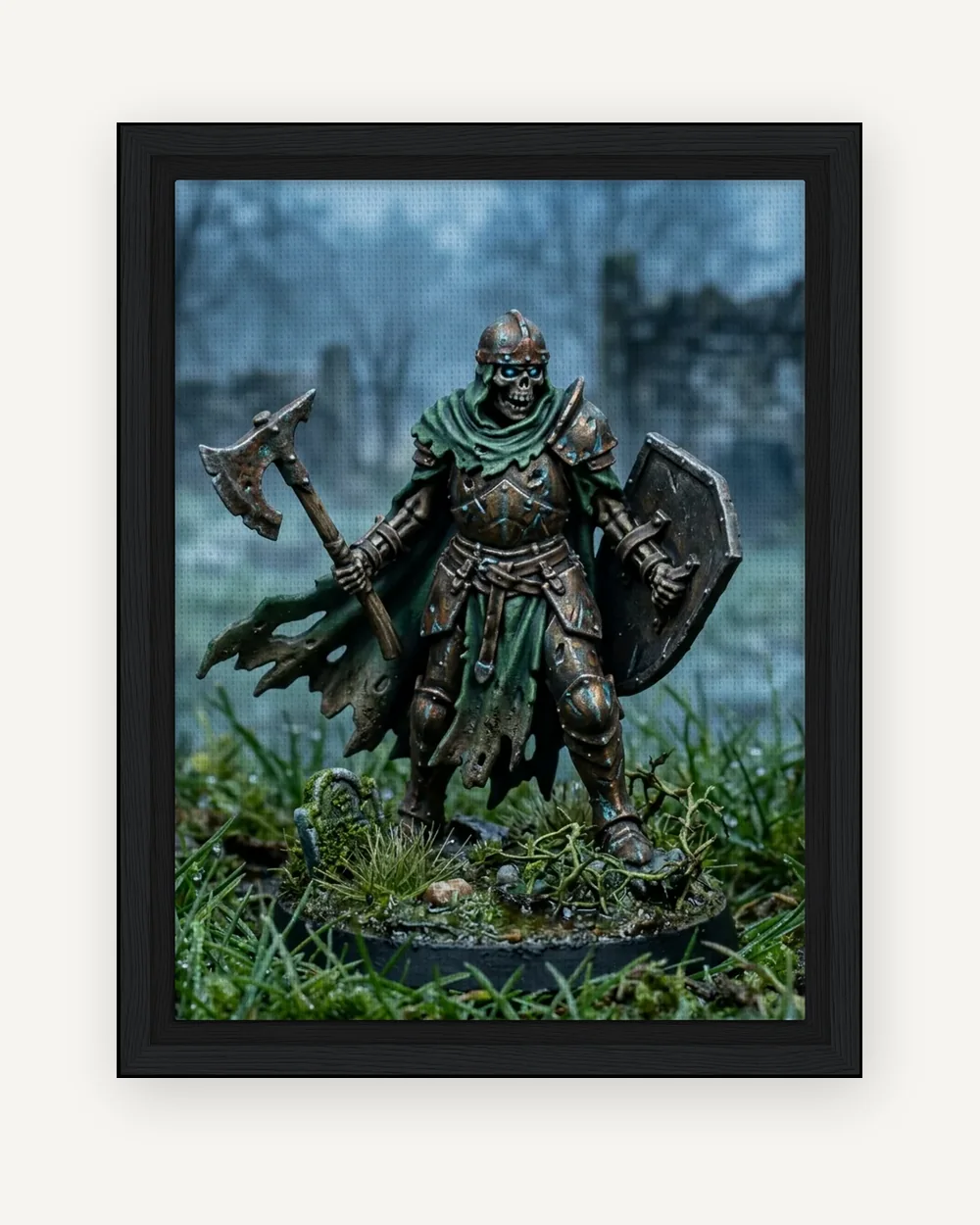 Framed canvas From $65.40 Upload for framed canvas
 -
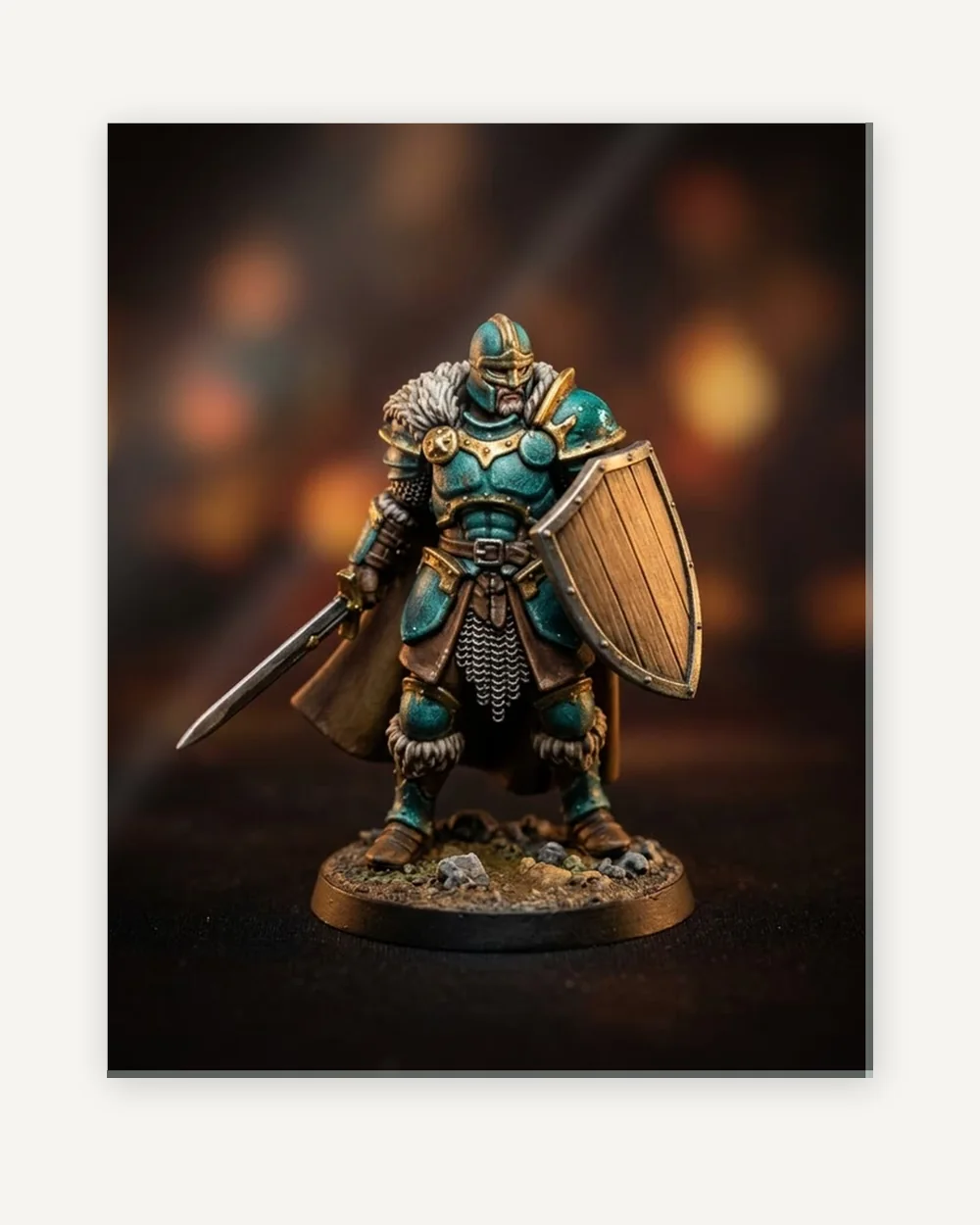 Acrylic prints From $56.20 Upload for acrylic prints
 -
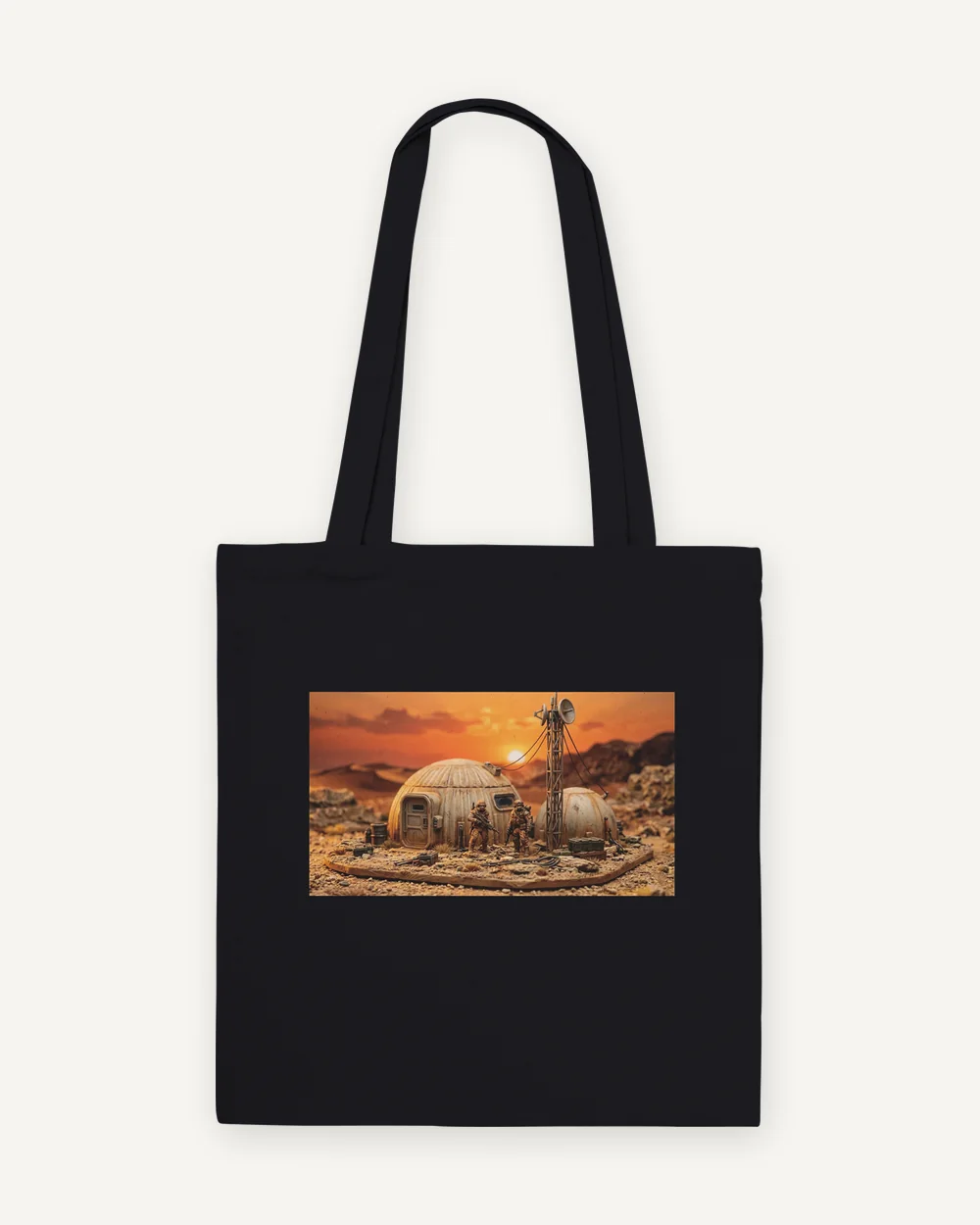 Tote bags From $22.72 Upload for tote bags
 -
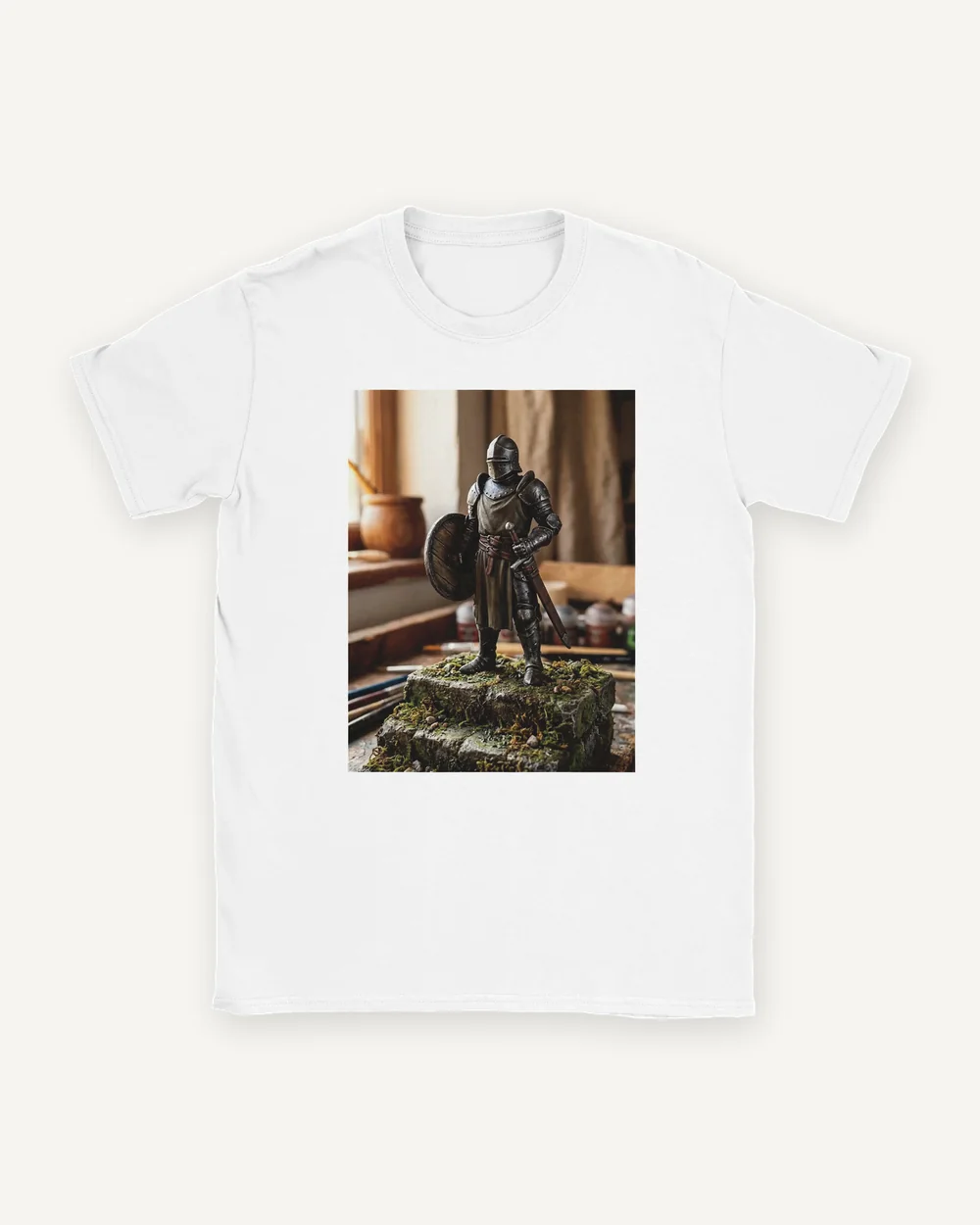 T-shirts From $19.18 Upload for t-shirts
 -
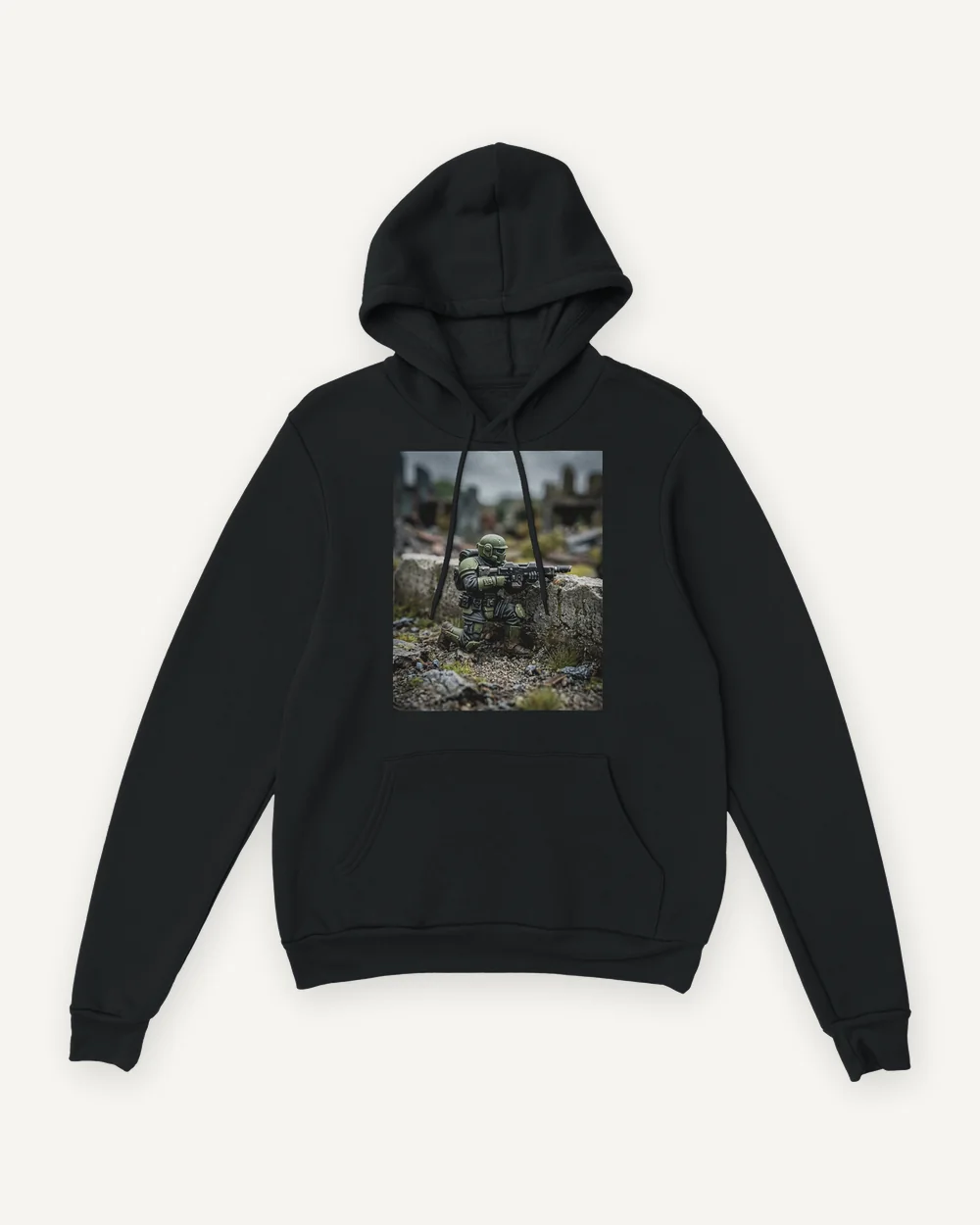 Hoodies From $43.18 Upload for hoodies
 -
 Digital download $13.99 Upload for digital download
Jump to a section · 5 sections
This page is for the photo you already have: a painted figure on the desk, a finished squad lined up on a board, a commander you spent a month on. Pick a product above and the upload step opens with that product selected. After you upload the photo, we check it against each size, then you pick a size, see the crop and order.
What happens to the photo
It is printed as it is. Nothing is restyled on this route: the file you upload is cropped to the product you chose, and the crop is shown to you before you add anything to the cart. If you want the figure placed in a new setting instead, that is a separate route, Create a scene, where you approve a watermarked preview before anything is printed.
What the upload checks
JPEG, PNG or WebP, up to 10 MB. Every size is checked against the pixels in your file: 300 dpi or more is graded Sharpest, 140 to 300 dpi prints well, and a size under 140 dpi cannot be chosen. You also confirm that you own the photo or have permission to reproduce it.
| Resolution at that size | Result |
|---|---|
| 300 dpi or more | Graded Sharpest |
| 140 to 300 dpi | Prints well |
| Under 140 dpi | Cannot be chosen |
One figure or a whole army
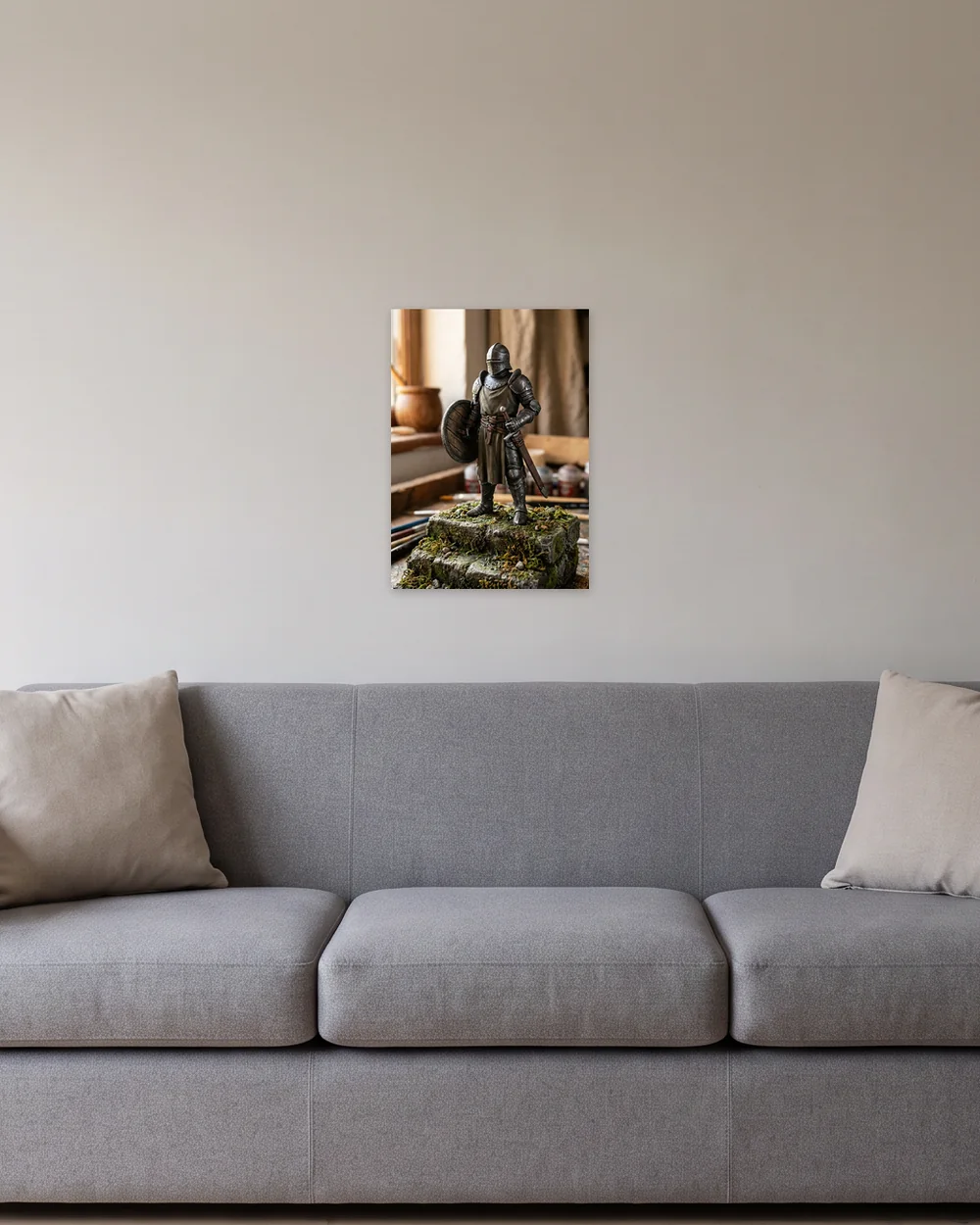
A single figure holds up as a close portrait on a mug, a T-shirt or a smaller art print. A lineup shot from further back has more to show and needs more pixels, so it suits the larger sizes of canvas or a framed print, if the file can carry them.
Take the photo for print
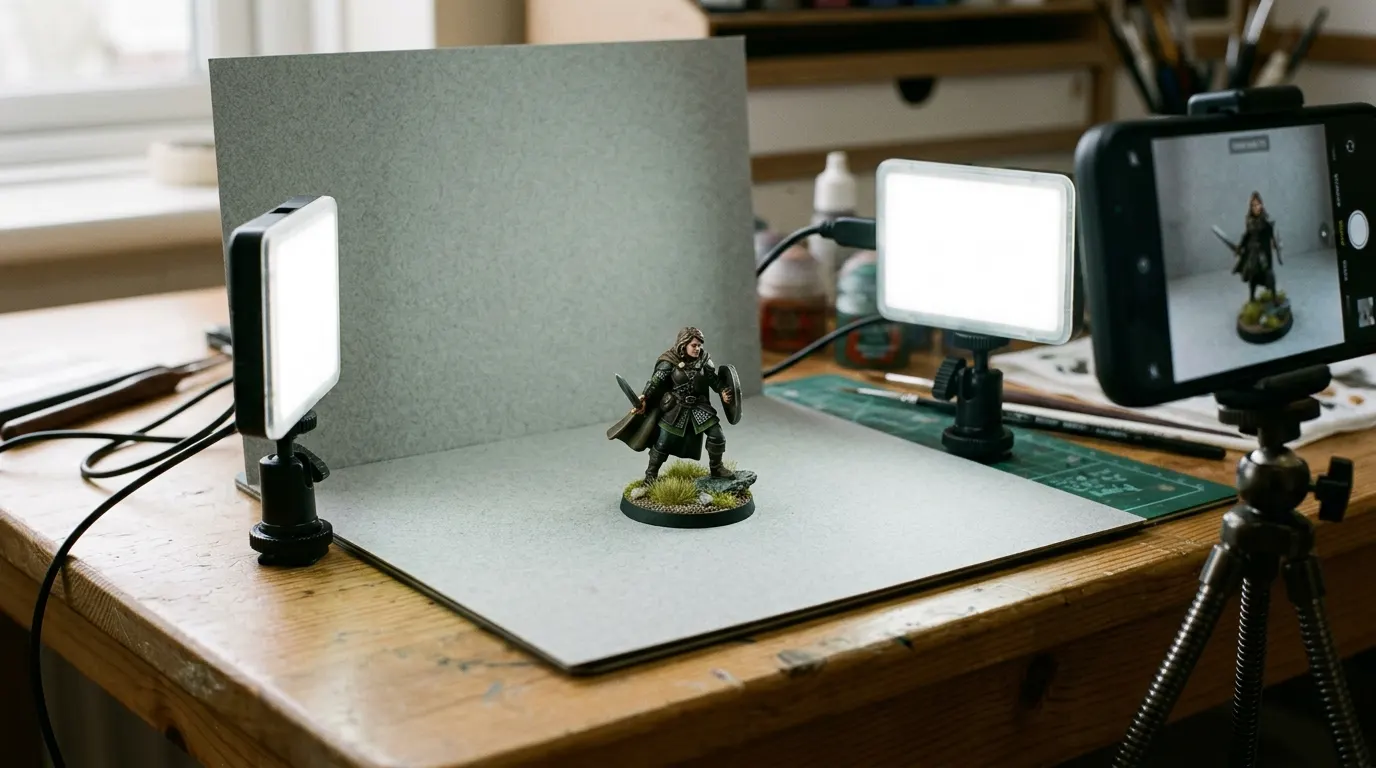
Light the figure softly and evenly against a plain background, shoot from the level of its eyes, and keep the whole base in the frame. How to photograph miniatures covers the setup, and preparing your file covers resolution and crop.
Price, shipping and what arrives
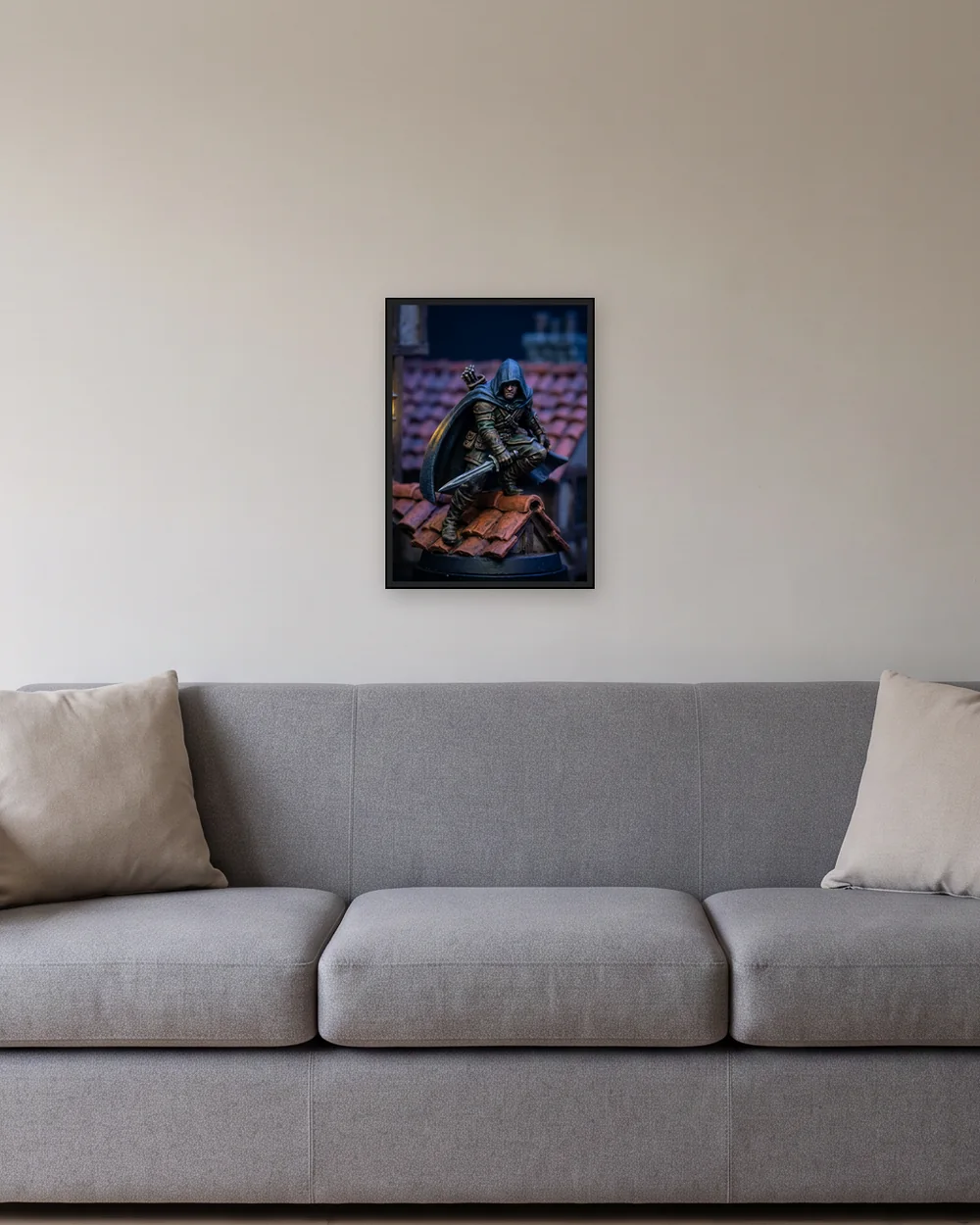
Each product shows its price in US dollars before you upload. Shipping is calculated at checkout for your US address; a digital download has no shipping. Everything is made to order after you pay, through our print partner. If an order arrives damaged or with a print fault, we reprint or refund it at our cost.
Questions and answers
Where can I get a print of my painted miniature?
Brush & Paint prints the photo of your painted miniature as it is, on an art print, a framed print, canvas, metal, wood, acrylic, a mug, a T-shirt and more. Upload it on this page and every size is graded against your file before you choose one. Each product shows its price in US dollars, and shipping to your US address is added at checkout.
How do I get prints of my artwork made?
Choose a product on this page, upload the photo or file, check the crop and add it to your cart. The price shown is the price of that size; shipping is added at checkout.
Will the print look like my photo?
The direct route prints your file unchanged, cropped to the product. A screen emits light and paper reflects it, so bright colors can print a little more subdued.
What sizes can I print?
It depends on the product and on your file. Art prints run from 8 x 10 in to 27.6 x 39.4 in (70 x 100 cm), and the upload withdraws any size your file is too small for.