A-series paper sizes, A1 to A5
A-series paper sizes in inches first: A4 is 8.27 × 11.69 inches, A3 is 11.69 × 16.54 and A2 is 16.54 × 23.39. Millimeters, centimeters and pixels follow. A0 is 841 × 1189 mm and every size after it halves the longer side, so all of this is arithmetic.
Jump to a section · 7 sections
Shopping for a frame in the United States? Check the exact opening in inches. A-series paper is a different shape from US Letter (8.5 × 11 inches) and Tabloid (11 × 17 inches). A paper-size reference does not mean every size is sold in our store.
The A series is defined, not measured: A0 is 841 × 1189 mm, and each size after it halves the longer side. Every number on these pages is worked from that, so none of it is copied from another chart.
A-series paper sizes, and the standard print sizes, at a glance
| Size | Millimeters | Centimeters | Inches | Pixels at 300 dpi |
|---|---|---|---|---|
| A1 | 594 × 841 mm | 59.4 × 84.1 cm | 23.39 × 33.11 in | 7016 × 9933 px |
| A2 | 420 × 594 mm | 42 × 59.4 cm | 16.54 × 23.39 in | 4961 × 7016 px |
| A3 | 297 × 420 mm | 29.7 × 42 cm | 11.69 × 16.54 in | 3508 × 4961 px |
| A4 | 210 × 297 mm | 21 × 29.7 cm | 8.27 × 11.69 in | 2480 × 3508 px |
| A5 | 148 × 210 mm | 14.8 × 21 cm | 5.83 × 8.27 in | 1748 × 2480 px |
Which one should you print at?
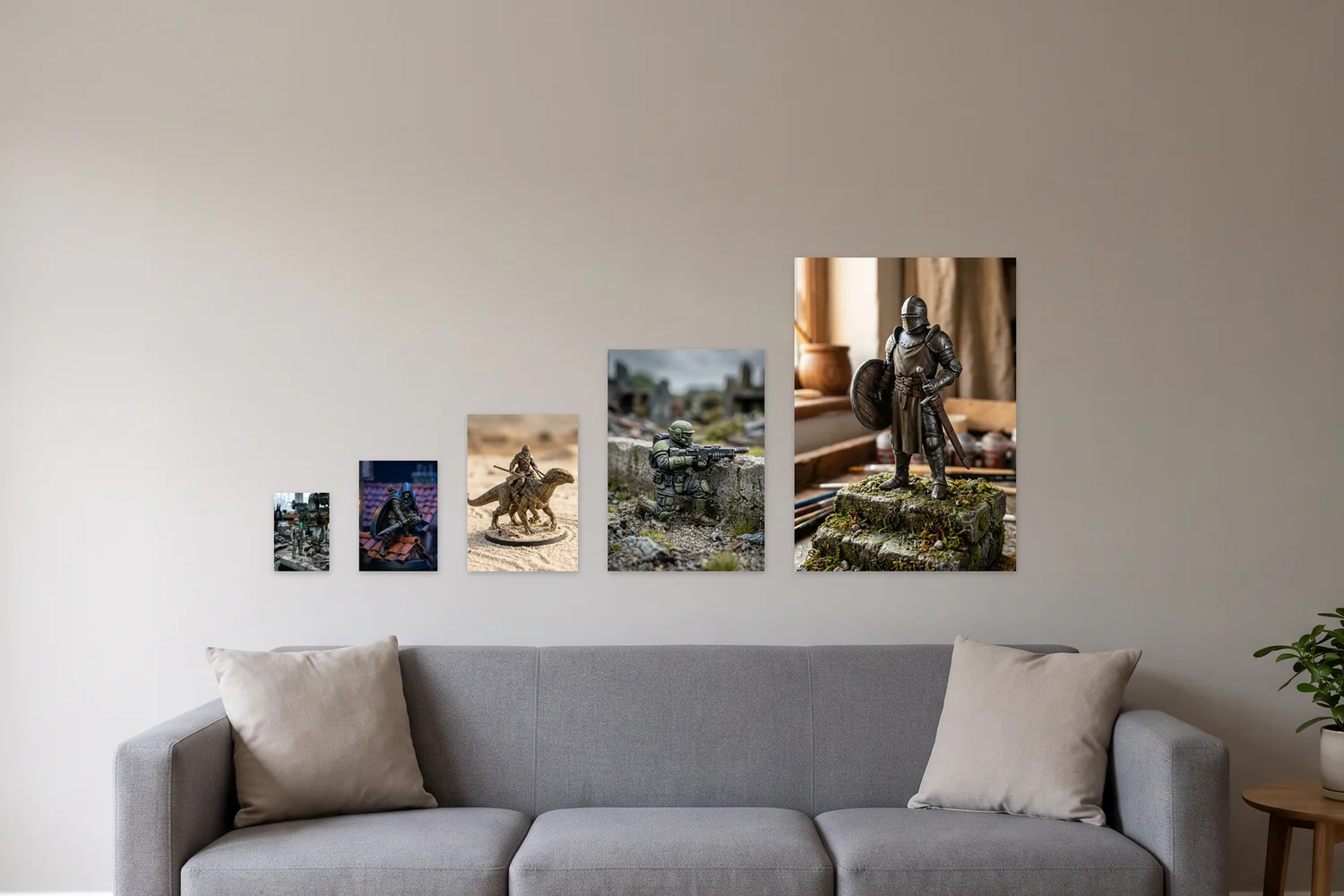
Work back from the wall, not from the file. Measure the space, decide how far away you will normally stand, and let that pick the size: then check the file afterwards instead of letting it decide for you. Each of the five pages below covers one size in full, including what it's like to live with and what we print at it.
Then check the file will carry it. Pixels ÷ dpi gives you inches, so a 3508 × 4961 px image is A3 at 300 dpi to the nearest pixel; the section below runs that arithmetic for every size in the table.
Why the numbers are these numbers
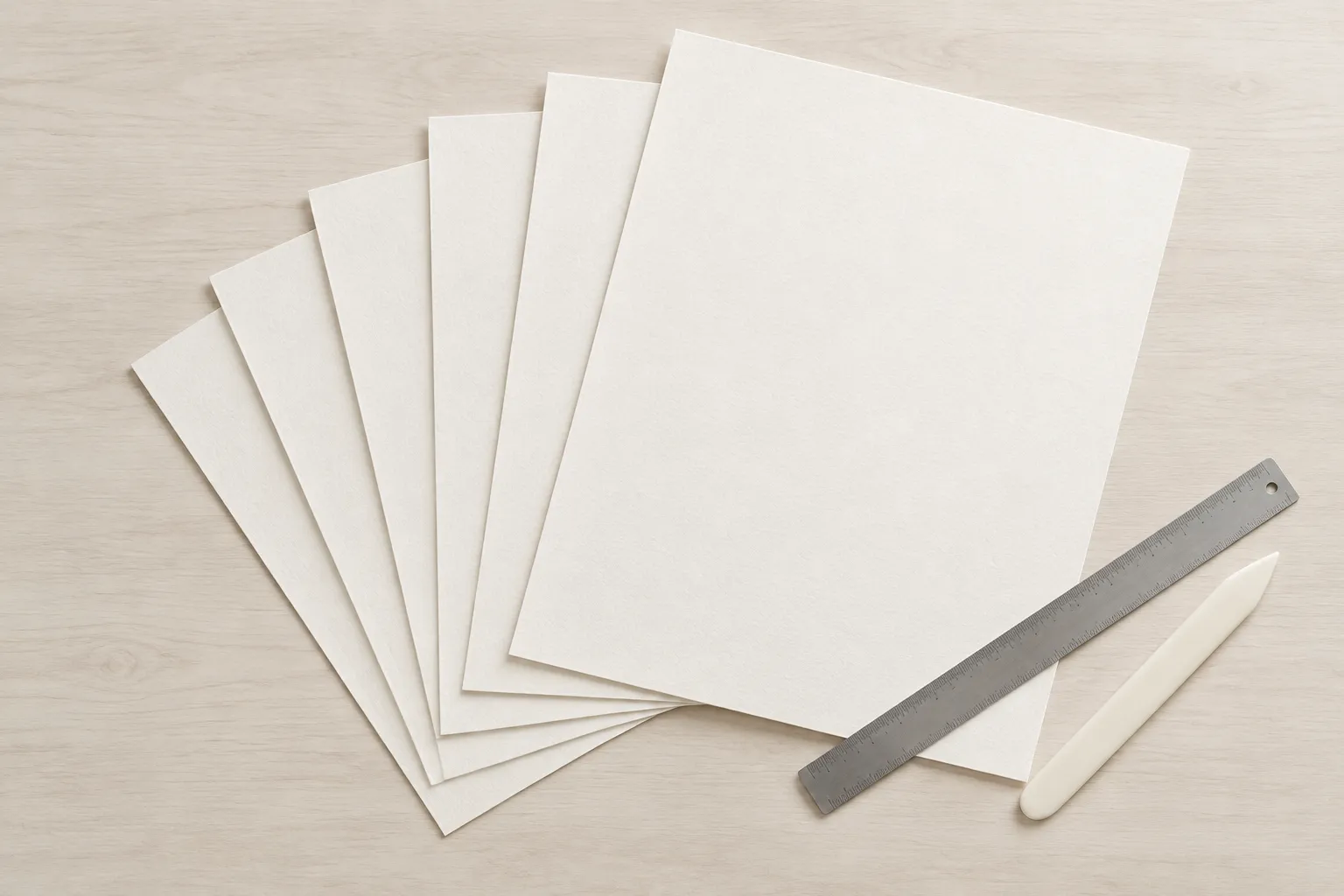
A0 was chosen to be a square meter at a proportion of 1 to the square root of 2, and 841 × 1189 mm is what that comes to in whole millimeters: 999,949 mm², fifty-one square millimeters shy of the meter it is named for. Root 2 is the only proportion that a halving leaves unchanged, which is the entire reason the series works: cut any sheet across its longer side and both halves are the same shape as the original.
The part that most size charts get wrong is what happens next. ISO 216 rounds every halving DOWN to whole millimeters, so the doubling is only exact where the division happened to be even. A3 really is two A4 sheets and A2 really is two A3 sheets, to the millimeter. A1 isn't quite two A2 sheets: it's 841 mm long where two A2 widths make 840, and it covers 499,554 mm² against their 498,960. Between A4 and A5 the gap is 210 mm², for the same reason. The shape is preserved everywhere; the fit isn't.
Standard art print sizes that are not A sizes
| Poster size | Inches | Area | Nearest A size | A size area |
|---|---|---|---|---|
| 50 × 70 cm | 19.69 × 27.56 in | 350,000 mm² | A2, 42 × 59.4 cm | 249,480 mm² |
| 70 × 100 cm | 27.56 × 39.37 in | 700,000 mm² | A1, 59.4 × 84.1 cm | 499,554 mm² |
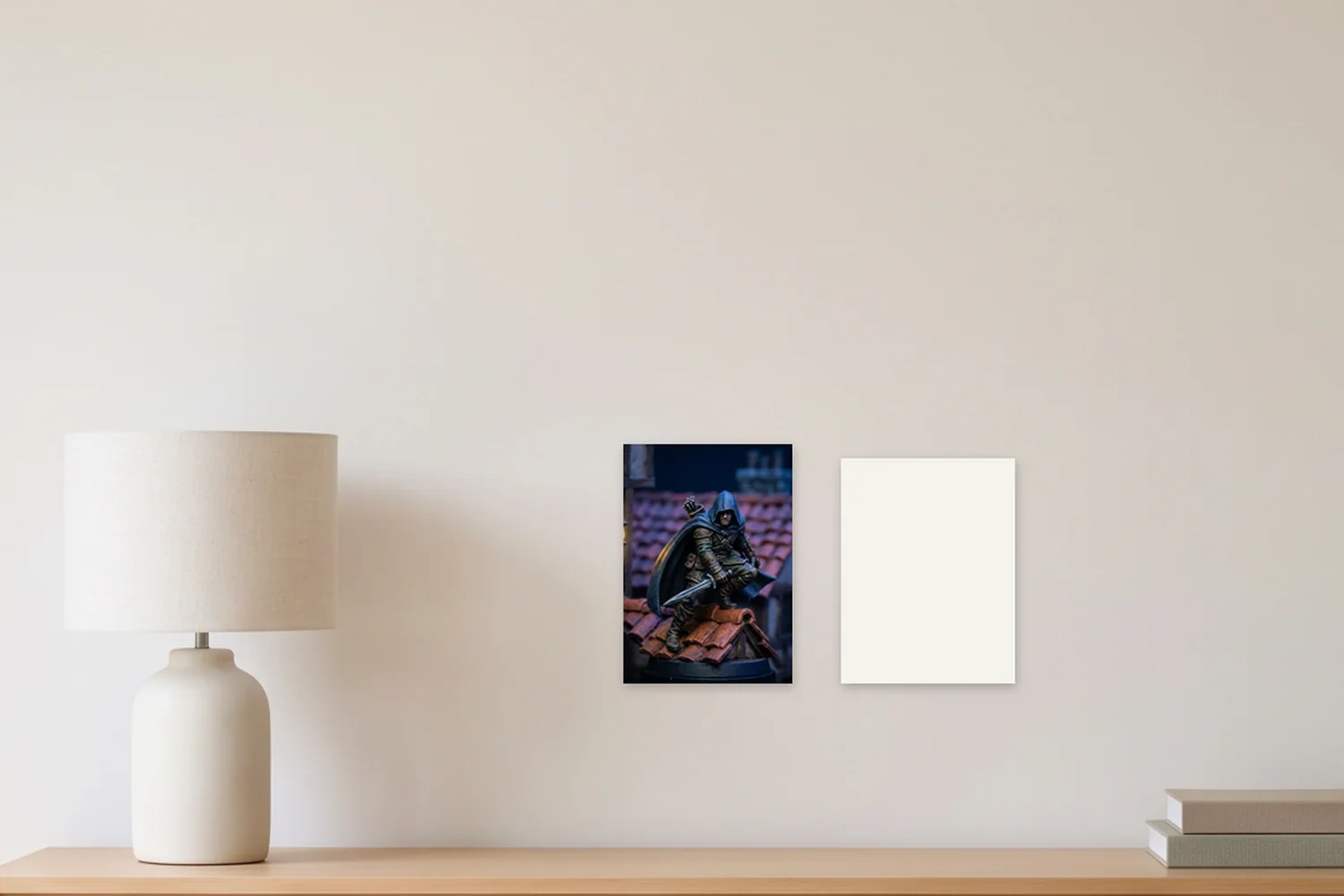
Two of the ten poster sizes here are metric, not A-series, and they are the ones people most often mistake for A sizes. 50 × 70 cm is the standard European poster size; it's 80 mm wider and 106 mm taller than A2, covering 350,000 mm² against A2's 249,480, so it is a full 1.4 times the area and an A2 frame won't take it. 70 × 100 cm stands in the same relation to A1: 106 mm wider, 159 mm taller, and again 1.4 times the area. Check which one your frame is cut for before ordering, because the two look alike on a screen and don't fit each other.
Pixels, dpi, and the size your file can reach
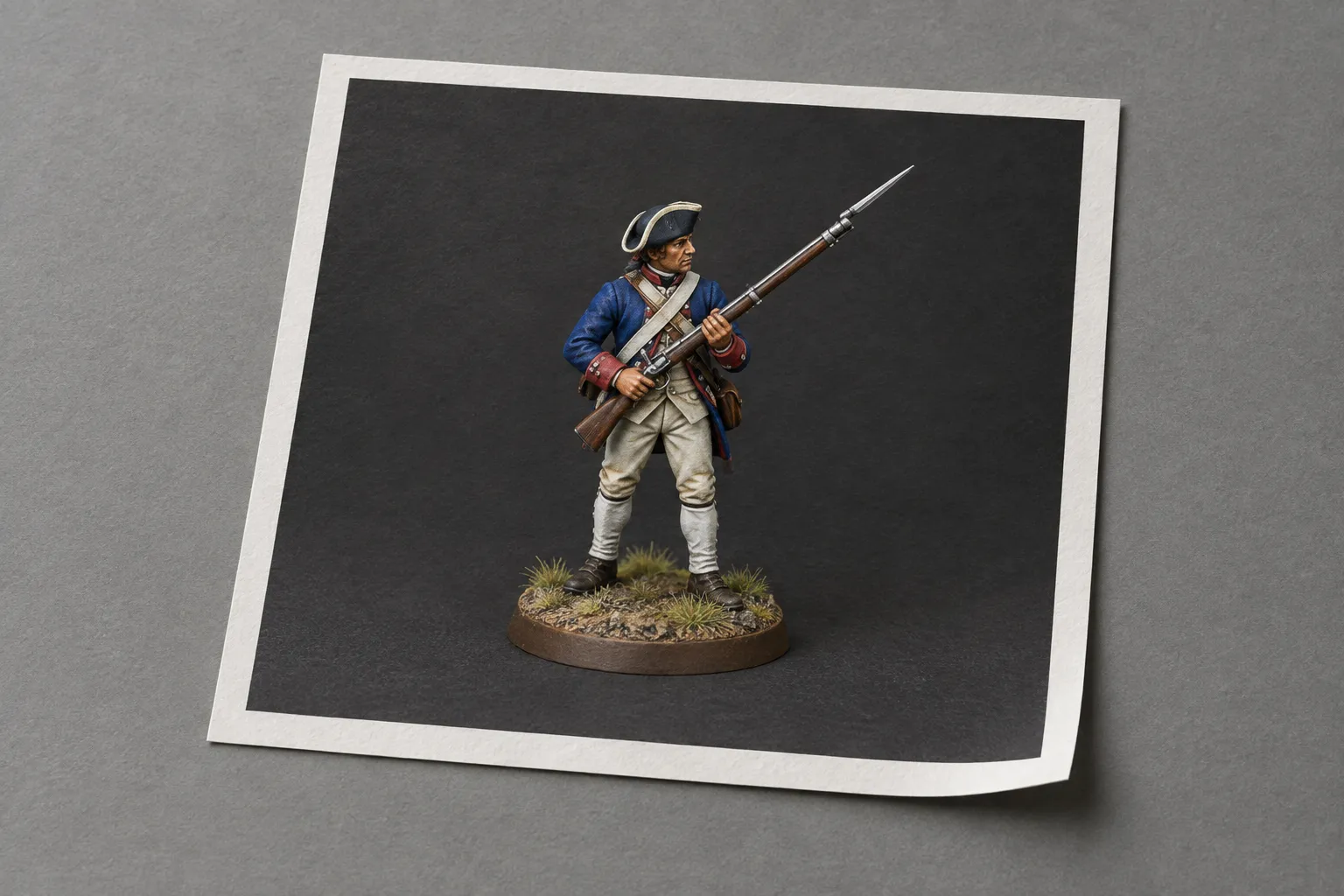
One division settles it: pixels divided by dpi gives inches. Run it the other way and a size's millimeters tell you the file it needs. A4 at 300 dpi is 2480 × 3508 pixels, about 8.7 megapixels; A3 is 3508 × 4961, roughly 17; A2 is 4961 × 7016, about 35; A1 is 7016 × 9933, near 70. Each of those roughly quadruples as you go up two sizes, because each size is very nearly twice the area of the one below.
| Size | At 300 dpi | At 150 dpi |
|---|---|---|
| A1 | 7016 × 9933 px | 3508 × 4967 px |
| A2 | 4961 × 7016 px | 2480 × 3508 px |
| A3 | 3508 × 4961 px | 1754 × 2480 px |
| A4 | 2480 × 3508 px | 1240 × 1754 px |
| A5 | 1748 × 2480 px | 874 × 1240 px |
Three hundred dpi is a convention, not a law, and it matters most for things held close. A poster read from across a room is perfectly happy at 150, which halves every figure above. Nothing here has to be worked out by hand before ordering: the resolution check runs on your own file at the upload step and simply stops offering the sizes it would not print well.
American frames and posters
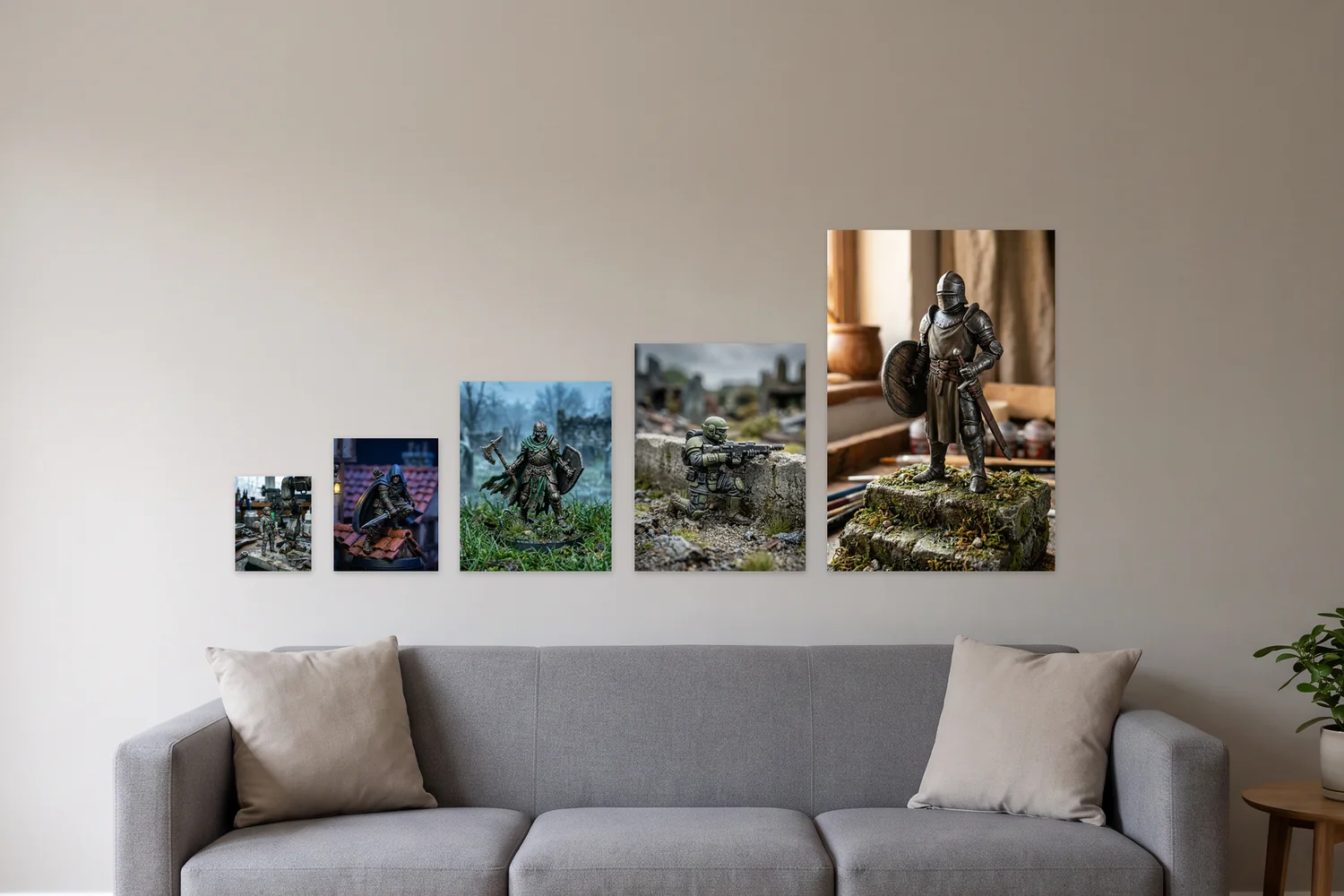
American frames and posters use their own inch sizes, such as 11 x 14, 18 x 24 and 24 x 36, which are a different shape from the A series. Standard poster sizes lists them in inches and pixels, and shows which of them we print.
Size references
ISO 216 defines the A and B paper-size series. Inch conversions use NIST’s exact definition of one inch as 25.4 mm. These are reference sizes; compare the US print sizes actually available before ordering.
Pixel and print-size converter
What each size needs, computed from ISO 216
| Size | Millimeters | 72 dpi | 150 dpi | 300 dpi |
|---|---|---|---|---|
| A1 | 594 × 841 mm | 1684 × 2384 px | 3508 × 4967 px | 7016 × 9933 px |
| A2 | 420 × 594 mm | 1191 × 1684 px | 2480 × 3508 px | 4961 × 7016 px |
| A3 | 297 × 420 mm | 842 × 1191 px | 1754 × 2480 px | 3508 × 4961 px |
| A4 | 210 × 297 mm | 595 × 842 px | 1240 × 1754 px | 2480 × 3508 px |
| A5 | 148 × 210 mm | 420 × 595 px | 874 × 1240 px | 1748 × 2480 px |
Divide pixels by dpi and you have the size in inches. Three hundred dpi is a convention for things held close, not a rule; a print read from across a room is untroubled at 150. Every size above is worked from the ISO 216 definition: A0 is 841 × 1189 mm and each size halves the longer side, rounded down to whole millimeters.
Questions and answers
Why does each A size halve the one before it?
Because ISO 216 defines them that way, keeping the same 1:root-2 proportion at every size. It is why an A3 is exactly two A4s, and why artwork scales between sizes without recropping.
What resolution do I need for an A3 print?
3508 × 4961 pixels at 300 dpi. At 150 dpi it is 1754 × 2480. The upload step measures your file and only offers the sizes it can print sharply.