Miniature photo backdrops: choose a scene for your painted figure
Miniature photo backdrops should help you see the figure and understand its story. Decide what deserves attention before choosing a scene.
Jump to a section · 7 sections
Miniature photo backdrops: decide what the picture is about
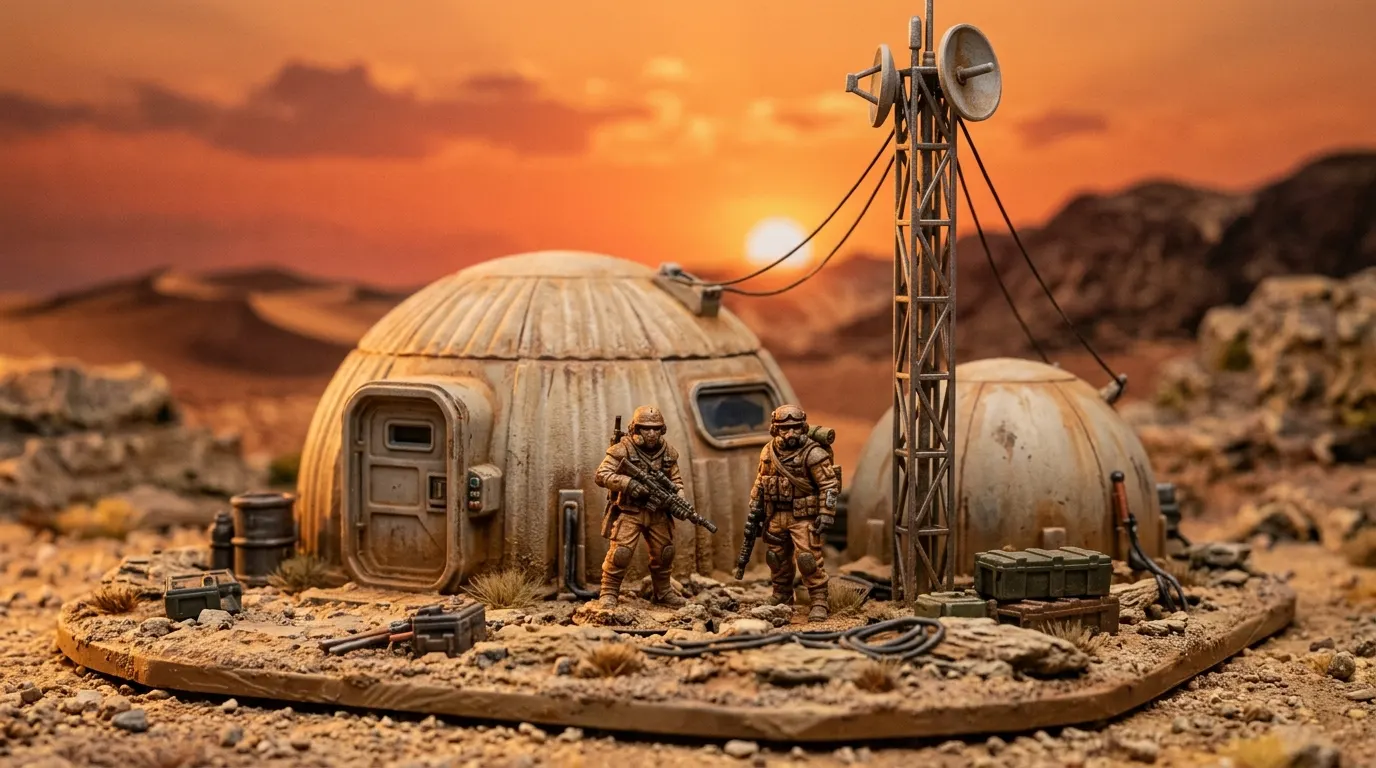
A portrait celebrates one figure and the work on it. A scene adds a location and suggests what might happen there. Neither needs to be more elaborate than the other: a busy background can take attention away from the face, a painted shield or a detail you spent time on.
Ask what you want somebody to notice first. If the answer's the paintwork, and on a figure you spent three evenings on it usually is, start with a restrained setting. If it is a moment in an original story, a landscape or interior may make sense.
Choose from the styles the studio offers
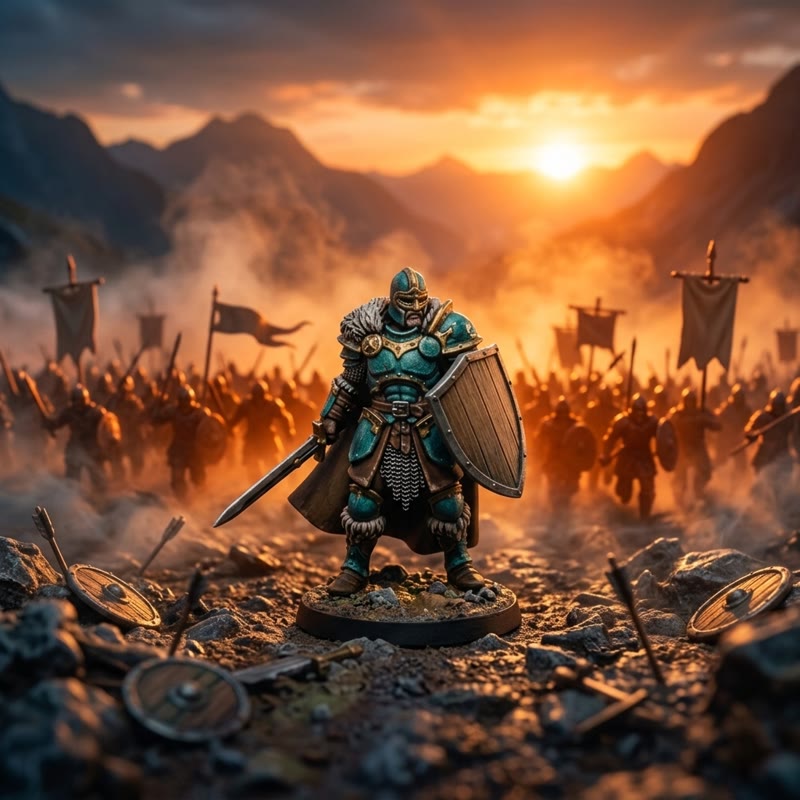
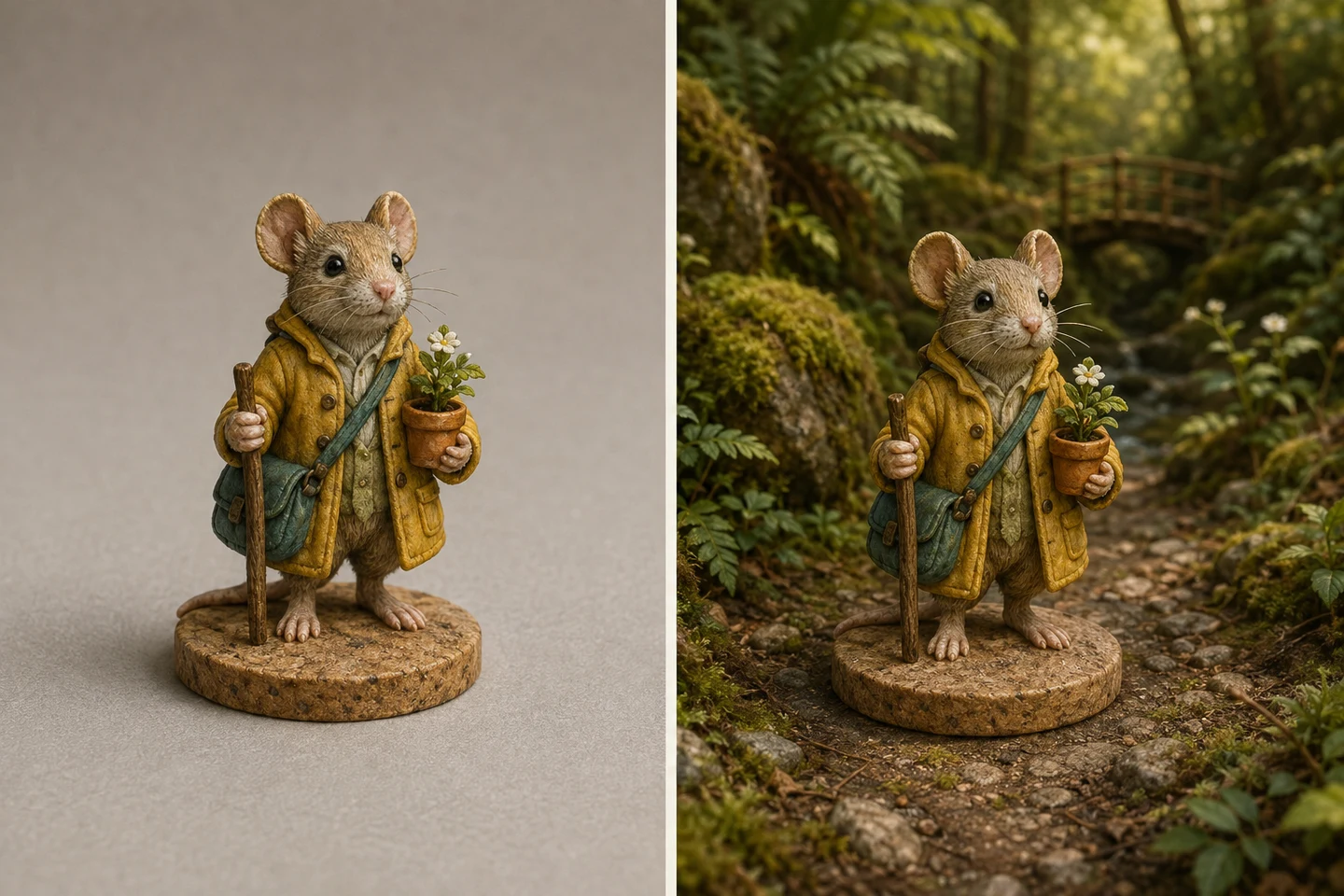
The studio uses preset styles. Read the available style descriptions and choose the one closest to your intention; this is not a promise that you can direct every object in the scene. Paintwork Portrait keeps a quiet courtyard behind the subject. Hero Portrait frames a character against a ruined fortress at dusk. Woodland Path gives a small figure a forest path, while Into Battle and The Tavern suggest a different story.
Use original subjects and settings instead of asking for a named franchise, branded costume or recognizable fictional location. Your own figure and the story you give it can be enough.
Let the existing colors lead
A dark figure needs enough separation from a dark setting to keep its outline visible. A pale figure can disappear into bright mist or a pale wall. Look at the result small first. If the figure disappears at thumbnail size, no amount of background detail is going to rescue it: the contrast is wrong, and that's a problem no scene fixes.
A warm interior may suit a calm character portrait; a broad landscape gives a solitary figure more space. Treat those as ways to judge the available results, not as instructions to repaint your model or change your finished artwork.
Check that the scene has a believable scale
Look at the feet, base and ground. Does the figure seem to stand on something, or float? Do nearby doors, rocks and furniture fit the size of the subject? Check that background objects have not joined themselves to limbs or equipment. A striking atmosphere is not a reason to overlook a broken silhouette.
Think about where the image will go
A poster gives a setting room to be seen. On a bottle or mug, the figure needs to remain readable when the image is smaller or curves away. Choose the result for the final object, not only for how it fills your screen.
Compare before you choose
Keep the original photo beside each watermarked result. Check the figure and paintwork, then the background. You have up to three successful previews per verified client per day, generated individually. Select the result you want explicitly; you do not need to use the whole allowance or buy a result you do not like.
Compare the available US sizes and USD product prices before ordering. Shipping is calculated at checkout for your cart and US address; an expedited rate appears when available.
From reference photo to finished scene
Start with a clear photograph of the complete miniature. In a scene, check that the character stays recognizable and the display base is removed. Compare the crop on a paper print before paying.
Questions and answers
Can I keep the background already in my picture?
Yes. Use direct printing if you want to keep your existing image without a scene.
Will the scene change my figure?
The aim is to retain your figure and paintwork while changing the setting, but the scene can alter details. Compare every result with your original before selecting it.
Can I type any scene I want?
The studio offers preset styles. Choose from the options shown there; individual scene details are generated, not manually arranged.