Aspect ratio calculator
Aspect ratio is the shape of a picture: its width compared with its height. Type both into this aspect ratio calculator to get the ratio in its simplest form, the other side when you resize, and how much a crop to a new shape keeps.
Answers are rounded to two decimal places. Pixels only come whole, so round a crop like 2,419.2 down to 2,419.
Jump to a section · 3 sections
How to use it
Type the width and the height of your picture. Pixels from a photo's details work, and so do inches off a ruler, as long as both numbers are in the same unit. The ratio shows right away.
To resize, type a new width and read off the height that keeps the shape, or type a new height. To try a crop, type the shape you want: 4 and 5 for an 8 × 10 print, or 1 and 1 for a square. The tool shows the part of your picture that fits that shape, taken from the middle, and how much of the picture that is.
How the aspect ratio calculator works
A ratio is in its simplest form when no whole number above 1 divides both sides. To get there, the tool finds the greatest common divisor of the width and the height and divides both by it. For 1920 by 1080 that number is 120, which leaves 16:9. Decimals are scaled up to whole numbers first, so Letter paper, 8.5 by 11 inches, becomes 85 by 110, and then 17:22.
A resize keeps the shape by keeping the ratio: the new height is the new width times the old height, divided by the old width. Halve the width and the height halves too.
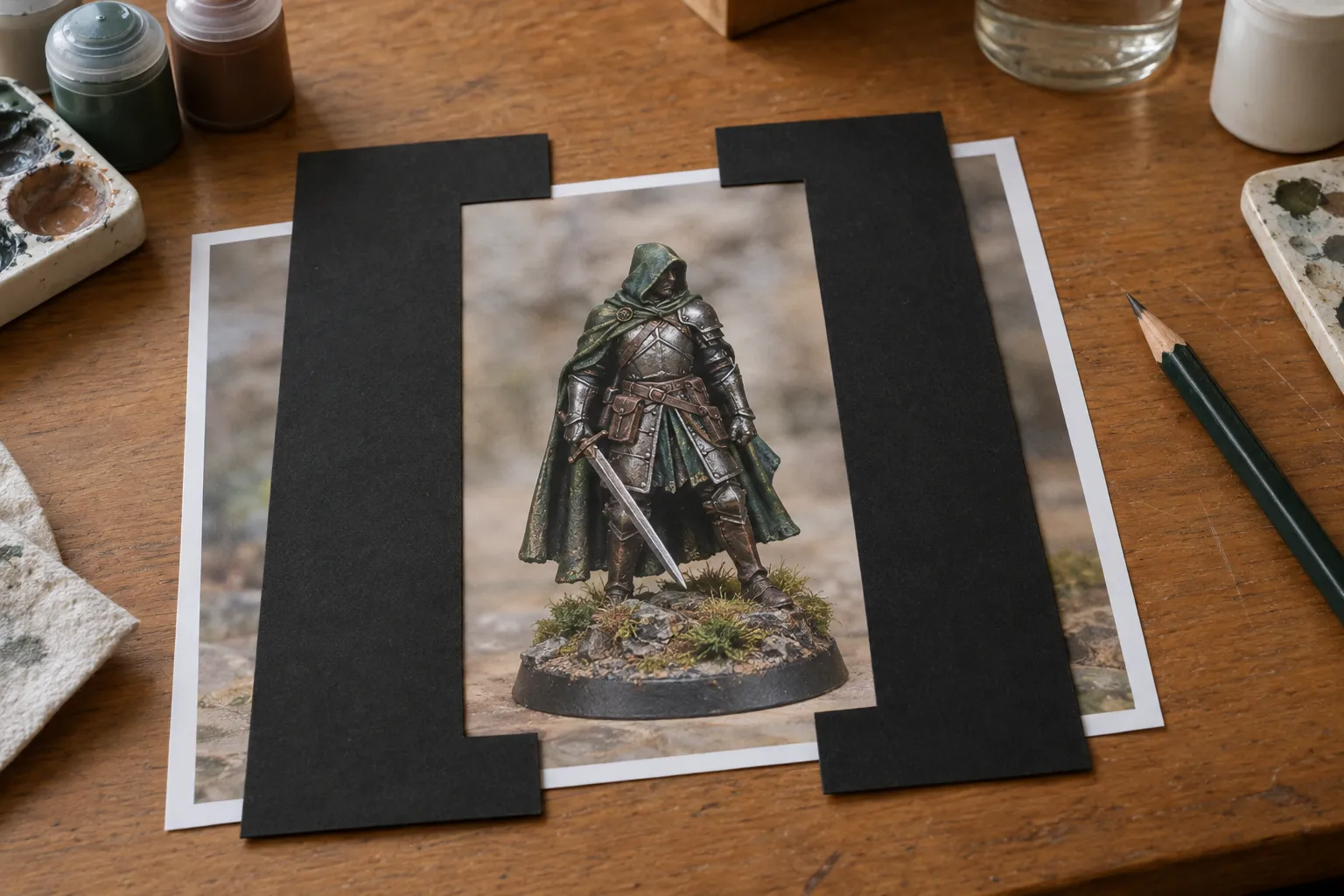
A crop to another shape keeps one side whole. If your picture is wider than the shape, the full height stays and the sides are cut. If it is taller, the full width stays and the top and bottom go. Answers are rounded to two decimal places.
The shapes of our US print sizes
Our art prints come in five inch sizes, listed on the poster sizes page. Two of them share a shape, so a picture cropped for one fits the other.
| Size | Ratio | Long side ÷ short side |
|---|---|---|
| 8 × 10 in | 4:5 | 1.25 |
| 11 × 14 in | 11:14 | 1.27 |
| 16 × 20 in | 4:5 | 1.25 |
| 18 × 24 in | 3:4 | 1.33 |
| 24 × 36 in | 2:3 | 1.5 |
Say your photo is 4,032 by 3,024 pixels, which is 4:3. Turned on its side, 18 × 24 is 4:3 as well, so the whole photo fits. A 10 × 8 is a little narrower, so the sides lose a strip and the crop keeps 93.75% of the picture. A 36 × 24 is wider, so the top and bottom go and the crop keeps 88.89%. Leave some space around the subject when you take the photo, and a crop to any of these shapes has room to work. When you print your photo here, the upload step shows the area that prints at the size you pick.
Questions and answers
How do I work out an aspect ratio?
Find the largest whole number that divides both the width and the height, then divide both by it. 1920 and 1080 both divide by 120, giving 16 and 9, so the ratio is 16:9. The calculator does this for any pair of numbers.
What aspect ratio is 8 × 10?
4:5. Both sides divide by 2, giving 4 and 5. A 16 × 20 is 4:5 too: the same shape with each side doubled.
Does resizing change the aspect ratio?
Not if both sides change by the same amount. Stretching one side more than the other changes it, and that is what makes a picture look squashed. To fit a different shape without squashing, crop instead.
What is 16:9 as a decimal?
About 1.78. Divide 16 by 9 and you get 1.777..., so the width is about 1.78 times the height.